Monday, September 14, 2026 | user activity monitoring software
It was Monday morning, and a manager was checking on a remote team working from different locations. Everyone had logged in, but the manager still had a simple problem: how could the business know whether employees were available and actively working without constantly calling, messaging, or scheduling check-in meetings?
Remote work has given businesses more flexibility, but it has also made workforce visibility more difficult. Managers cannot simply walk over to an employee’s desk to check whether they are available. This has created greater interest in Employee Monitoring Software that can provide useful work information from a distance.
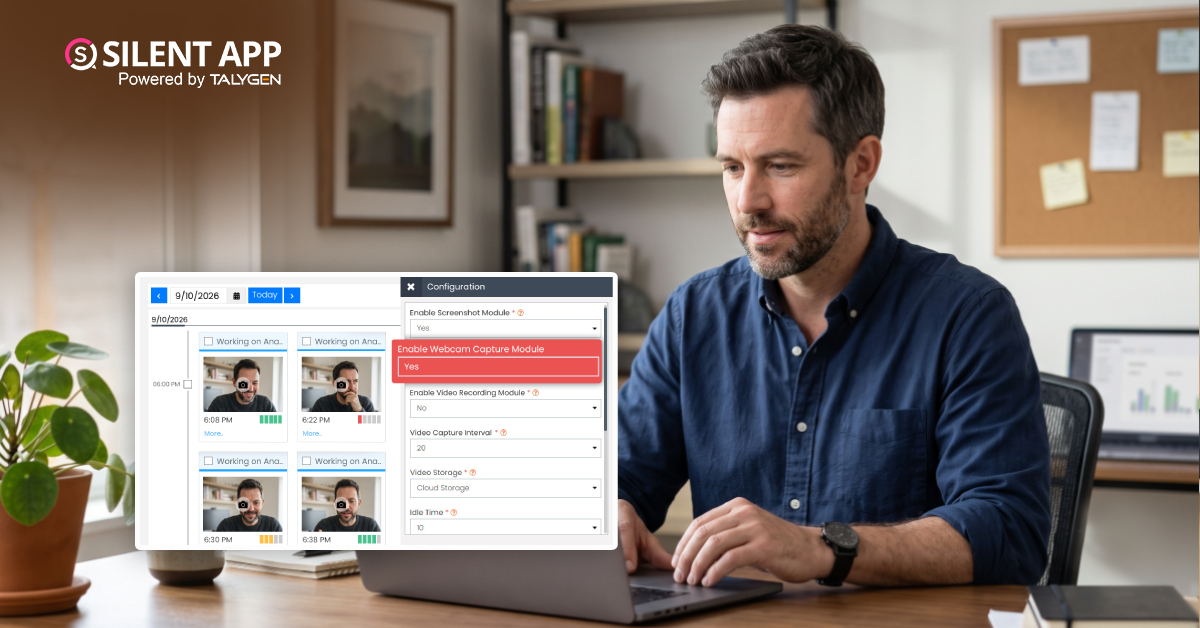
One such feature is Webcam Capture. Silent App provides webcam capture through a computer’s built-in camera or a connected external camera. Captured information can be stored in the cloud, giving authorized managers a centralized way to review visual records when there is a valid business need.
However, webcam monitoring is highly sensitive. Businesses should use it carefully, with clear policies, appropriate access controls, and consideration of applicable privacy and employment laws.
Webcam Capture is a monitoring feature that uses a computer’s camera to capture images or video at selected times or under defined conditions.
Unlike a normal video meeting, the employee does not have to actively participate in a call.
In workforce management, webcam capture may be used to provide visual confirmation that a user is present at a work device. Silent App adds this capability to a wider employee monitoring environment that can include activity tracking, screenshots, application monitoring, and other workforce information.
This gives businesses a broader way to understand remote work activity.
Webcam monitoring can help businesses verify whether an employee is present during a work session. Periodic camera captures may support attendance tracking, remote work verification, monitored processes, and security-sensitive activities.
However, being visible at a desk does not always mean someone is productive. Webcam data should therefore be used alongside other work activity insights rather than as the sole measure of productivity.
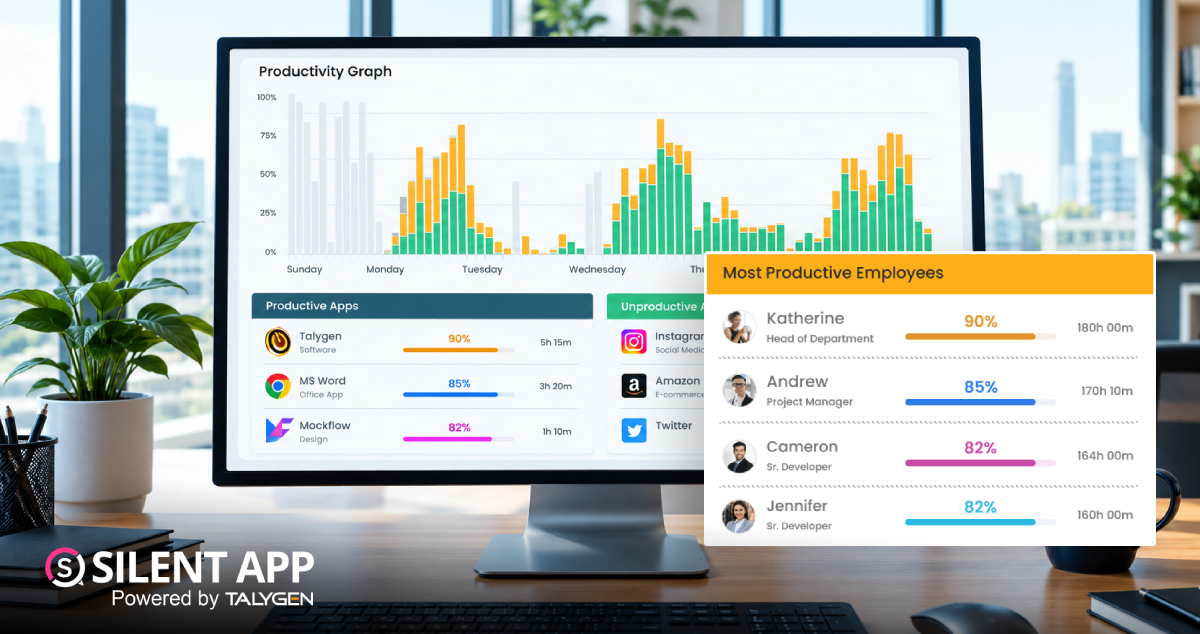
Webcam capture becomes more effective when combined with broader workforce monitoring. Silent App can bring together webcam images, computer activity, application usage, screenshots, work time, and daily records.
This gives managers a more complete view of work sessions instead of relying on a single camera image.
Silent App’s webcam capture works with built-in and external webcams, making it suitable for laptops, desktops, and different workplace setups. This flexibility helps businesses monitor employees across varied devices and work environments.
Webcam captures can quickly use local storage. Silent App stores webcam data in the cloud, allowing authorized users to access records centrally while making storage and retention easier to manage.
For distributed teams, Silent App helps managers understand remote work activity without constant employee check-ins. This provides better visibility, reduces unnecessary follow-ups, and lets managers focus on important business priorities.
Webcam records can provide useful context when reviewing security incidents, remote access concerns, operational events, or workforce verification. When lawfully collected, they should be used for clear, defined business purposes alongside other activity records.
A webcam cannot fully measure productivity. Employees may be in meetings, reading documents, or handling tasks away from the keyboard. That’s why Employee Activity Monitoring should combine webcam data with broader work activity insights, giving managers a more complete picture.
Combining screen activity, application tracking, screenshots, webcam capture, and work logs gives managers broader context. Instead of relying on one data source, businesses can better understand employee activity during a defined period.
Webcam monitoring is more intrusive than regular time tracking, especially for remote employees. Businesses should clearly define why, when, and how it is used, who can access the data, how long it is retained, and whether applicable privacy laws allow it. A clear monitoring policy is essential.
Not every team needs the same level of monitoring. Organizations can use time tracking, screenshots, or webcam monitoring based on specific roles and needs. A targeted approach improves oversight while reducing unnecessary data collection.
Remote work has created a new challenge for businesses: how to maintain workforce visibility when employees are not physically present in the office.
Webcam Capture can provide an additional layer of visual information by capturing images or video through built-in or external cameras. Silent App combines this capability with broader workforce monitoring tools such as screen tracking, screenshots, application monitoring, work logs, and cloud storage.
For businesses, the value of webcam monitoring is not simply knowing whether someone is sitting at a computer. Its real value comes from using visual information, together with other activity data, to address specific operational, security, or workforce-management needs.
At the same time, webcam monitoring software is highly sensitive and should never be treated like ordinary time tracking. Businesses should use it only for clear and legitimate purposes and establish appropriate privacy, access, retention, and employee-notice practices.
With Silent App, businesses can bring webcam capture into a broader workforce monitoring strategy and gain more visibility into remote work while keeping the focus on responsible, practical, and business-driven monitoring.
 2026
Oct
2026
Oct
The Complete Guide to How Silent App Helps Businesses Track Employee Productivity
Wednesday, October 28, 2026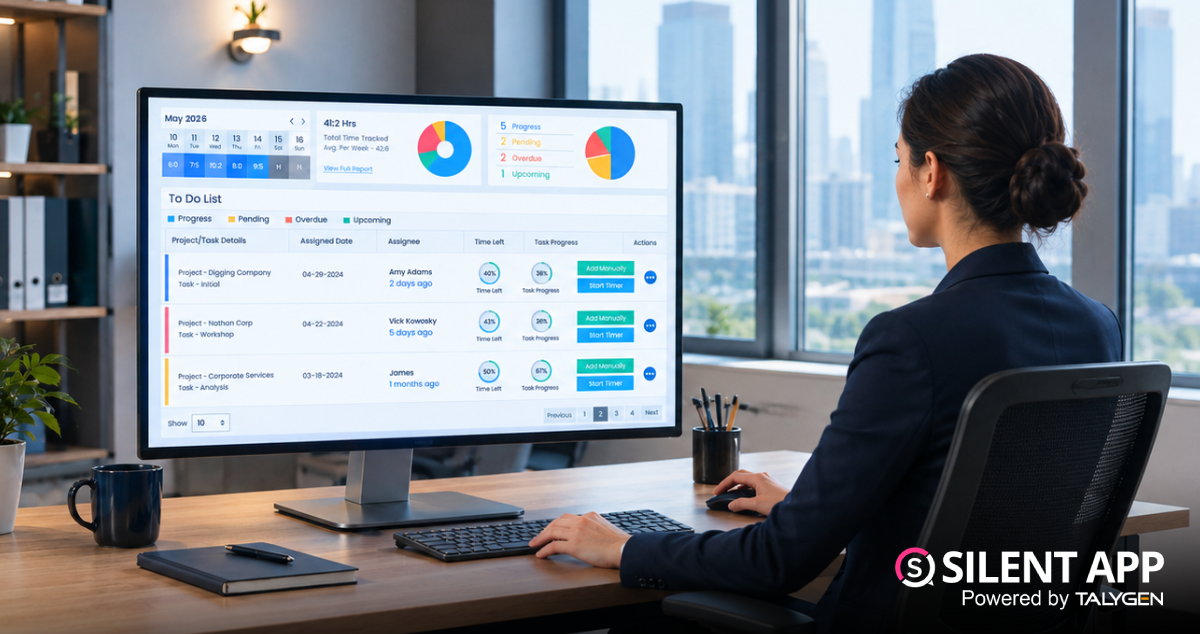
Silent App Guide: A Complete Guide to Time Tracking, Productivity Monitoring, and Employee Insights
Friday, October 23, 2026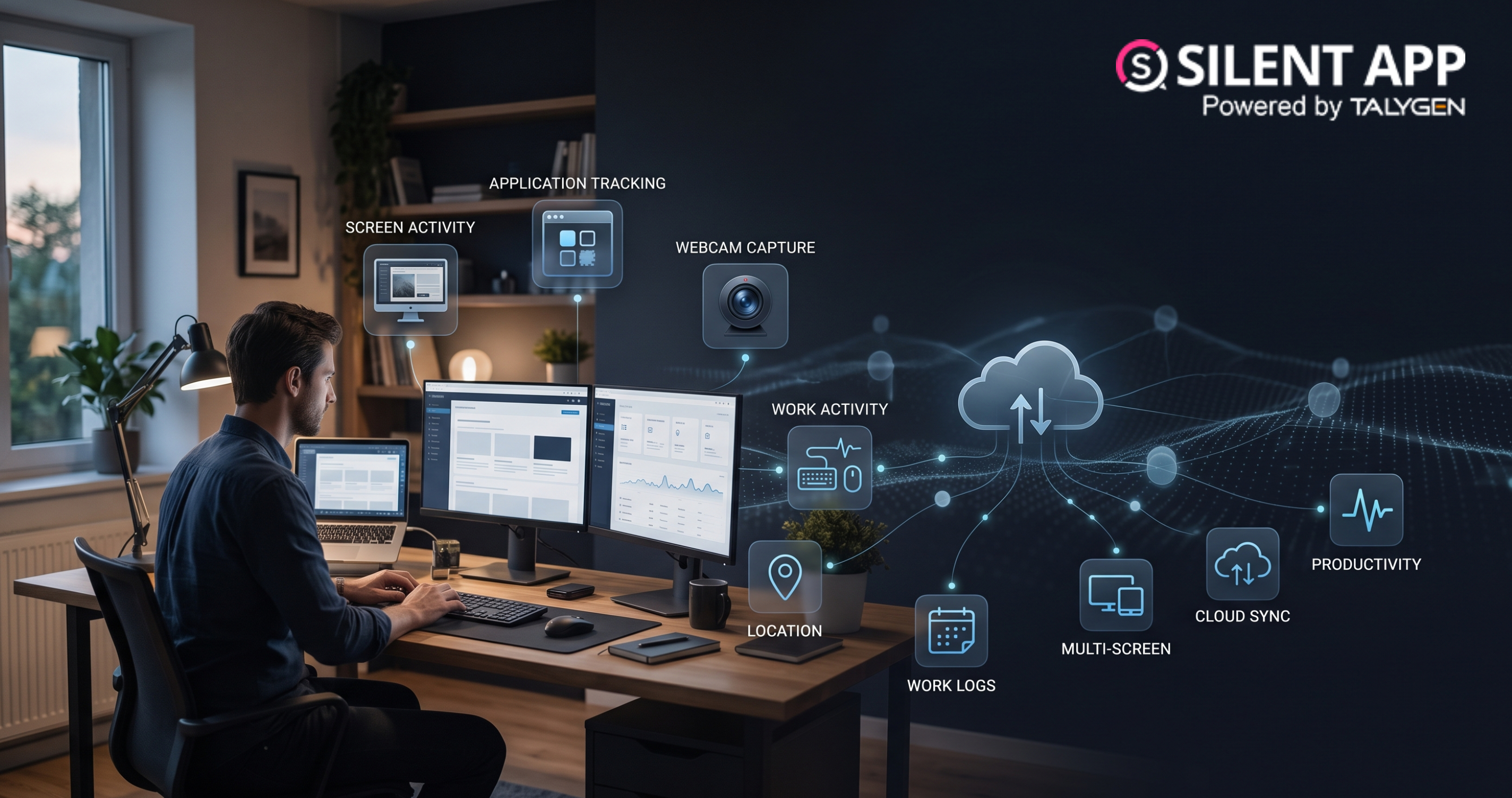
Remote Work Monitoring Software: Managing Distributed Teams with Silent App
Wednesday, October 07, 2026
Silent App vs Worktivity: Comparing Employee Monitoring Features for Modern Businesses
Thursday, October 01, 2026 Sep

Dynamic Reporting in Silent App Helping Businesses Turn Workforce Data into Useful Insights
Tuesday, September 29, 2026
Silent Monitoring Application Comparison: How Silent App Compares with Other Tools
Friday, September 25, 2026
How Silent App Helps Businesses With Audio and Video Surveillance
Tuesday, September 22, 2026
Silent App: Feature-Based Employee Monitoring for Modern Businesses
Friday, September 18, 2026Webcam Capture in Employee Monitoring: How Silent App Helps Businesses Manage Remote Teams
Monday, September 14, 2026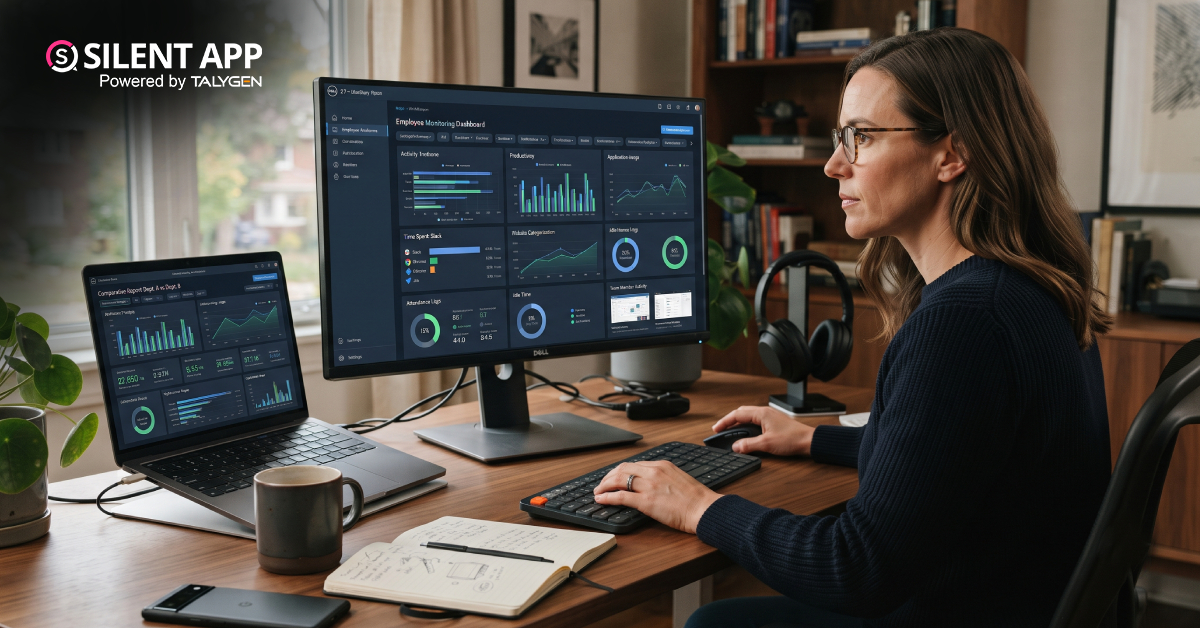
Silent App vs. Time Doctor Classic: Comparing Features, Monitoring & Pricing
Thursday, September 10, 2026
Why SilentApp Is the Employee Monitoring App Every Modern Business Needs
Tuesday, September 08, 2026 2024
Sep
Why You Might Want Hidden User Activity Monitoring Software
Friday, September 20, 2024
Top Trends for Remote Work Management in 2024
Friday, September 20, 2024
6 Expert Ways to Balance Privacy & Safety in Remote Work with Silent Monitoring
Friday, September 20, 2024
How to Enhance Workforce Monitoring with the Silent App?
Thursday, September 19, 2024
Employee Moonlighting: How Does Stealth Mode Monitoring Software Prevent It?
Thursday, September 19, 2024
How To Monitor My Employees Without Letting Them Know?
Thursday, September 19, 2024
How Do Employers Monitor Employees' Internet Usage in Stealth Mode?
Thursday, September 19, 2024 Jul

How Does Silent App Help Small Businesses Get More ROI?
Wednesday, July 31, 2024
Silent Activity Tracking Software: The Quiet Helper for Enhancing Work and Safety
Wednesday, July 17, 2024
Stealth Mode Monitoring: Benefits for Remote and Office Work Environments
Tuesday, July 09, 2024
Silent App: Helps Limiting the Impact of Employee Disengagement
Friday, July 05, 2024 Jun

Prevent Quiet-Quitting with silent app
Monday, June 24, 2024
Debunking 8 User Activity Monitoring Myths & Misconceptions
Friday, June 21, 2024
7 Features to Look for in Your Next User Activity Monitoring Software
Friday, June 21, 2024
10 Tips for Choosing the Best Silent Activity Monitoring Software
Wednesday, June 19, 2024