Friday, September 25, 2026 | user activity monitoring software
A Silent Monitoring Application is designed to collect workforce activity information in the background based on the organization's configuration and monitoring policies.
Depending on the product, this may include screen activity, system information, application usage, location, or other monitoring data.
Silent App, an employee monitoring software is designed around this type of workforce visibility.
The comparison shows Silent App supporting:
This makes it easier for businesses to compare the tools based on the specific functions they need.
For businesses that manage multiple clients, having support for unlimited client accounts can be useful.
A company that provides outsourced services, BPO operations, IT services, or other client-based work may need to separate workforce information by customer or engagement.
Instead of managing every customer in a limited structure, Silent App supporting unlimited client accounts.
Reports are important because monitoring data is only useful when managers can understand it.
The comparison shows dynamic reporting for Silent App and Teramind, while the other four competitors fail to provide so.
Dynamic reporting can help managers turn collected activity data into information that is easier to review and use.
The following apps feature scree recording:
Screen recording can help businesses review a sequence of digital activity rather than depending only on individual screenshots.
This can be useful when reviewing workflow problems, specific incidents, or work processes.
This feature is available in the following apps:
Audio and video surveillance provides another layer of visibility beyond screen activity.
Because this type of monitoring is sensitive, businesses should define clear purposes, access controls, retention rules, and employee-notice requirements before enabling it.
Local system tracking is shown for Silent App, Teramind, and Insightful.
This type of feature can help businesses monitor activity associated with the employee's local computer environment.
For companies managing digital workflows, local system visibility can provide additional information about how work systems are being used.
Geolocation tracking is available for:
It does not show this feature for Desk Track, Time Doctor, or Monitask.
Geolocation can be useful for organizations managing distributed or mobile teams where work location is relevant to operations.
Again, location information should be handled carefully and according to applicable privacy and workplace requirements.
Both the tools support the following features:
The key difference is Unlimited Client Accounts.
Silent App: $5.10 per user/month
Teramind: $15.06+ per user/month
There are two important differences to consider: client-account support and the displayed starting price.
Insightful is another product shown with several of the monitoring features.
Insightful is available at $8.00+ per user/month.
Silent App, in contrast, is shown with all six listed features at $5.10 per user/month.
For businesses comparing these particular criteria, the details provides a straightforward way to identify where the products differ.
The comparison shows a much smaller feature match for Desk Track across the categories selected for this analysis.
Desk Track does not provide the following feature:
Its price is $5.99+ per user/month.
Time Doctor is commonly associated with employee time and productivity tracking, but this particular comparison focuses on a narrower set of monitoring capabilities.
Time Doctor does not provide any of the six listed features:
Starting price of $5.90+ per user/month.
Silent App is shown at $5.10 per user/month.
This highlights why businesses should look beyond price alone and examine which monitoring functions are included in the solution they are considering.
Its displayed starting price is $5.99+ per user/month.
Silent App is shown at $5.10 per user/month.
As businesses move toward remote, hybrid, and distributed work, employee monitoring is becoming more focused on digital workforce visibility.
The challenge is no longer simply knowing whether an employee logged in.
Businesses may need to understand screen activity, system usage, location, work patterns, reporting, and specific incidents.
For a business evaluating Silent Monitoring Application options, the right decision depends on the features it actually needs, its workforce structure, client requirements, budget, and monitoring policies.
Silent App provides a combination of workforce monitoring capabilities in one platform, giving businesses a way to examine digital work activity, organize monitoring information, and support more informed workforce management.
 2026
Oct
2026
Oct
Remote Work Monitoring Software: Managing Distributed Teams with Silent App
Wednesday, October 07, 2026
Silent App vs Worktivity: Comparing Employee Monitoring Features for Modern Businesses
Thursday, October 01, 2026 Sep

Dynamic Reporting in Silent App Helping Businesses Turn Workforce Data into Useful Insights
Tuesday, September 29, 2026Silent Monitoring Application Comparison: How Silent App Compares with Other Tools
Friday, September 25, 2026
How Silent App Helps Businesses With Audio and Video Surveillance
Tuesday, September 22, 2026
Silent App: Feature-Based Employee Monitoring for Modern Businesses
Friday, September 18, 2026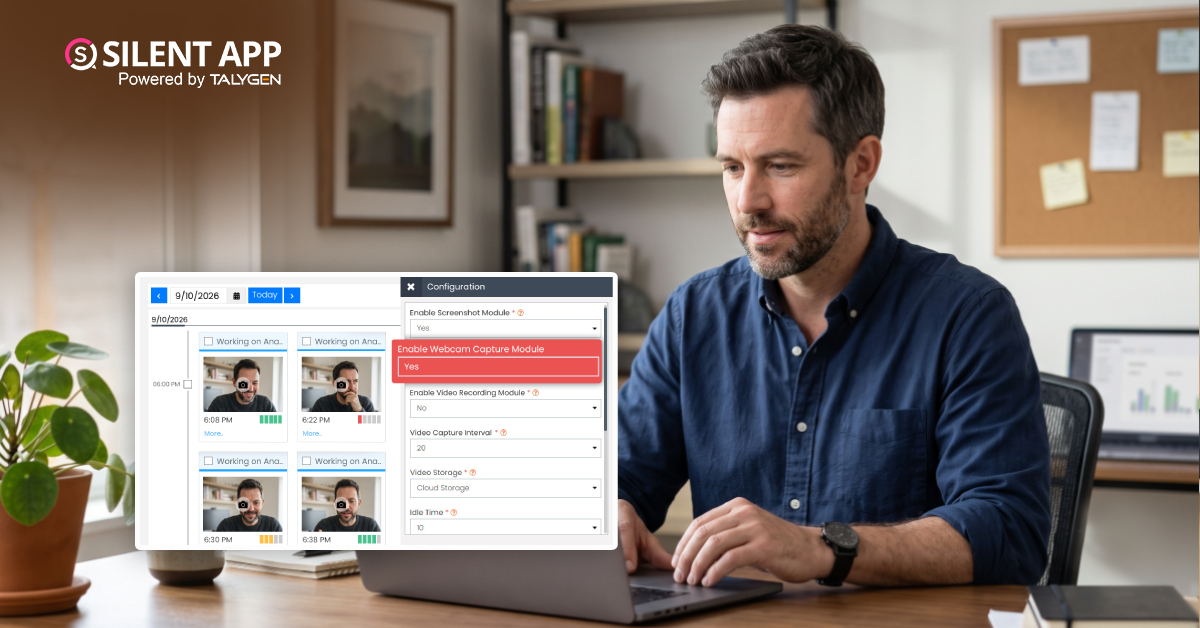
Webcam Capture in Employee Monitoring: How Silent App Helps Businesses Manage Remote Teams
Monday, September 14, 2026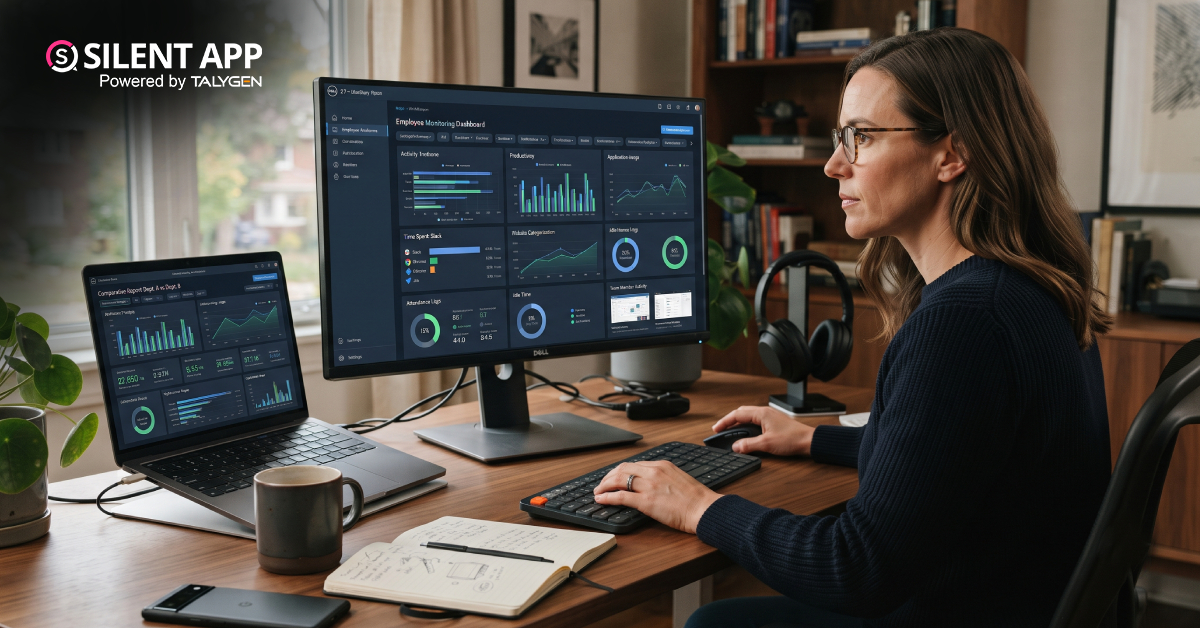
Silent App vs. Time Doctor Classic: Comparing Features, Monitoring & Pricing
Thursday, September 10, 2026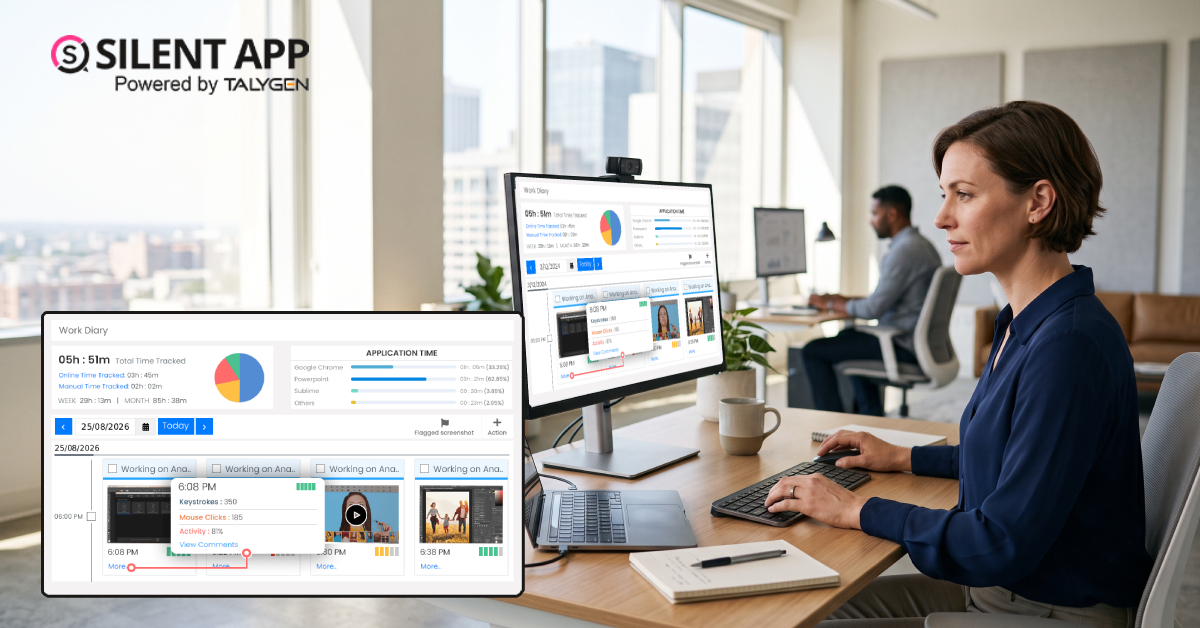
Why SilentApp Is the Employee Monitoring App Every Modern Business Needs
Tuesday, September 08, 2026 2024
Sep
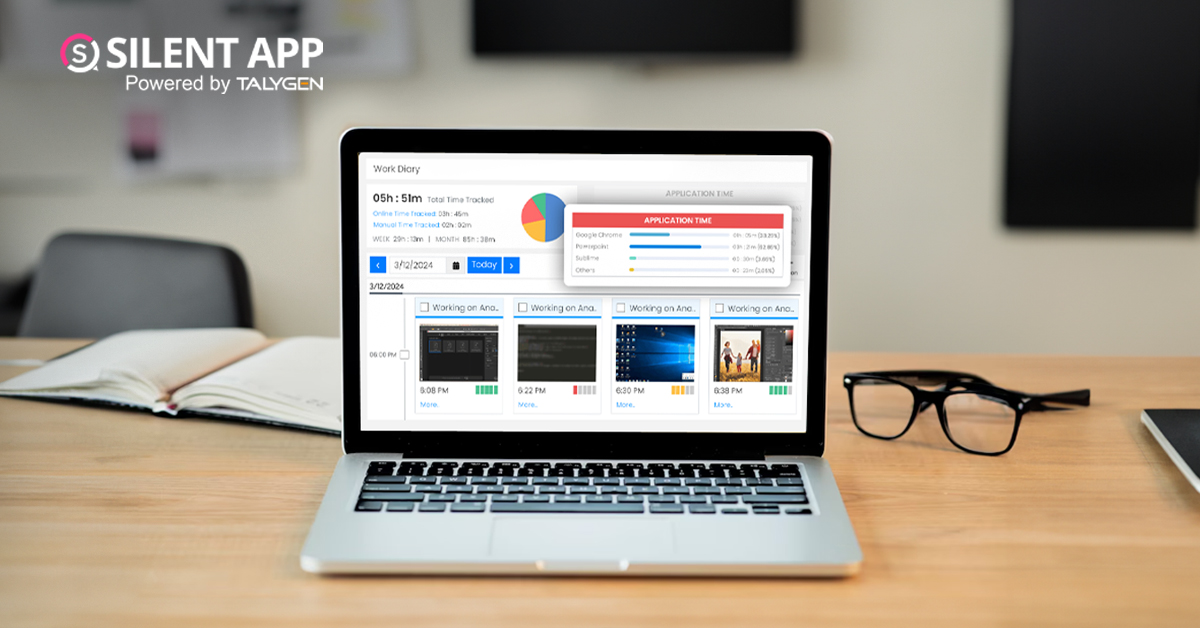
Why You Might Want Hidden User Activity Monitoring Software
Friday, September 20, 2024
Top Trends for Remote Work Management in 2024
Friday, September 20, 2024
6 Expert Ways to Balance Privacy & Safety in Remote Work with Silent Monitoring
Friday, September 20, 2024
How to Enhance Workforce Monitoring with the Silent App?
Thursday, September 19, 2024
Employee Moonlighting: How Does Stealth Mode Monitoring Software Prevent It?
Thursday, September 19, 2024
How To Monitor My Employees Without Letting Them Know?
Thursday, September 19, 2024
How Do Employers Monitor Employees' Internet Usage in Stealth Mode?
Thursday, September 19, 2024 Jul

How Does Silent App Help Small Businesses Get More ROI?
Wednesday, July 31, 2024
Silent Activity Tracking Software: The Quiet Helper for Enhancing Work and Safety
Wednesday, July 17, 2024
Stealth Mode Monitoring: Benefits for Remote and Office Work Environments
Tuesday, July 09, 2024
Silent App: Helps Limiting the Impact of Employee Disengagement
Friday, July 05, 2024 Jun

Prevent Quiet-Quitting with silent app
Monday, June 24, 2024
Debunking 8 User Activity Monitoring Myths & Misconceptions
Friday, June 21, 2024
7 Features to Look for in Your Next User Activity Monitoring Software
Friday, June 21, 2024
10 Tips for Choosing the Best Silent Activity Monitoring Software
Wednesday, June 19, 2024