Wednesday, October 28, 2026 | user activity monitoring software
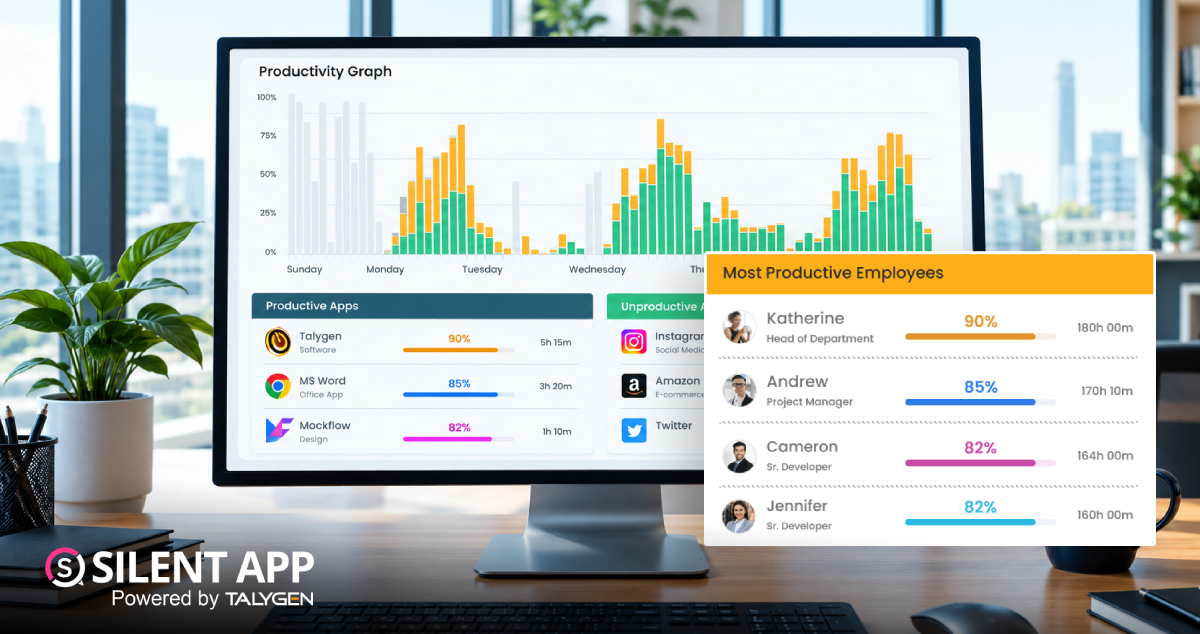
Not every application used during the working day has the same purpose. An application could directly support an employee's work, have little connection with work, or fall somewhere in between.
Silent App allows company owners and administrators to classify tracked applications into three productivity groups:
The dashboard uses different visual indicators for these categories, helping administrators understand productivity information more easily.
For example, an organization may classify a project management application as productive, while a general entertainment application could be classified as unproductive. A communication or web browser application may be considered neutral depending on the company's tracking approach.
These classifications can also be adjusted according to business requirements.
Businesses with multiple teams may not want to use the same productivity rules for everyone.
For example, a website that is useful for the Marketing department may not have the same purpose for the Finance department.
Silent App allows administrators to manage application and website productivity at the department level.
After creating departments, administrators can assign employees to them and configure productivity settings for the department.
The general process is:
This makes department-based productivity tracking more practical for businesses with different teams and responsibilities.
Businesses can also configure productivity settings for individual employees.
This is useful when an employee's responsibilities are different from those of the rest of their department.
Administrators can go to the user productivity section, select the required employee, and manage the productive applications and websites associated with that user.
Therefore, productivity settings can be managed at two levels:
This gives businesses more flexibility when configuring employee activity tracking.
Time and application tracking can show what an employee is doing on a computer, but businesses may sometimes need additional visual information.
Silent App provides an option to enable automatic screenshots.
When enabled, screenshots can provide additional context about activity taking place on the computer. This can give administrators more detail than time records alone.
Businesses can decide whether screenshots are appropriate for their tracking requirements and configure the feature for the relevant users.
The feature can be especially useful when an organization needs additional context around computer activity, but it should always be configured according to the company's workplace policies and applicable privacy requirements.
Employee activity tracking does not necessarily stop immediately when an internet connection is temporarily unavailable.
If a user is logged in and Silent App is running while the computer loses its internet connection, the application can store collected data locally on the computer.
Once the internet connection becomes available again, the stored tracking information is sent back to the cloud.
This means temporary connectivity problems do not automatically prevent Silent App from collecting activity information.
However, there is an important limitation: if the computer is restarted while it is offline, locally stored data from that offline period may be lost.
Businesses should keep this behavior in mind when managing devices that frequently work without a stable internet connection.
Modern businesses may have employees working from different cities or countries.
Silent App allows each user to have a different time zone. This can help businesses manage employee tracking when their teams are distributed across different geographical locations.
Instead of forcing every employee into one common time zone, businesses can configure users according to their respective working locations.
This can make time-related reports easier to understand for distributed teams.
Silent App supports both department-level and individual employee tracking.
Department-level tracking can help managers understand broader patterns across a team, while individual tracking can provide more detailed information about a particular user.
For example, a business could review the Marketing department as a whole and then examine individual employee activity when necessary.
This combination can be useful for businesses that need both a high-level overview and more detailed employee insights.
Silent App also includes set period tracking, allowing businesses to work with defined tracking periods.
This can be useful when administrators want to examine employee activity for a particular timeframe instead of looking at all available data at once.
Defined periods can make it easier to review specific working days or compare activity across selected periods.
Simply collecting activity data is not enough. Businesses also need a way to understand that information.
Silent App provides employee insights and data-driven statistics through its dashboard.
These insights can help administrators identify patterns in application usage, employee activity, and productivity classifications.
Instead of reviewing every activity record separately, managers can use dashboard information to get a broader view and then explore specific users or departments when needed.
Once all required employees have installed Silent App, businesses can configure the system according to their tracking requirements.
Administrators can organize employees into departments, assign productivity settings, enable screenshots where needed, and review dashboard information.
A basic setup checklist can include:
Silent App offers a 7-day free trial that includes the features available in the applicable plan during the trial period.
This gives businesses an opportunity to explore the system before deciding how they want to use it for their employee tracking requirements.
During the trial, businesses can become familiar with features such as automatic tracking, dashboard reporting, productivity classifications, and other available functionality.
Silent App can be useful for businesses that need a centralized way to understand computer-based employee activity. It can support teams where employees work from offices, remotely, or across different locations, provided the devices and tracking setup meet the organization's requirements.
It can be particularly useful for businesses looking for:
 2026
Oct
2026
Oct
The Complete Guide to How Silent App Helps Businesses Track Employee Productivity
Wednesday, October 28, 2026
Silent App Guide: A Complete Guide to Time Tracking, Productivity Monitoring, and Employee Insights
Friday, October 23, 2026
Remote Work Monitoring Software: Managing Distributed Teams with Silent App
Wednesday, October 07, 2026
Silent App vs Worktivity: Comparing Employee Monitoring Features for Modern Businesses
Thursday, October 01, 2026 Sep

Dynamic Reporting in Silent App Helping Businesses Turn Workforce Data into Useful Insights
Tuesday, September 29, 2026
Silent Monitoring Application Comparison: How Silent App Compares with Other Tools
Friday, September 25, 2026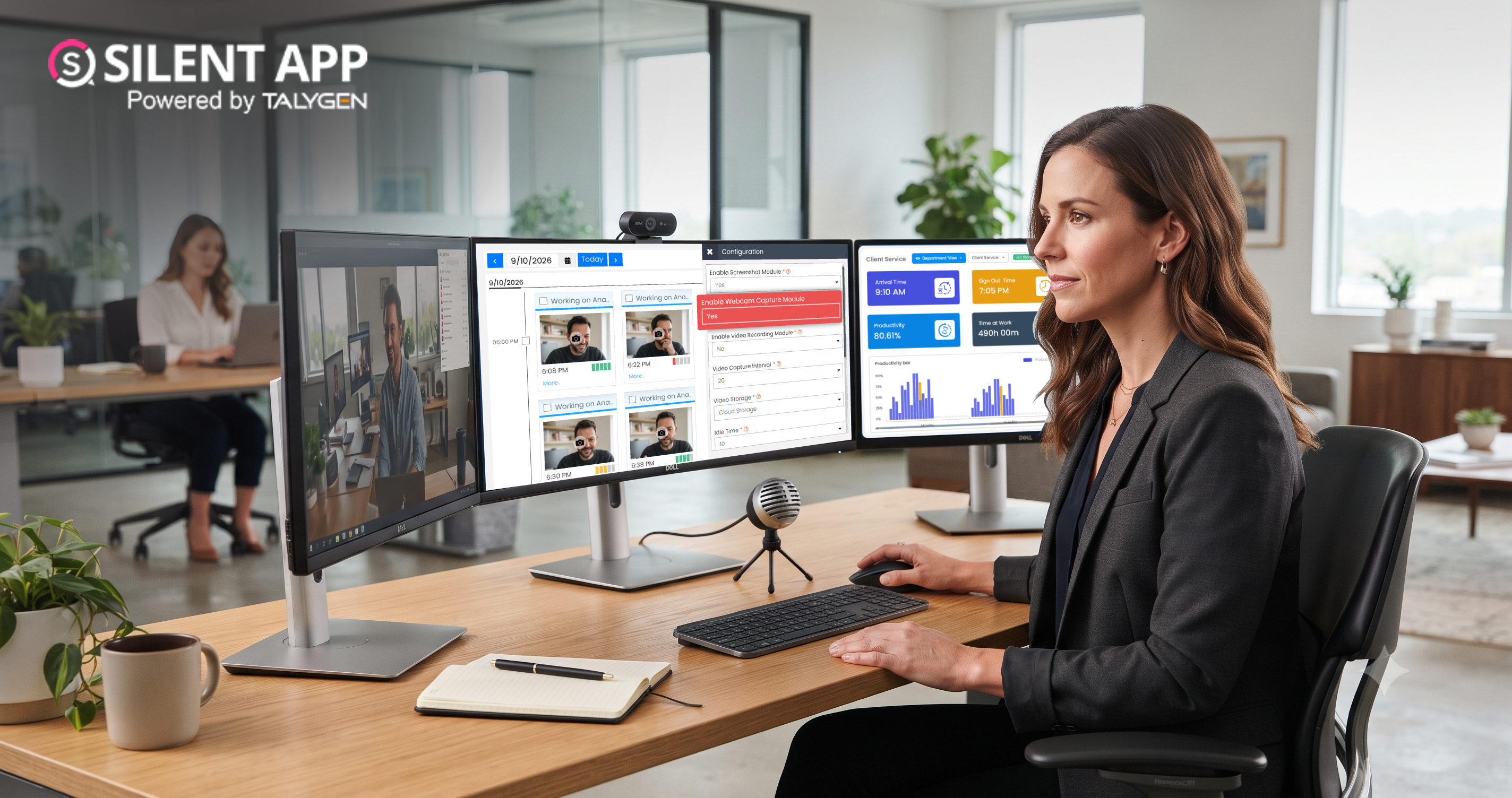
How Silent App Helps Businesses With Audio and Video Surveillance
Tuesday, September 22, 2026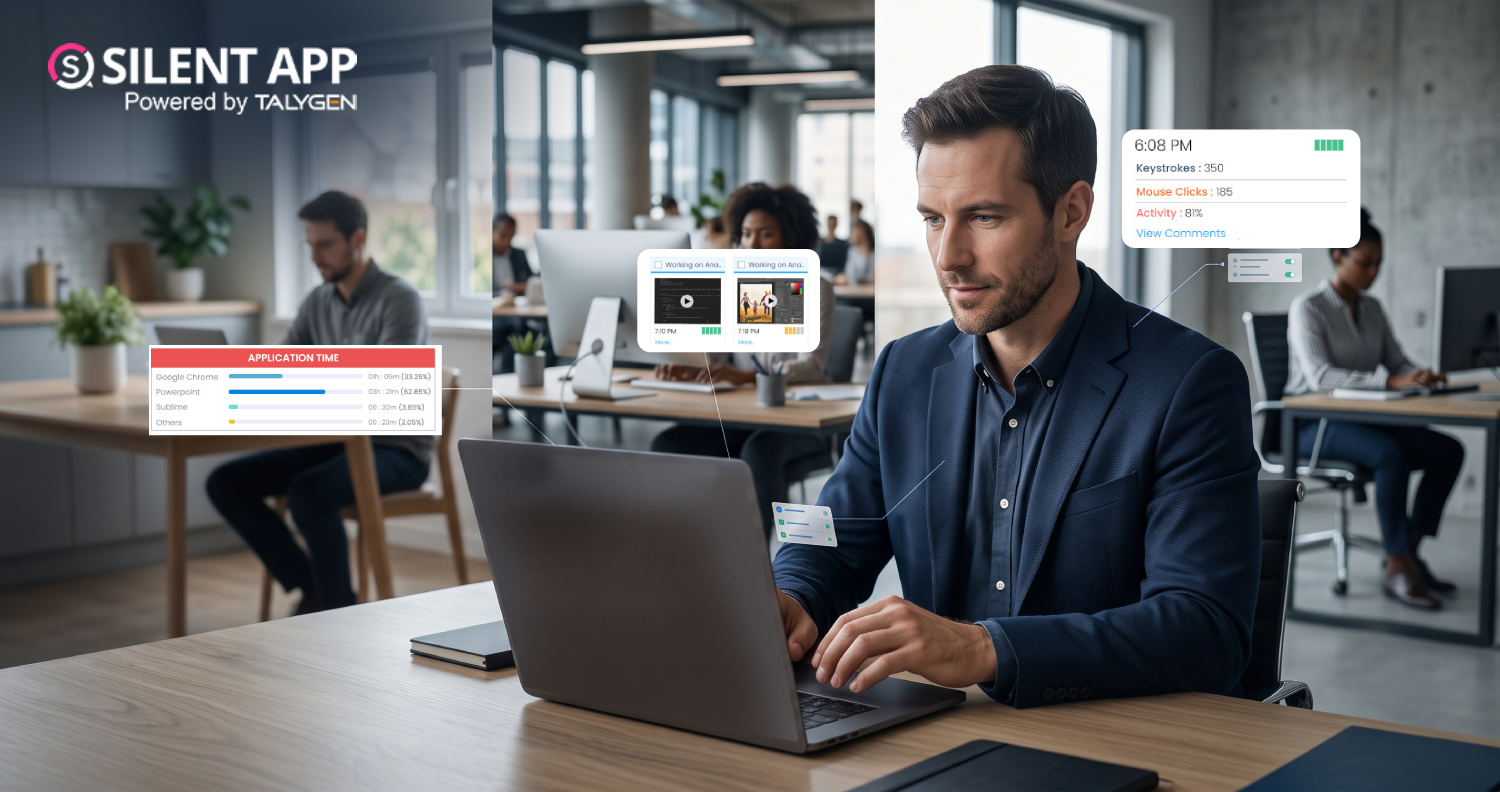
Silent App: Feature-Based Employee Monitoring for Modern Businesses
Friday, September 18, 2026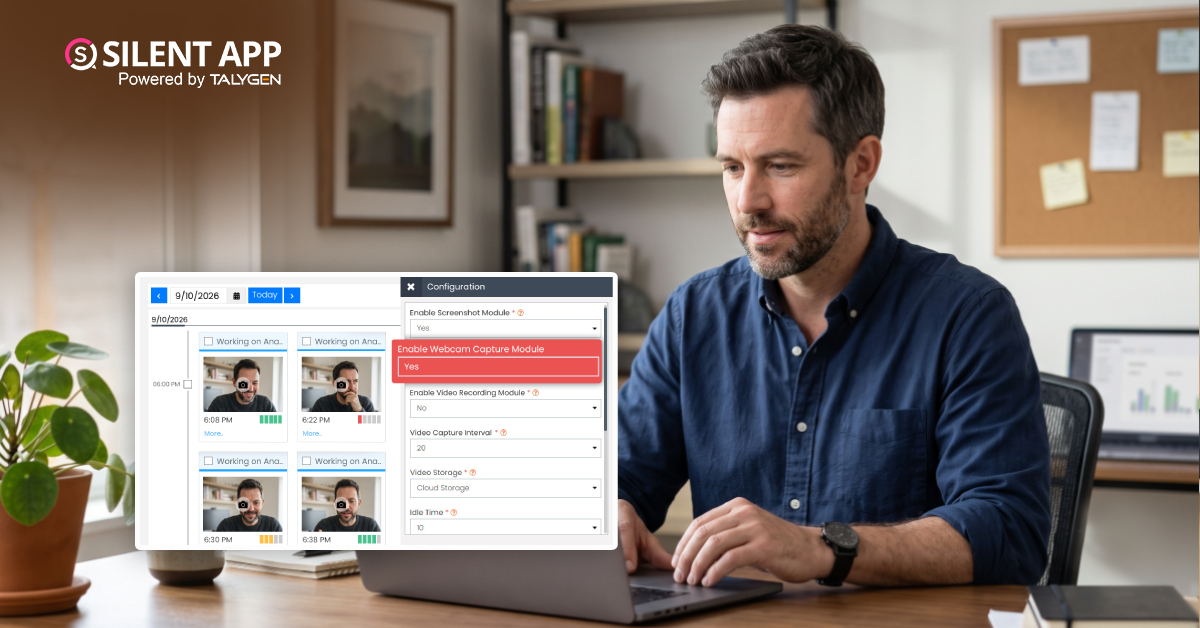
Webcam Capture in Employee Monitoring: How Silent App Helps Businesses Manage Remote Teams
Monday, September 14, 2026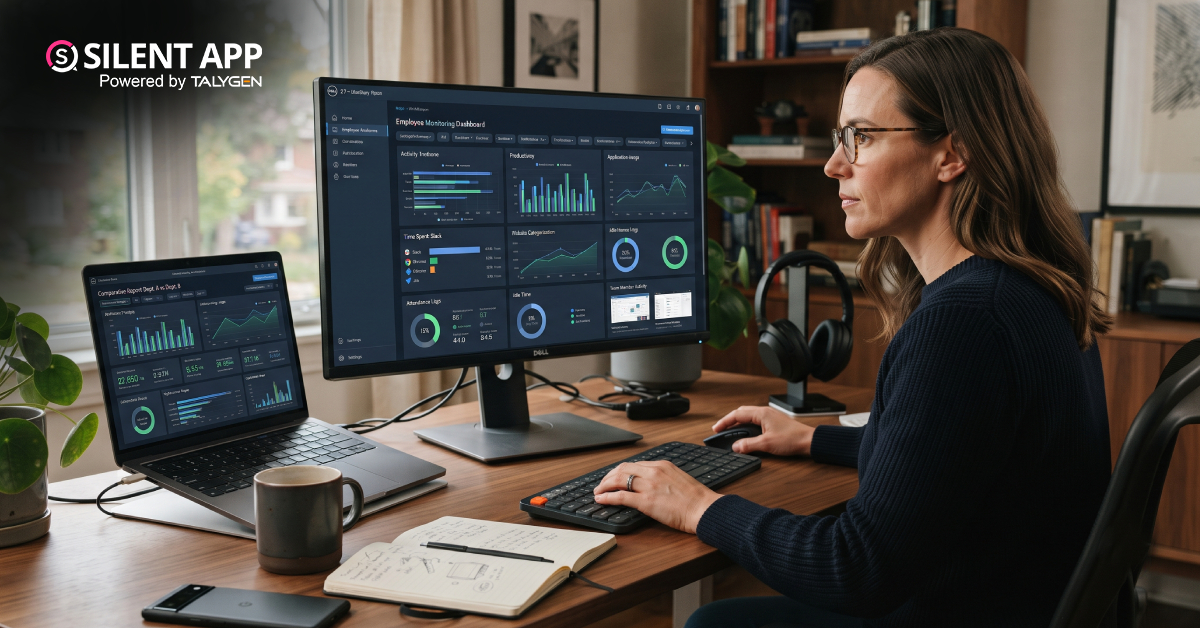
Silent App vs. Time Doctor Classic: Comparing Features, Monitoring & Pricing
Thursday, September 10, 2026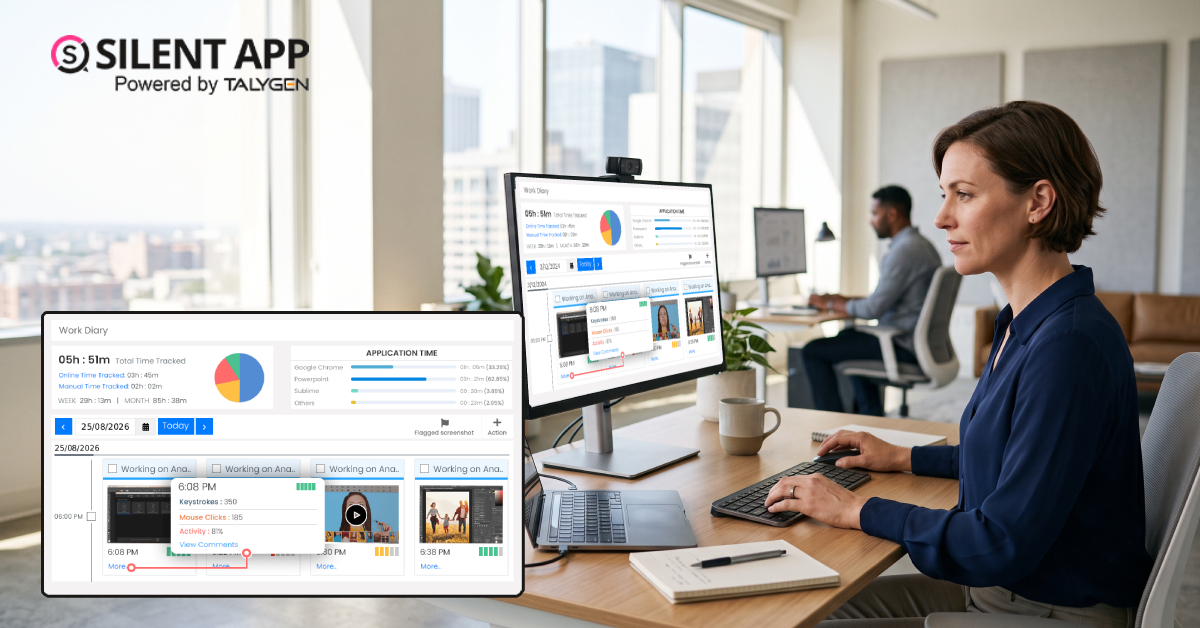
Why SilentApp Is the Employee Monitoring App Every Modern Business Needs
Tuesday, September 08, 2026 2024
Sep
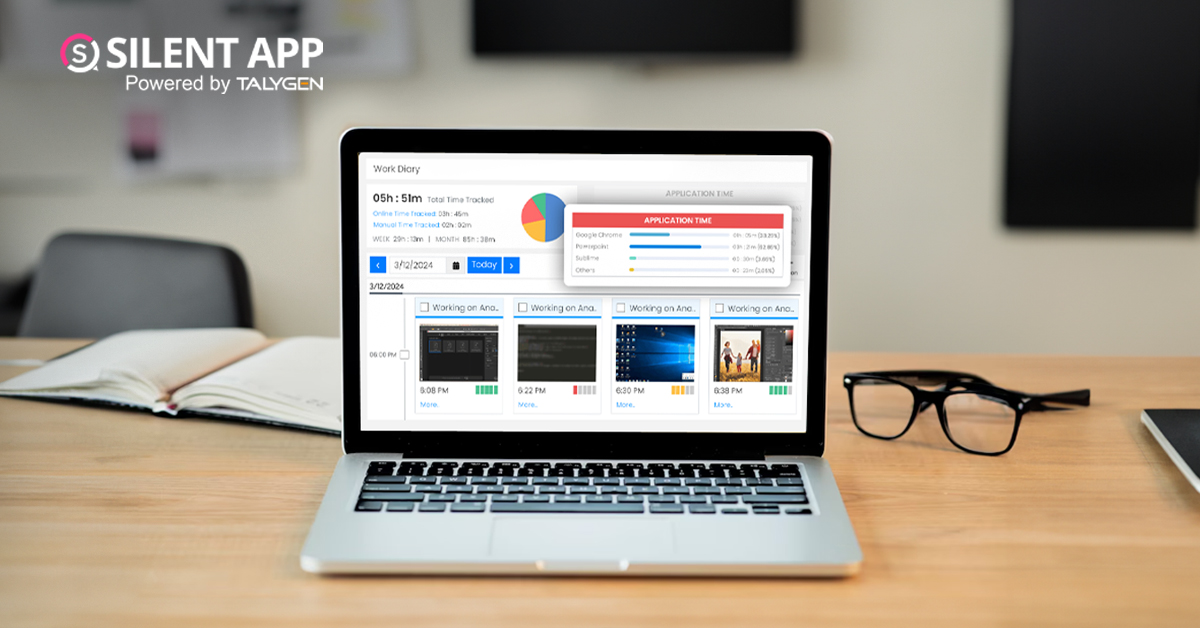
Why You Might Want Hidden User Activity Monitoring Software
Friday, September 20, 2024
Top Trends for Remote Work Management in 2024
Friday, September 20, 2024
6 Expert Ways to Balance Privacy & Safety in Remote Work with Silent Monitoring
Friday, September 20, 2024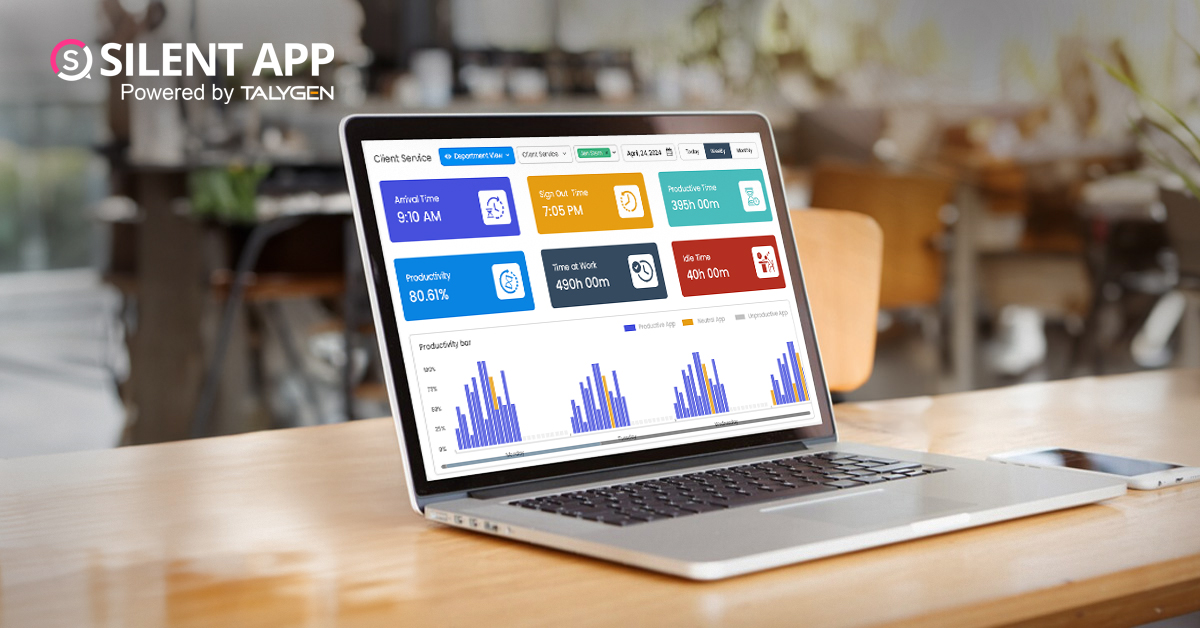
How to Enhance Workforce Monitoring with the Silent App?
Thursday, September 19, 2024
Employee Moonlighting: How Does Stealth Mode Monitoring Software Prevent It?
Thursday, September 19, 2024
How To Monitor My Employees Without Letting Them Know?
Thursday, September 19, 2024
How Do Employers Monitor Employees' Internet Usage in Stealth Mode?
Thursday, September 19, 2024 Jul

How Does Silent App Help Small Businesses Get More ROI?
Wednesday, July 31, 2024
Silent Activity Tracking Software: The Quiet Helper for Enhancing Work and Safety
Wednesday, July 17, 2024
Stealth Mode Monitoring: Benefits for Remote and Office Work Environments
Tuesday, July 09, 2024
Silent App: Helps Limiting the Impact of Employee Disengagement
Friday, July 05, 2024 Jun

Prevent Quiet-Quitting with silent app
Monday, June 24, 2024
Debunking 8 User Activity Monitoring Myths & Misconceptions
Friday, June 21, 2024
7 Features to Look for in Your Next User Activity Monitoring Software
Friday, June 21, 2024
10 Tips for Choosing the Best Silent Activity Monitoring Software
Wednesday, June 19, 2024