
Tuesday, September 29, 2026 | user activity monitoring software
Dynamic Reporting Software allows managers to create and view reports based on the information and measurements that matter to their business.
A basic report may simply tell a manager how many hours an employee worked.
A dynamic report can go further and bring several types of information together.
For example, a manager may want to see:
Instead of creating a different spreadsheet every time a question comes up, managers can use reports built around specific data points.
Silent App’s reporting capabilities are designed around this approach, with customizable reports and dashboards for Silent App activity.
Every business measures productivity differently.
A software company may care about project activity.
A customer support business may focus on active time and application usage.
A BPO may need reports across teams and departments.
A manager therefore needs flexibility.
Silent App provides Custom Reports that can be created around different business requirements. The reporting system can use parameters such as employee productivity, activity, project information, and resource-related data. It also describes the ability to customize report layouts and schedule reports for delivery.
This means managers do not have to depend only on one standard report.
They can build reports around the information they actually need.
Custom reporting can help businesses:
Not every minute at a computer represents active work.
Employees may step away from the system, attend an offline discussion, deal with interruptions, or simply experience periods where no computer activity is recorded.
Idle Time Tracking Reports help managers identify inactive periods during working hours. The platform describes reporting around idle activity and employee status so managers can review downtime and look for patterns.
The important point is that idle data should provide context, not an automatic judgment about an employee.
For example, consistently high idle time might indicate:
Instead of assuming the employee is the problem, managers can investigate the reason behind the pattern.
Employees often use many applications in a single workday.
Some are essential to the job.
Others may be used only occasionally.
Some may contribute to business productivity, while others may consume time without adding much value.
It tracks application usage and provides reports showing the applications being used and the amount of time associated with them. Its current Silent App documentation also describes tracking application and website usage and using those insights to understand productivity patterns.
This gives managers a clearer picture of digital work.
For example, if a team spends a large amount of time switching between several systems, the problem may be an inefficient workflow.
The business can then look at process changes instead of simply expecting employees to work faster.
Website activity can be another useful part of workforce reporting.
Employees may need websites for research, customer support, communication, or project work.
However, excessive time on unrelated websites can also become a distraction.
Silent App includes website usage tracking and reporting, allowing managers to review which sites are being used and how much time is associated with them.
This can help businesses identify:
Again, the purpose of the data should be to understand patterns and improve workflows rather than make decisions based on one isolated visit.
Attendance problems can create operational issues, especially when teams depend on fixed shifts or customer coverage.
A few late logins may not matter.
Repeated patterns can be more important.
Silent App reporting includes Late Login Reports, which can help managers review login times, identify recurring lateness, and examine patterns around early departures or unapproved absences.
This allows managers to move beyond a single late arrival.
They can look at a pattern over time and then decide whether the issue comes from scheduling, attendance expectations, workload, or another business factor.
A single day's report only tells part of the story.
A weekly or monthly report can show whether a pattern is temporary or recurring.
It provides reporting across different time periods, allowing managers to review employee activity daily, weekly, or monthly.
This can help businesses answer questions such as:
Trend-based reporting is often more useful than focusing on one day's numbers.
Managers should not have to create the same report every Monday morning.
Silent App’s reporting capabilities include options for customized reports and scheduled delivery, helping businesses automate recurring reporting tasks.
For example, a manager could maintain a weekly workforce activity report rather than rebuilding the same report manually each week.
This can save administrative time and make reporting more consistent.
The manager can focus on reviewing the information instead of preparing it.
Historical reports help identify trends, but businesses sometimes need current information.
Silent App provides real-time monitoring and reporting capabilities around application and website activity, along with customizable dashboards.
This can help managers respond to issues while they are happening.
For example, a manager may notice that:
Real-time information can help managers investigate earlier instead of waiting for the end of the week.
Reporting should not only be about monitoring employees.
It can also help managers understand how work is distributed.
Suppose one team has consistently high activity while another team has large periods of idle time.
That may suggest a resource-allocation issue.
Silent App’s reporting and analytics capabilities can provide information about employee activity, application usage, and work patterns that managers can use when reviewing workloads and task assignments.
This can support decisions such as:
Sometimes managers need to discuss workforce data outside the monitoring platform.
It provides downloadable reports in formats such as Excel and PDF for further review and team discussions.
This can be useful when:
Exporting data gives managers more flexibility in how they use reporting information.
Dynamic Reporting in Silent App helps businesses do this through customizable reports covering productivity, idle time, application usage, website activity, login patterns, and workforce trends. It also supports different reporting periods, dashboards, scheduled reporting, and downloadable reports. For modern businesses, the key is not simply having more reports. It is having the right information at the right time.
 2026
Oct
2026
Oct
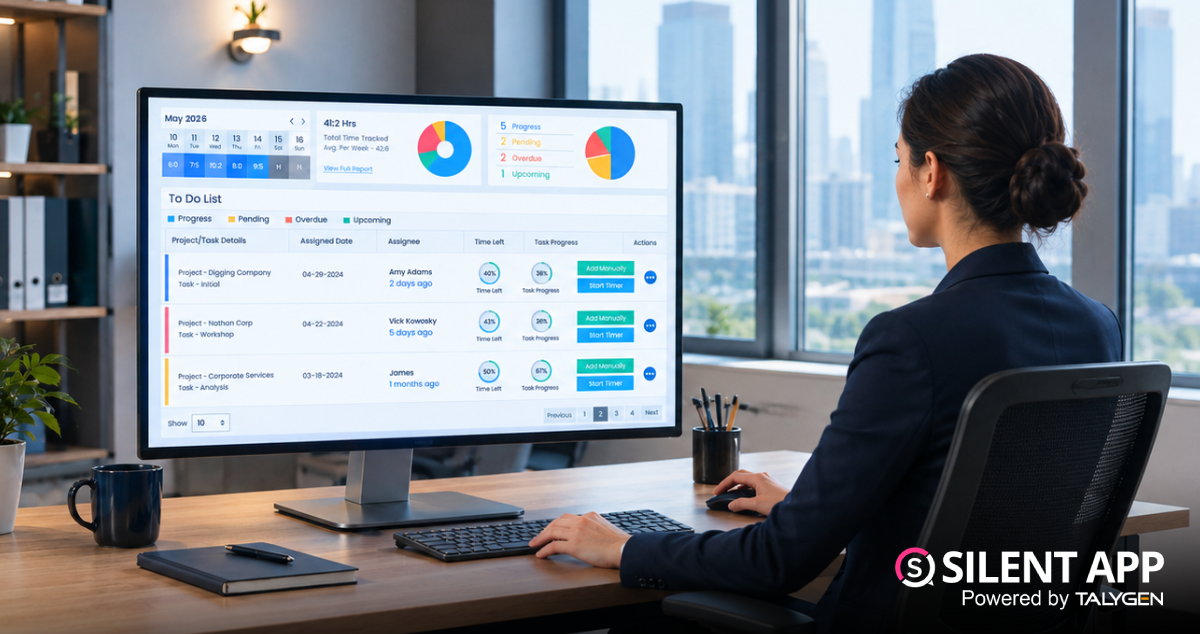
Silent App Guide: A Complete Guide to Time Tracking, Productivity Monitoring, and Employee Insights
Friday, October 23, 2026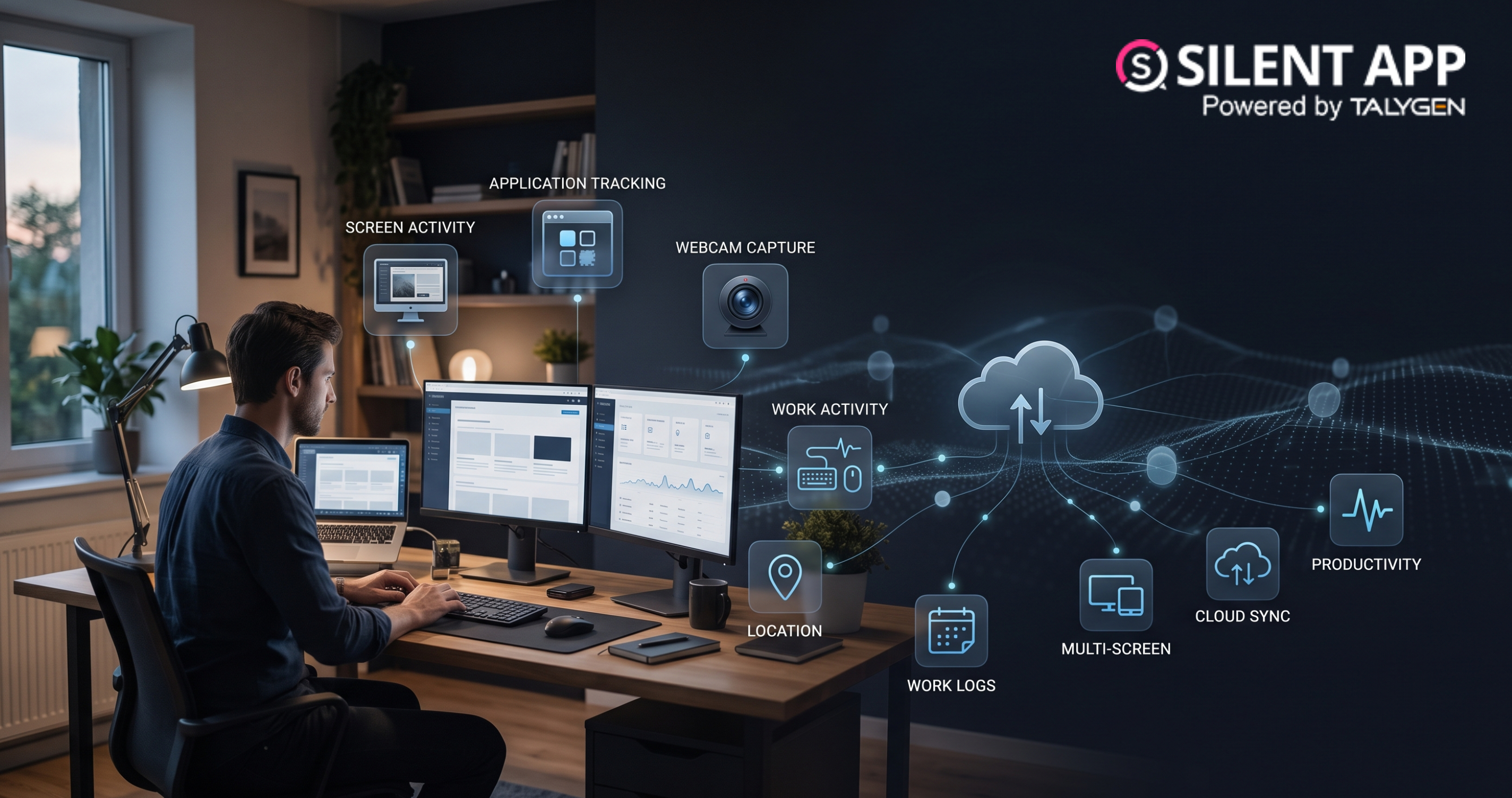
Remote Work Monitoring Software: Managing Distributed Teams with Silent App
Wednesday, October 07, 2026
Silent App vs Worktivity: Comparing Employee Monitoring Features for Modern Businesses
Thursday, October 01, 2026 Sep
Dynamic Reporting in Silent App Helping Businesses Turn Workforce Data into Useful Insights
Tuesday, September 29, 2026
Silent Monitoring Application Comparison: How Silent App Compares with Other Tools
Friday, September 25, 2026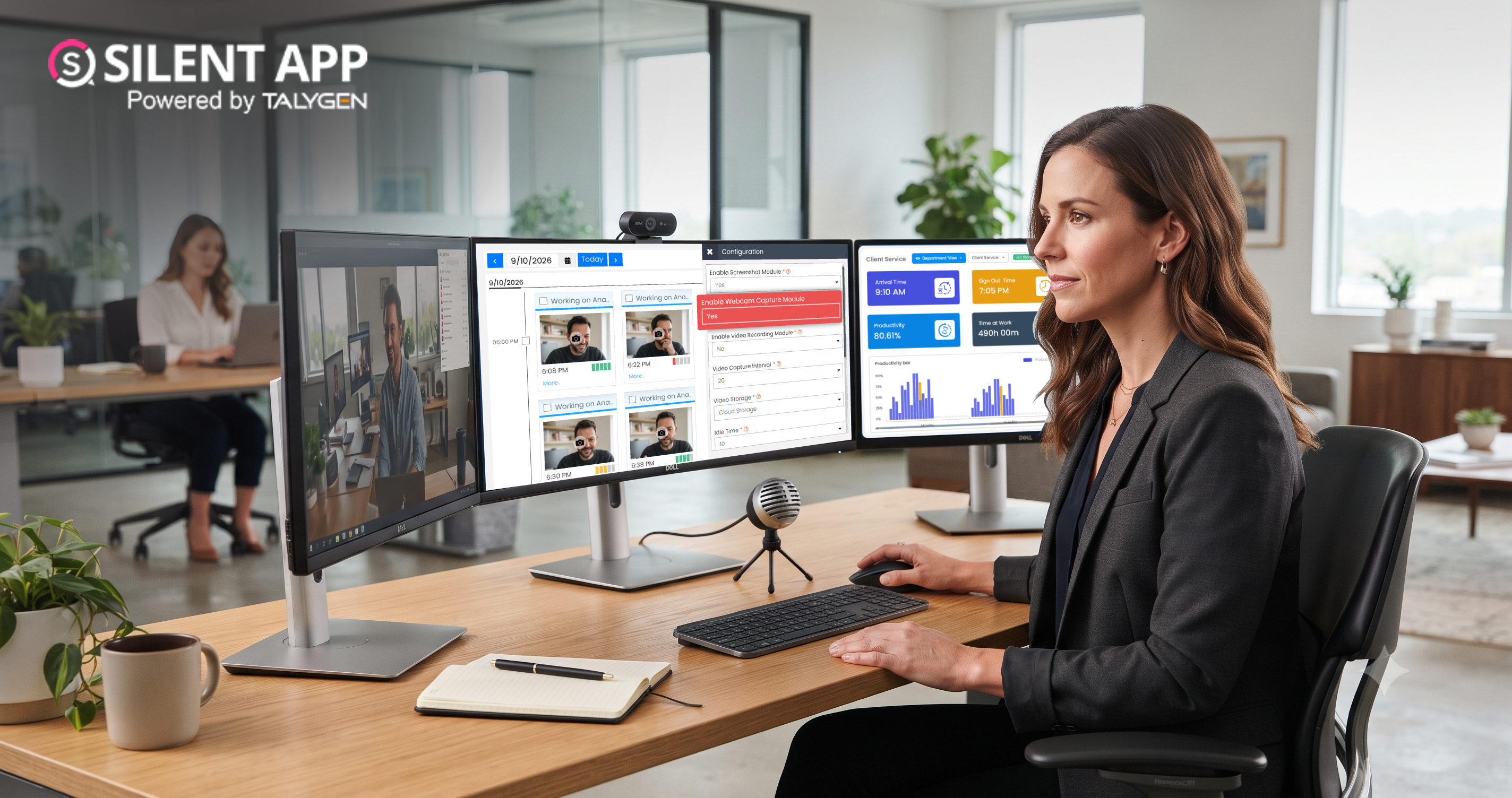
How Silent App Helps Businesses With Audio and Video Surveillance
Tuesday, September 22, 2026
Silent App: Feature-Based Employee Monitoring for Modern Businesses
Friday, September 18, 2026
Webcam Capture in Employee Monitoring: How Silent App Helps Businesses Manage Remote Teams
Monday, September 14, 2026
Silent App vs. Time Doctor Classic: Comparing Features, Monitoring & Pricing
Thursday, September 10, 2026
Why SilentApp Is the Employee Monitoring App Every Modern Business Needs
Tuesday, September 08, 2026 2024
Sep
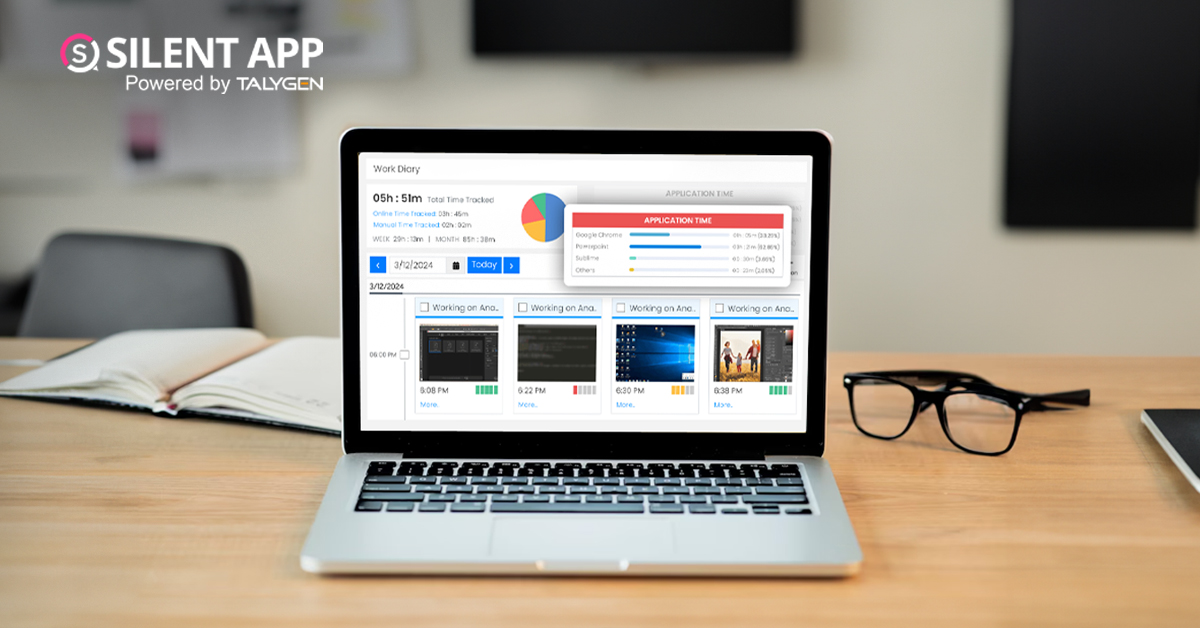
Why You Might Want Hidden User Activity Monitoring Software
Friday, September 20, 2024
Top Trends for Remote Work Management in 2024
Friday, September 20, 2024
6 Expert Ways to Balance Privacy & Safety in Remote Work with Silent Monitoring
Friday, September 20, 2024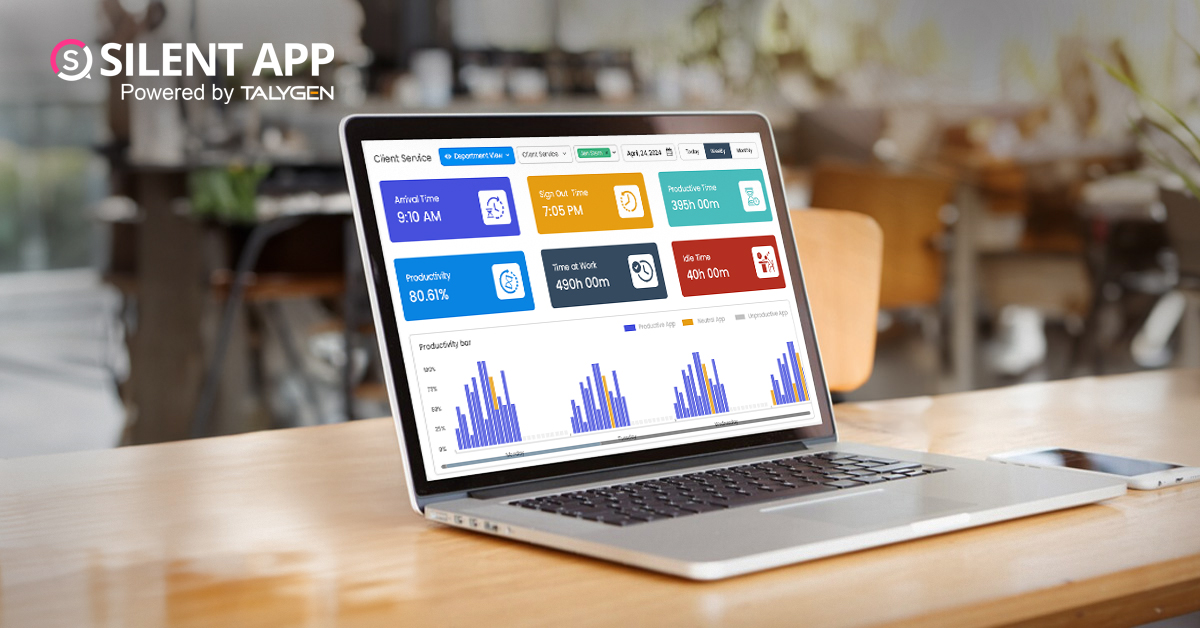
How to Enhance Workforce Monitoring with the Silent App?
Thursday, September 19, 2024
Employee Moonlighting: How Does Stealth Mode Monitoring Software Prevent It?
Thursday, September 19, 2024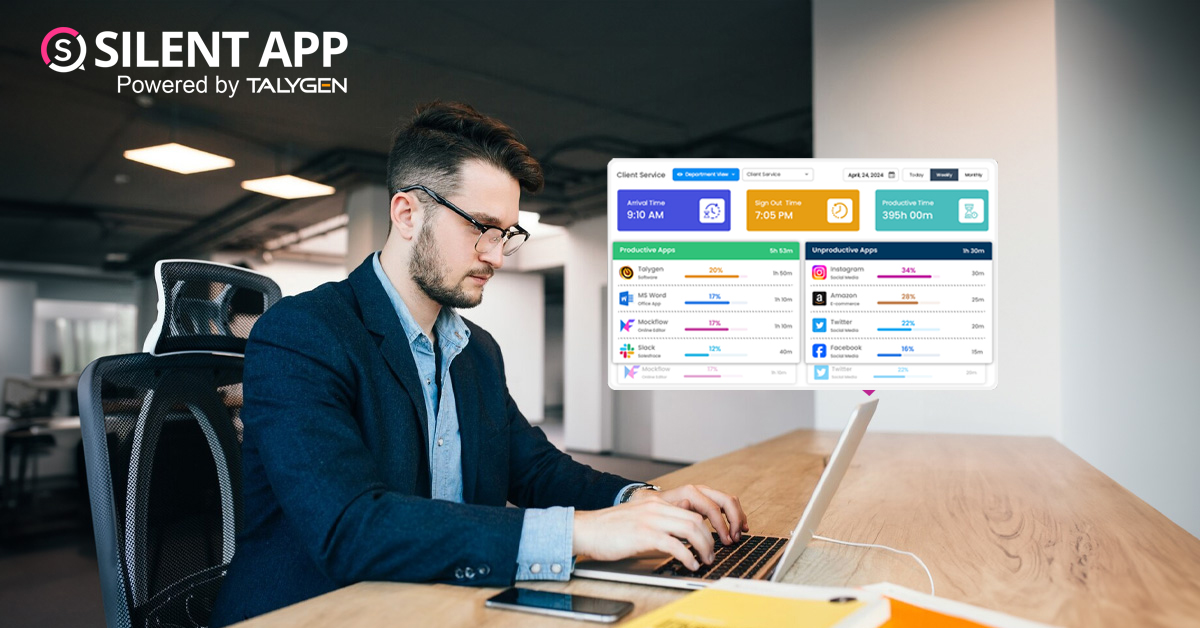
How To Monitor My Employees Without Letting Them Know?
Thursday, September 19, 2024
How Do Employers Monitor Employees' Internet Usage in Stealth Mode?
Thursday, September 19, 2024 Jul

How Does Silent App Help Small Businesses Get More ROI?
Wednesday, July 31, 2024
Silent Activity Tracking Software: The Quiet Helper for Enhancing Work and Safety
Wednesday, July 17, 2024
Stealth Mode Monitoring: Benefits for Remote and Office Work Environments
Tuesday, July 09, 2024
Silent App: Helps Limiting the Impact of Employee Disengagement
Friday, July 05, 2024 Jun

Prevent Quiet-Quitting with silent app
Monday, June 24, 2024
Debunking 8 User Activity Monitoring Myths & Misconceptions
Friday, June 21, 2024
7 Features to Look for in Your Next User Activity Monitoring Software
Friday, June 21, 2024
10 Tips for Choosing the Best Silent Activity Monitoring Software
Wednesday, June 19, 2024