Friday, September 18, 2026 | user activity monitoring software
Modern businesses are increasingly operating across remote, hybrid, and geographically distributed environments. As teams work from different locations, managers need more than traditional attendance records to understand how work is progressing. They need reliable visibility into digital activity, productivity patterns, application usage, and employee engagement without creating unnecessary disruption.
This is where Silent App employee monitoring software can support modern workforce management. Designed to operate quietly in the background, Silent App provides businesses with real-time visibility into employee computer activity through screen monitoring, application and website tracking, keystroke and mouse activity, automated screenshots, video recording, and productivity reporting.
Rather than relying only on manually entered timesheets or self-reported activity, businesses can use technology-driven insights to understand how work is actually being performed.
The modern workplace has changed significantly. Employees may work from home, shared offices, client locations, or different countries, while managers may oversee teams they rarely meet in person.
This creates several operational challenges. Managers need to understand whether employees are actively engaged, which applications consume working time, where employee productivity monitoring bottlenecks occur, and whether recorded working hours accurately reflect computer activity.
At the same time, simply watching employees more closely is not the answer. Businesses need employee monitoring software that produces useful information without constantly interrupting workflows.
Silent App addresses this requirement by combining background monitoring with detailed activity intelligence.
Its feature set can help businesses:
The goal is not simply to collect data. The greater objective is to turn workforce activity into information that helps businesses improve processes, accountability, resource allocation, and operational efficiency.
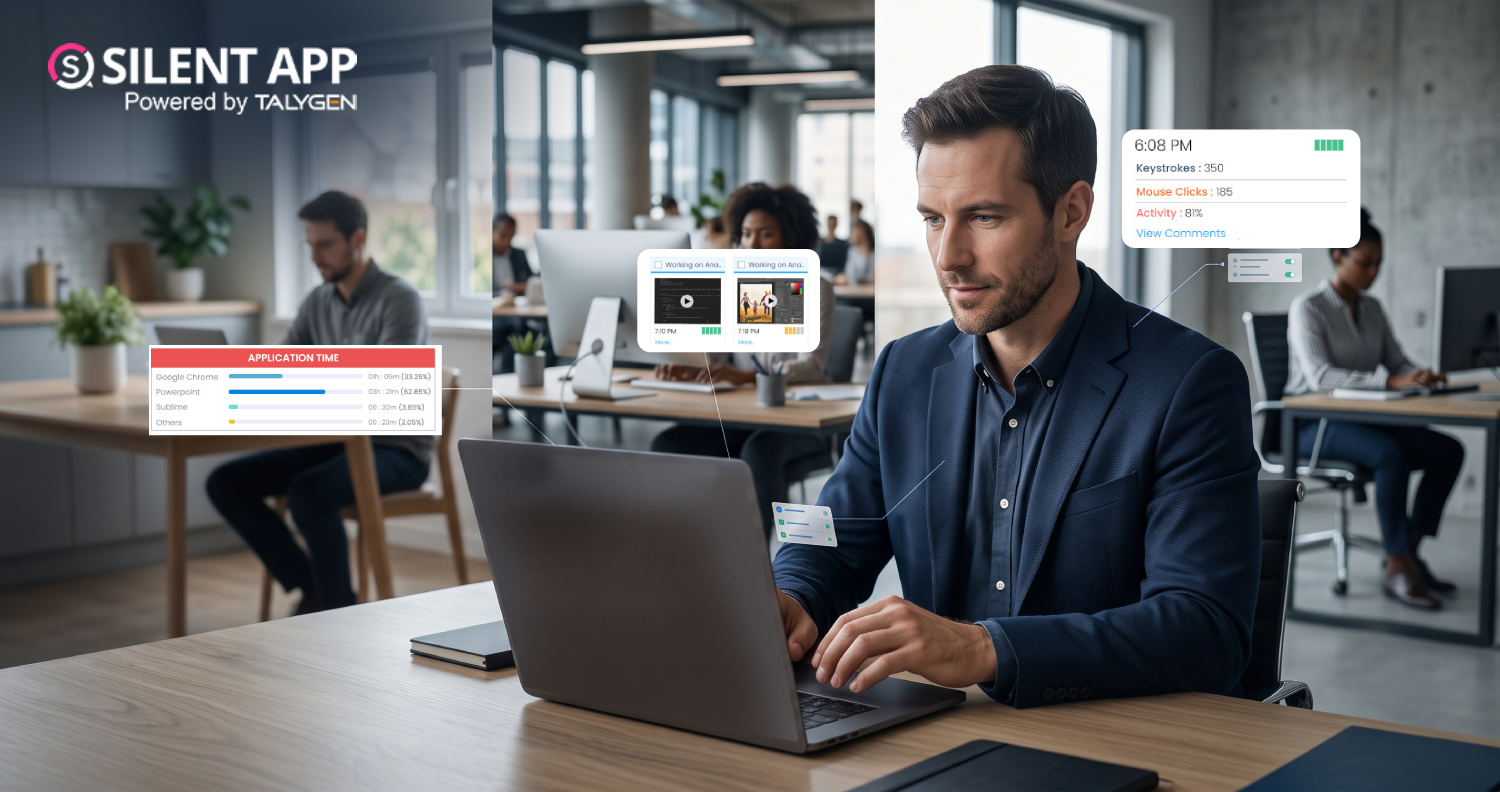
Silent App gives managers real-time visibility into employee computer activity. Businesses can monitor applications, websites, screens, mouse and keyboard activity, idle periods, and productivity patterns, making it easier to manage remote and distributed teams.
Silent App operates quietly in the background without visible system-tray icons, unnecessary pop-ups, or alerts. This allows businesses to gather activity insights without repeatedly interrupting employees, while organizations should maintain appropriate monitoring and privacy policies.
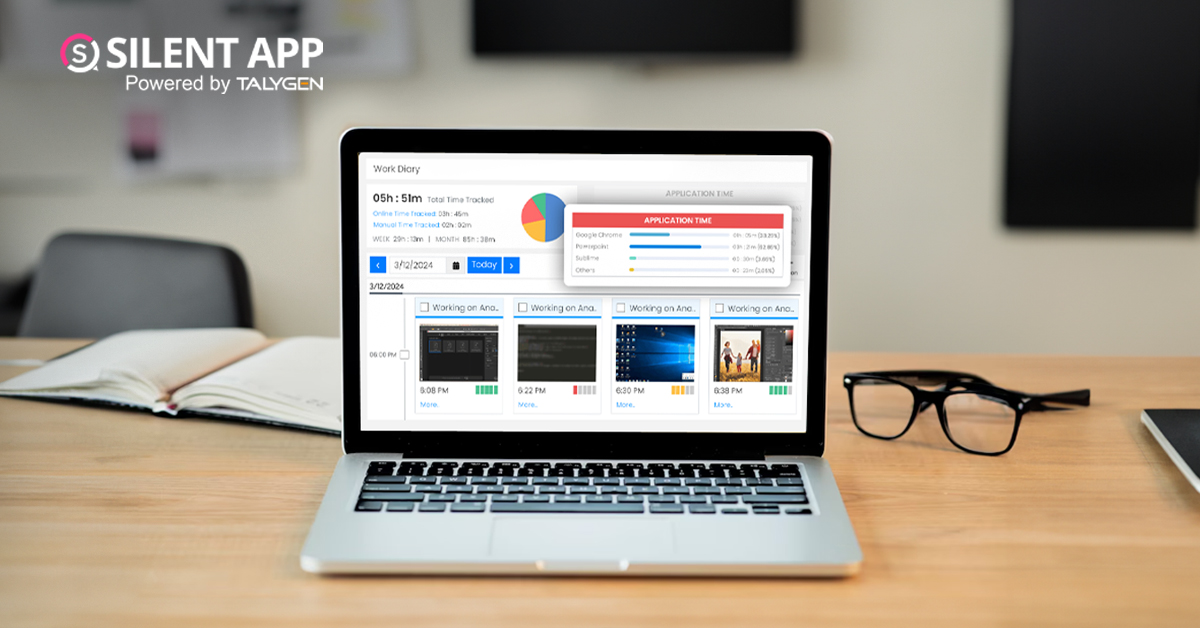
Silent App automatically captures screenshots and screen recordings based on configured settings. This gives managers greater context into workflows, task progress, and potential productivity issues than individual screenshots alone.
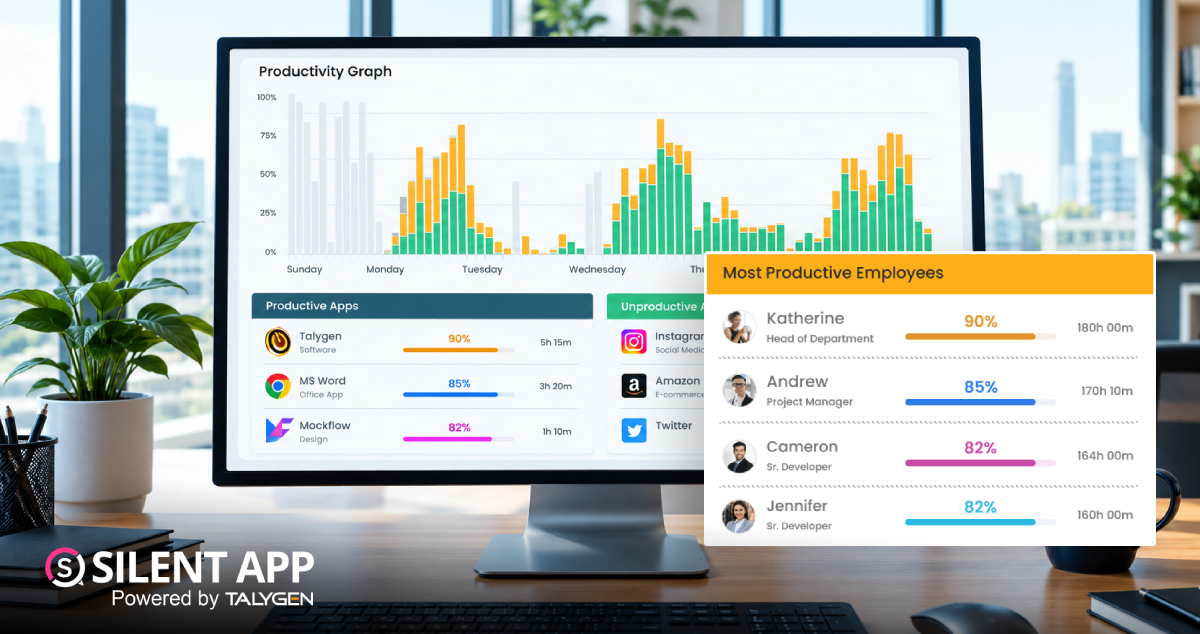
Businesses can see which applications and websites employees use during work hours and categorize activity as Productive, Unproductive, or Neutral. This helps identify digital distractions as well as inefficient workflows.
Silent App tracks keyboard and mouse activity to provide additional insight into computer engagement. These metrics can help identify activity patterns but should be considered alongside work quality, project results, and other performance indicators.
Silent App can identify suspicious activity patterns associated with employee monitoring tools such as mouse jigglers. This helps businesses distinguish genuine computer engagement from artificially generated activity.
The centralized dashboard gives managers a quick overview of team activity, application usage, idle periods, and productivity trends. This reduces manual monitoring and makes workforce data easier to understand.
AI-supported reports analyze activity data to highlight trends, idle periods, and unusual productivity patterns. These insights can help managers identify potential workload, workflow, or scheduling issues.
Businesses can generate reports around employee activity, applications, websites, screen activity, attendance, idle time, and productivity trends. Custom reporting allows different departments to focus on the metrics most relevant to their operations.
With employees working across different locations, digital visibility has become increasingly important. Silent App helps businesses maintain accountability, understand work patterns, and manage distributed teams without relying solely on physical presence or manual timesheets.
Modern workforce management requires a balance between visibility, productivity, accountability, and operational efficiency. Businesses need to understand how work is being performed, but they also need technology that operates efficiently without unnecessarily disrupting employees.
Silent App brings together real-time monitoring, silent operation, screen recording, automated screenshots, application and website tracking, keystroke and mouse monitoring, activity analysis, productivity dashboards, and AI-powered reporting.
For remote, hybrid, and distributed organizations, these capabilities can provide a centralized source of workforce activity information.
More importantly, when used responsibly, the resulting data can help businesses identify inefficiencies, understand productivity patterns, improve workflows, and make better workforce decisions.
As organizations continue to operate in increasingly digital environments, employee monitoring is evolving from basic time tracking toward deeper, data-driven workforce intelligence. Silent App is an advanced and comprehensive employee monitoring software that provides businesses with the feature set needed to participate in that transition while maintaining a focus on visibility, productivity, and operational insight.
 2026
Oct
2026
Oct
The Complete Guide to How Silent App Helps Businesses Track Employee Productivity
Wednesday, October 28, 2026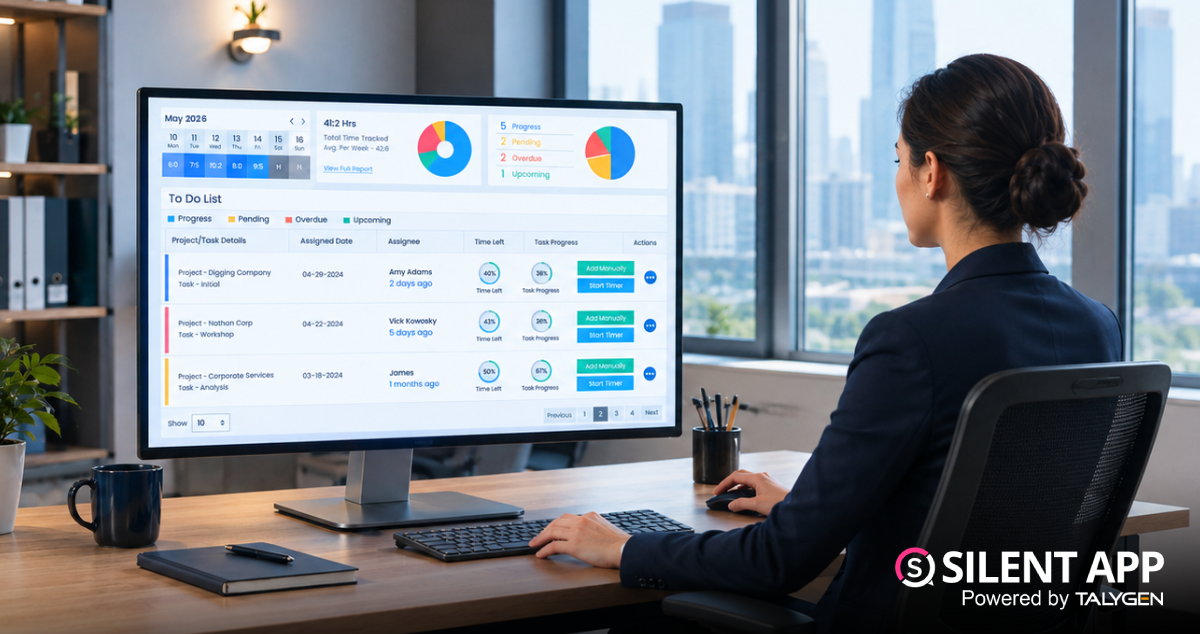
Silent App Guide: A Complete Guide to Time Tracking, Productivity Monitoring, and Employee Insights
Friday, October 23, 2026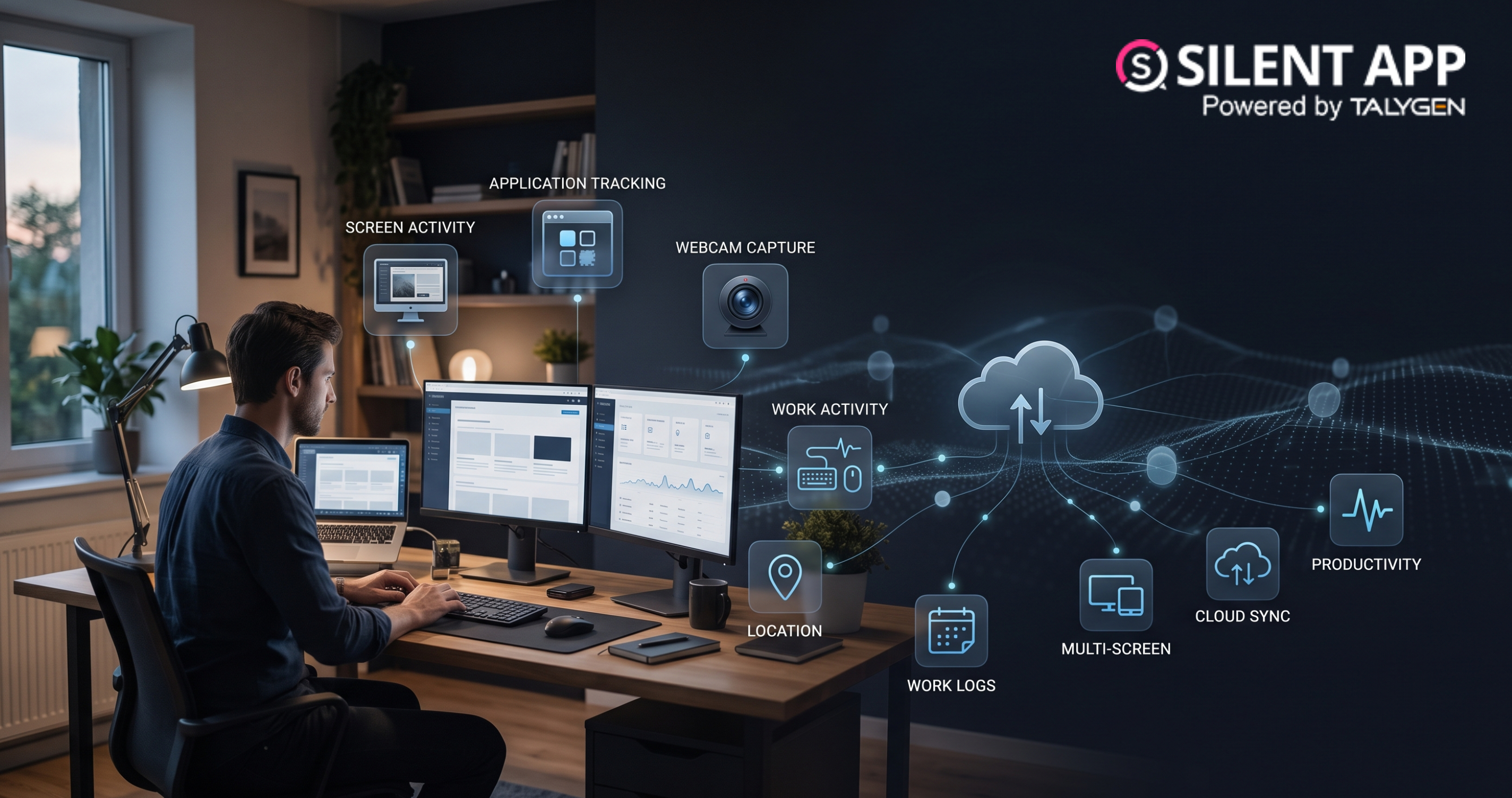
Remote Work Monitoring Software: Managing Distributed Teams with Silent App
Wednesday, October 07, 2026
Silent App vs Worktivity: Comparing Employee Monitoring Features for Modern Businesses
Thursday, October 01, 2026 Sep

Dynamic Reporting in Silent App Helping Businesses Turn Workforce Data into Useful Insights
Tuesday, September 29, 2026
Silent Monitoring Application Comparison: How Silent App Compares with Other Tools
Friday, September 25, 2026
How Silent App Helps Businesses With Audio and Video Surveillance
Tuesday, September 22, 2026Silent App: Feature-Based Employee Monitoring for Modern Businesses
Friday, September 18, 2026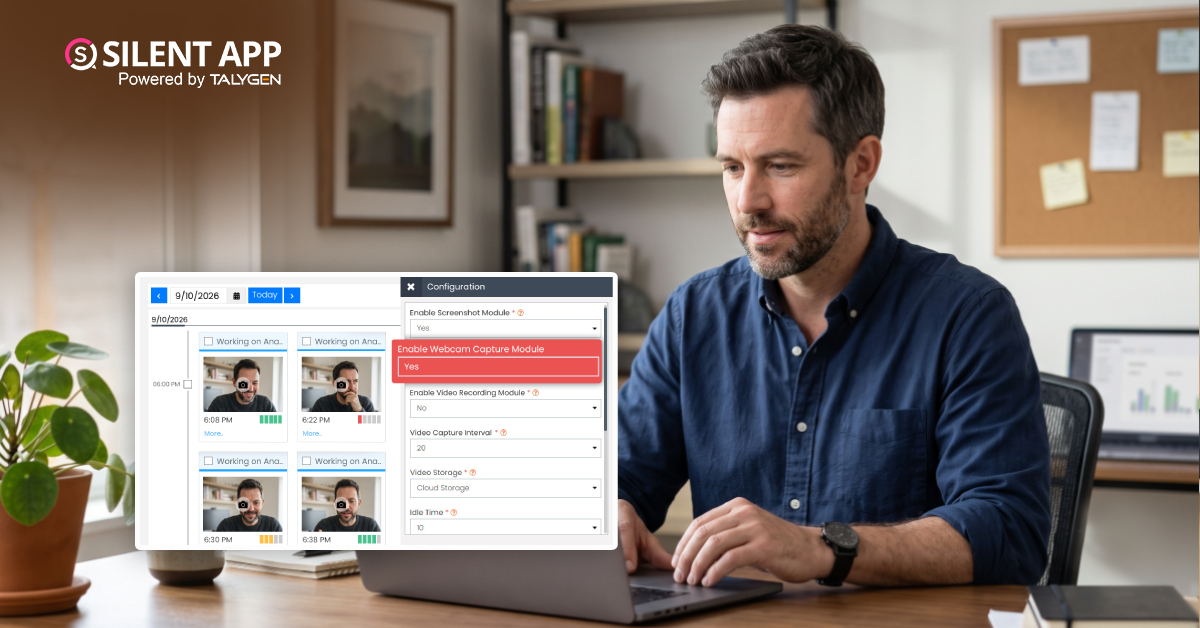
Webcam Capture in Employee Monitoring: How Silent App Helps Businesses Manage Remote Teams
Monday, September 14, 2026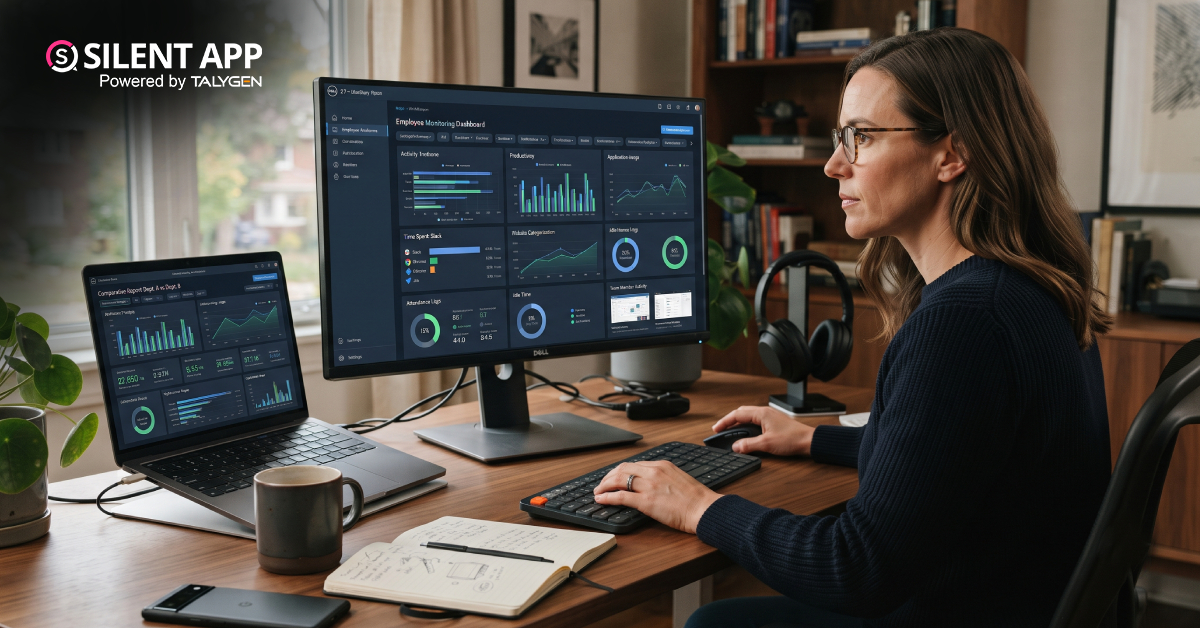
Silent App vs. Time Doctor Classic: Comparing Features, Monitoring & Pricing
Thursday, September 10, 2026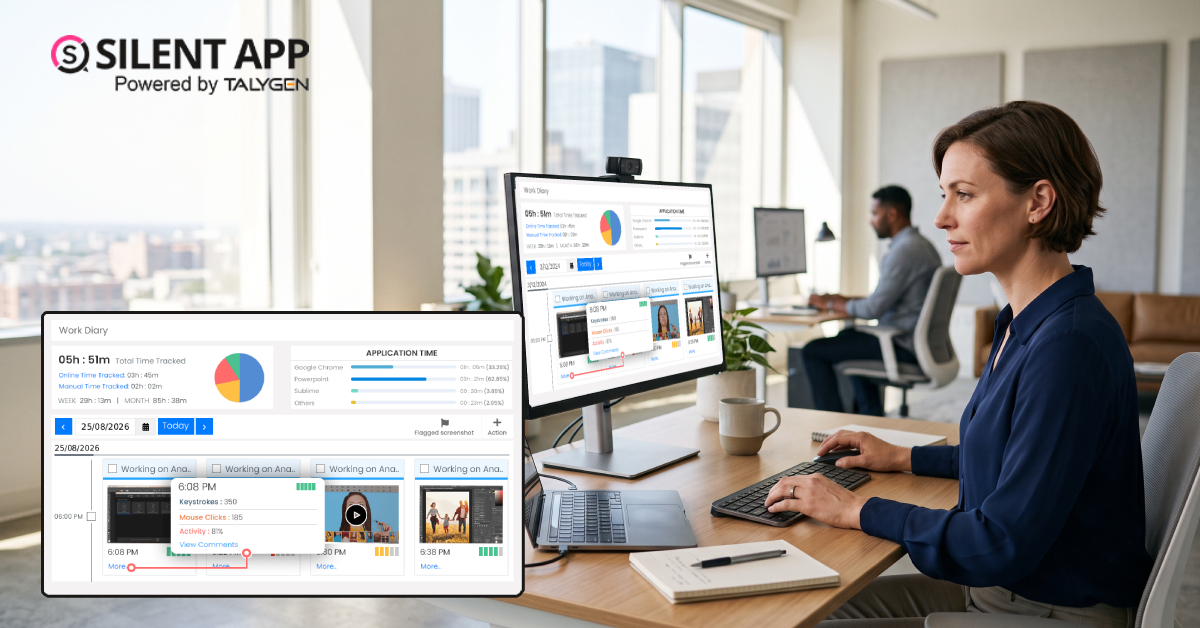
Why SilentApp Is the Employee Monitoring App Every Modern Business Needs
Tuesday, September 08, 2026 2024
Sep
Why You Might Want Hidden User Activity Monitoring Software
Friday, September 20, 2024
Top Trends for Remote Work Management in 2024
Friday, September 20, 2024
6 Expert Ways to Balance Privacy & Safety in Remote Work with Silent Monitoring
Friday, September 20, 2024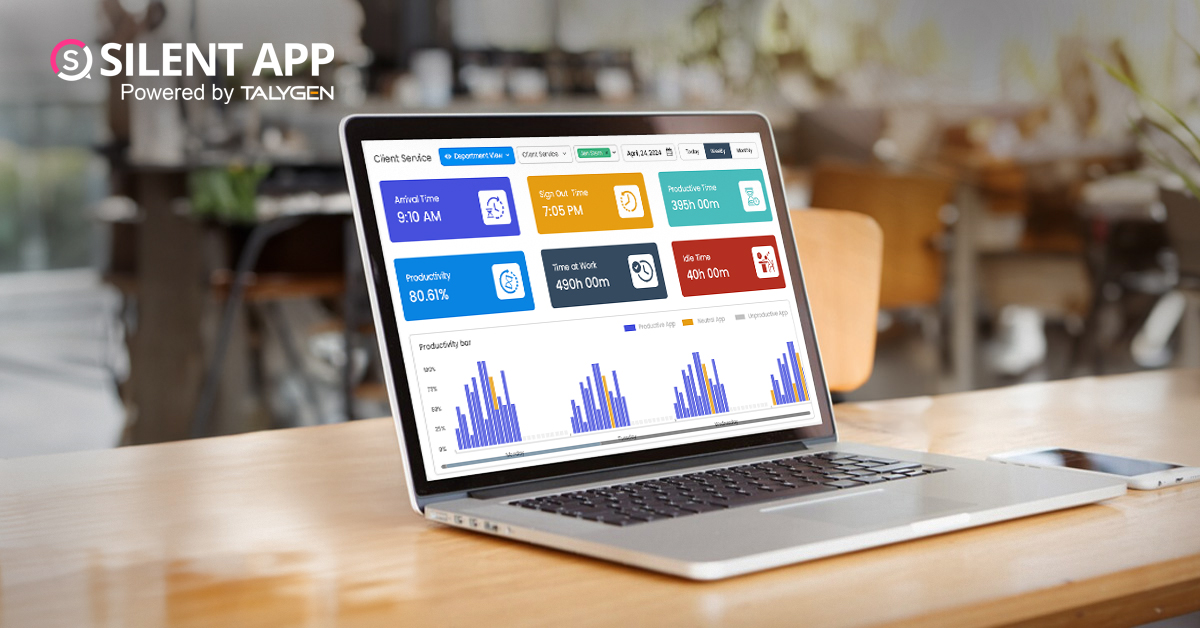
How to Enhance Workforce Monitoring with the Silent App?
Thursday, September 19, 2024
Employee Moonlighting: How Does Stealth Mode Monitoring Software Prevent It?
Thursday, September 19, 2024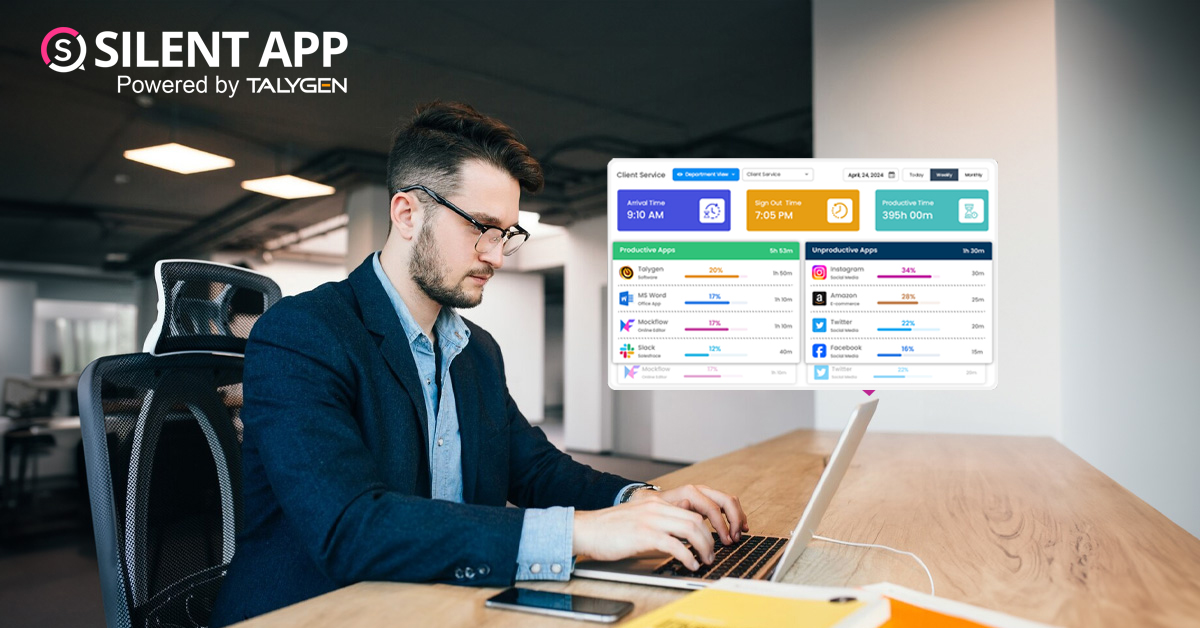
How To Monitor My Employees Without Letting Them Know?
Thursday, September 19, 2024
How Do Employers Monitor Employees' Internet Usage in Stealth Mode?
Thursday, September 19, 2024 Jul

How Does Silent App Help Small Businesses Get More ROI?
Wednesday, July 31, 2024
Silent Activity Tracking Software: The Quiet Helper for Enhancing Work and Safety
Wednesday, July 17, 2024
Stealth Mode Monitoring: Benefits for Remote and Office Work Environments
Tuesday, July 09, 2024
Silent App: Helps Limiting the Impact of Employee Disengagement
Friday, July 05, 2024 Jun

Prevent Quiet-Quitting with silent app
Monday, June 24, 2024
Debunking 8 User Activity Monitoring Myths & Misconceptions
Friday, June 21, 2024
7 Features to Look for in Your Next User Activity Monitoring Software
Friday, June 21, 2024
10 Tips for Choosing the Best Silent Activity Monitoring Software
Wednesday, June 19, 2024