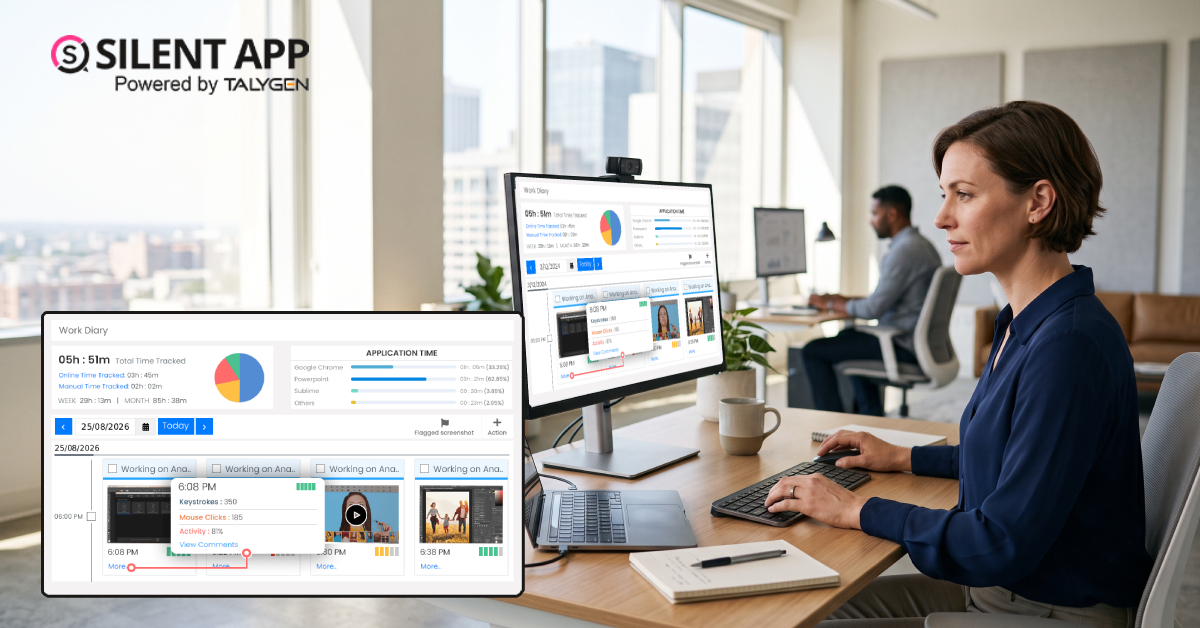
Tuesday, September 08, 2026 | best silent tracking software
Running a distributed or hybrid team comes with a simple challenge: how do you know what’s actually happening on company devices during work hours? That’s exactly the gap SilentApp was built to close. As a complete employee monitoring app, SilentApp gives managers real-time visibility into employee activity, productivity, and security — all through a single, easy-to-use dashboard.
Whether you’re managing a remote sales team, a retail workforce, or an in-office department, SilentApp combines audio-video surveillance, productivity tracking, and detailed reporting into one powerful employee monitoring app designed to keep your business secure, accountable, and efficient.
The feature that truly sets SilentApp apart from other tools in this space is its built-in webcam and audio-video surveillance. Unlike basic time trackers that only log hours, SilentApp captures visual and auditory data directly through the device’s camera and microphone — giving managers a level of insight that goes far beyond a simple activity report.
Here’s what the webcam-powered surveillance feature brings to the table:
For businesses handling sensitive information, confidential client data, or high-value transactions, this webcam and audio surveillance layer can provide an additional security safeguard. It doesn’t just track productivity — it can also help identify unusual activity and potential red flags before they become larger problems.
Beyond live video, SilentApp automatically records and documents on-screen activity so important work activity doesn’t slip through the cracks:
Together, these tools give managers a clearer record of workplace activity — whether the information is needed for performance reviews, resolving disputes, security investigations, or simply understanding how work gets done.
Modern workstations often involve multiple monitors, and SilentApp accounts for that with multiple screen monitoring. Administrators can track activity across every screen an employee uses from a single unified interface. This provides greater visibility into browser tabs, application windows, and additional displays — a critical capability for businesses looking for comprehensive employee monitoring app functionality.
All that video, screenshot, and activity data needs to be stored securely. SilentApp’s cloud back-up feature helps businesses keep important monitoring information centralized and accessible:
SilentApp isn’t just about monitoring activity — it’s also designed to help businesses understand and improve productivity. Its productivity suite includes:
Rounding out the platform, SilentApp includes the core monitoring tools businesses expect from a modern employee monitoring app:
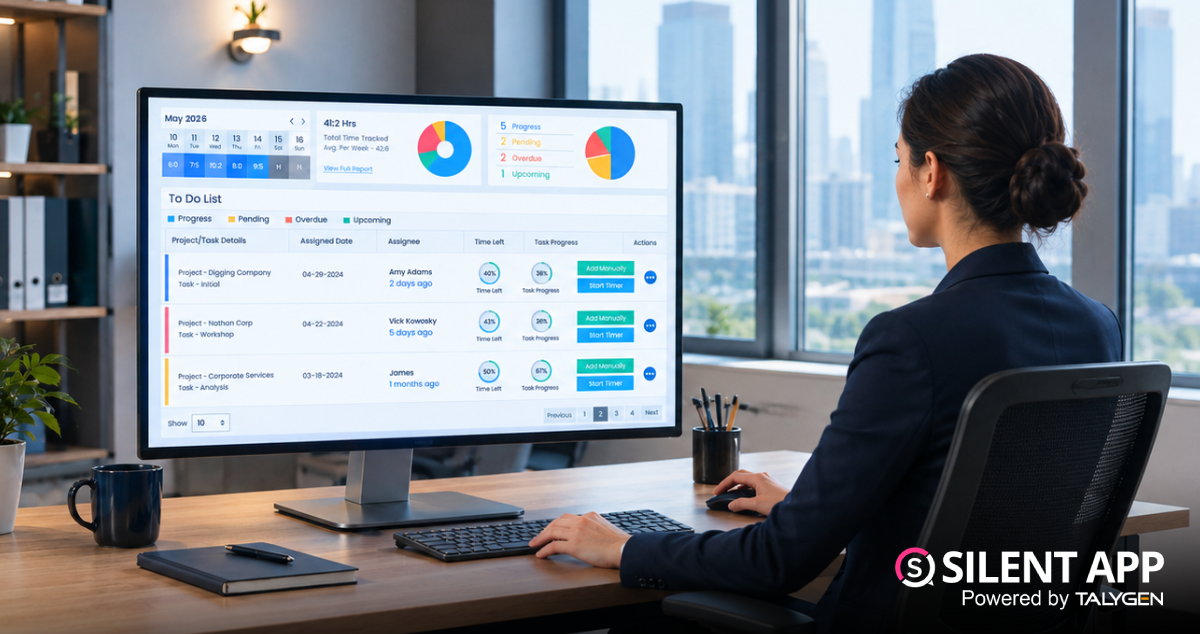
Data is only useful when managers can turn it into meaningful action. SilentApp’s reporting suite provides businesses with detailed visibility into workforce activity:
Between its webcam and audio surveillance capabilities, automated screen recording, multi-screen monitoring, secure cloud back-up, and in-depth productivity and reporting tools, SilentApp delivers a comprehensive set of features businesses can use to manage workforce activity — all through a single employee monitoring app.
If you’re looking to improve accountability, strengthen security, and get a clearer picture of how your team spends its working hours, SilentApp combines visual, auditory, application, website, and behavioral tracking in one platform.
SilentApp brings employee monitoring, productivity tracking, screen recording, surveillance, reporting, and security features together in one centralized platform. From remote and hybrid teams to traditional office environments, businesses can use its dashboard to gain greater visibility into work activity and identify opportunities to improve productivity and security.
With features such as webcam and audio-video monitoring, automated screenshots, screen recording, multiple screen monitoring, cloud back-up, application and website tracking, and customizable reports, SilentApp provides businesses with the tools they need to better understand how work gets done.
If you’re looking for a comprehensive employee monitoring app to help improve accountability, productivity, and workplace security, SilentApp gives you a centralized solution designed for modern teams. Ready to see it in action? Request a live demo or start your free trial and explore how SilentApp can transform the way you manage your workforce.
 2026
Oct
2026
Oct
Silent App Guide: A Complete Guide to Time Tracking, Productivity Monitoring, and Employee Insights
Friday, October 23, 2026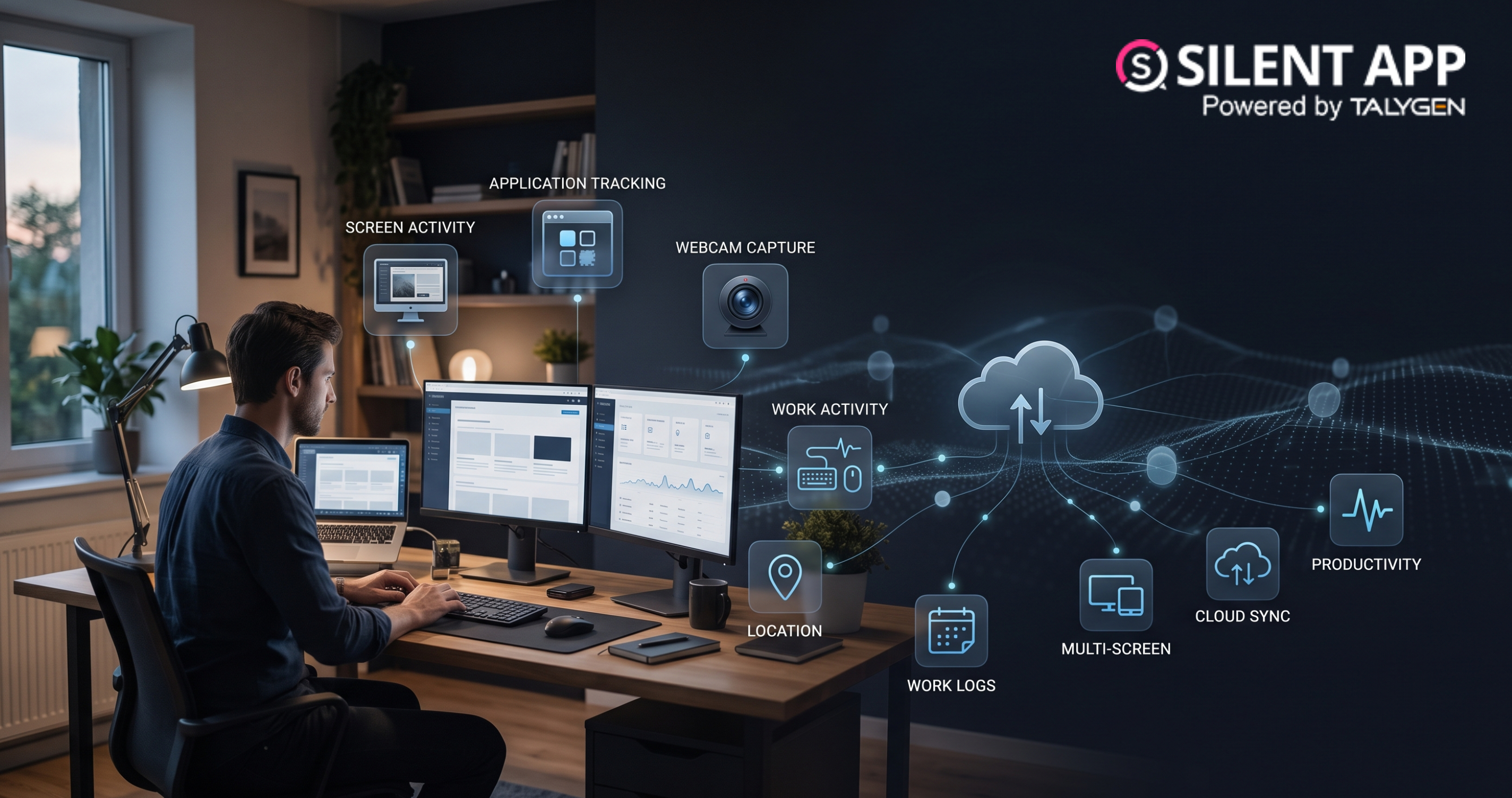
Remote Work Monitoring Software: Managing Distributed Teams with Silent App
Wednesday, October 07, 2026
Silent App vs Worktivity: Comparing Employee Monitoring Features for Modern Businesses
Thursday, October 01, 2026 Sep

Dynamic Reporting in Silent App Helping Businesses Turn Workforce Data into Useful Insights
Tuesday, September 29, 2026
Silent Monitoring Application Comparison: How Silent App Compares with Other Tools
Friday, September 25, 2026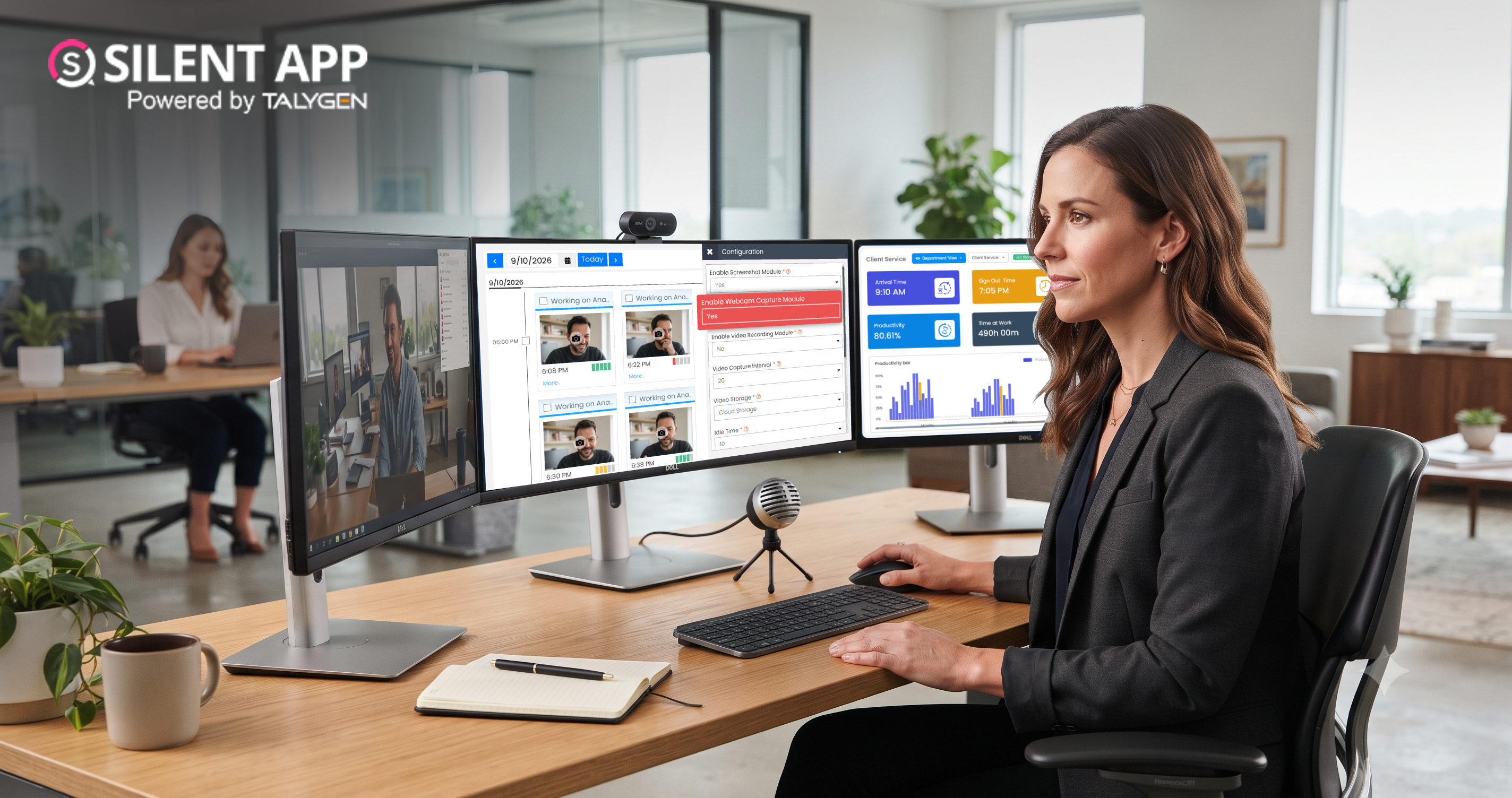
How Silent App Helps Businesses With Audio and Video Surveillance
Tuesday, September 22, 2026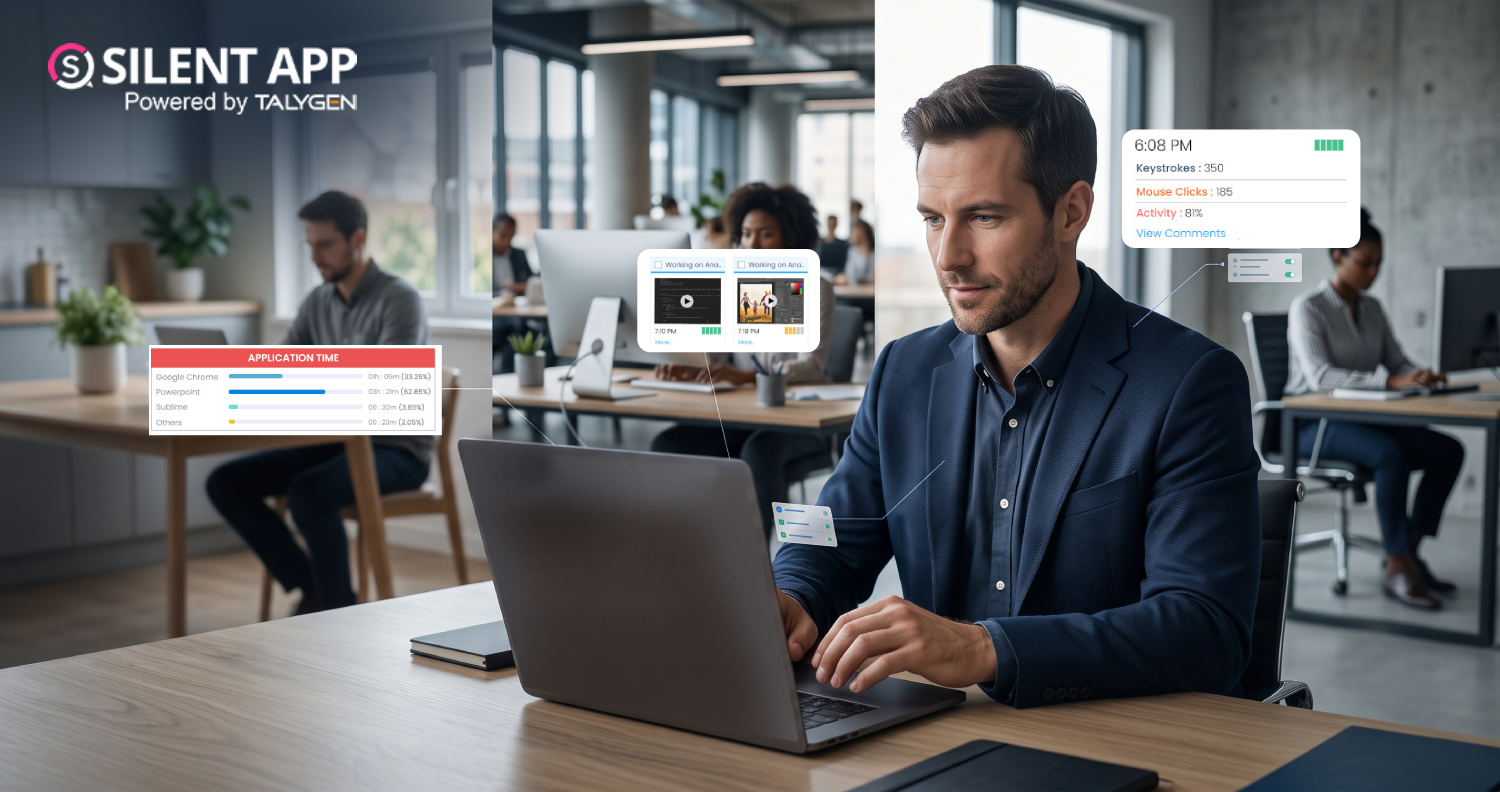
Silent App: Feature-Based Employee Monitoring for Modern Businesses
Friday, September 18, 2026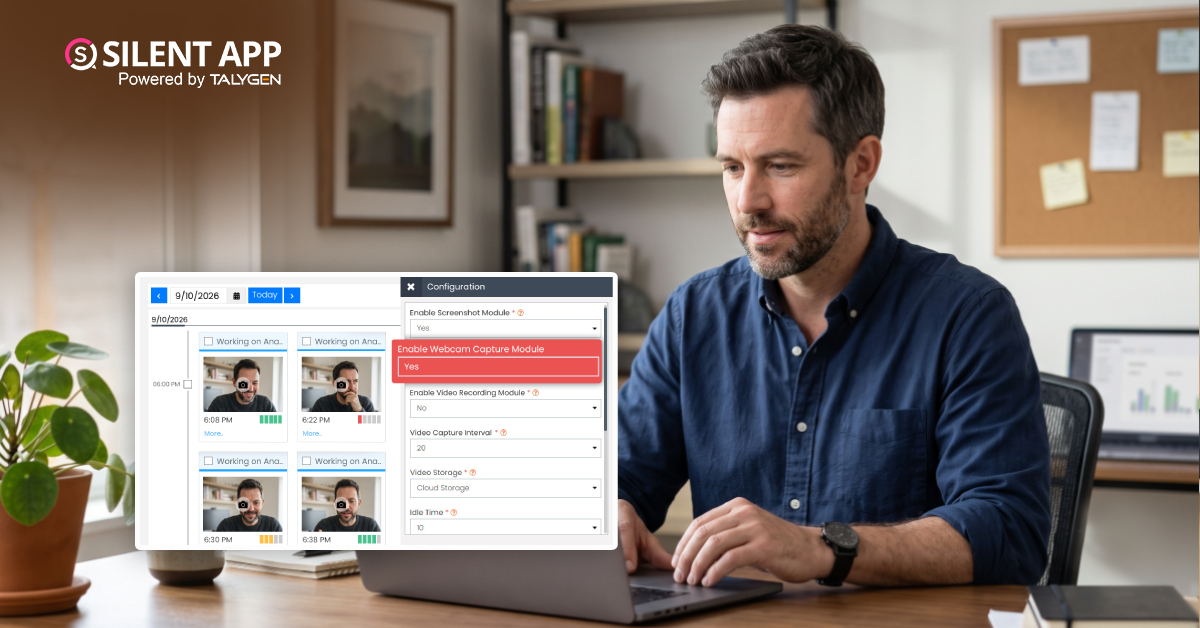
Webcam Capture in Employee Monitoring: How Silent App Helps Businesses Manage Remote Teams
Monday, September 14, 2026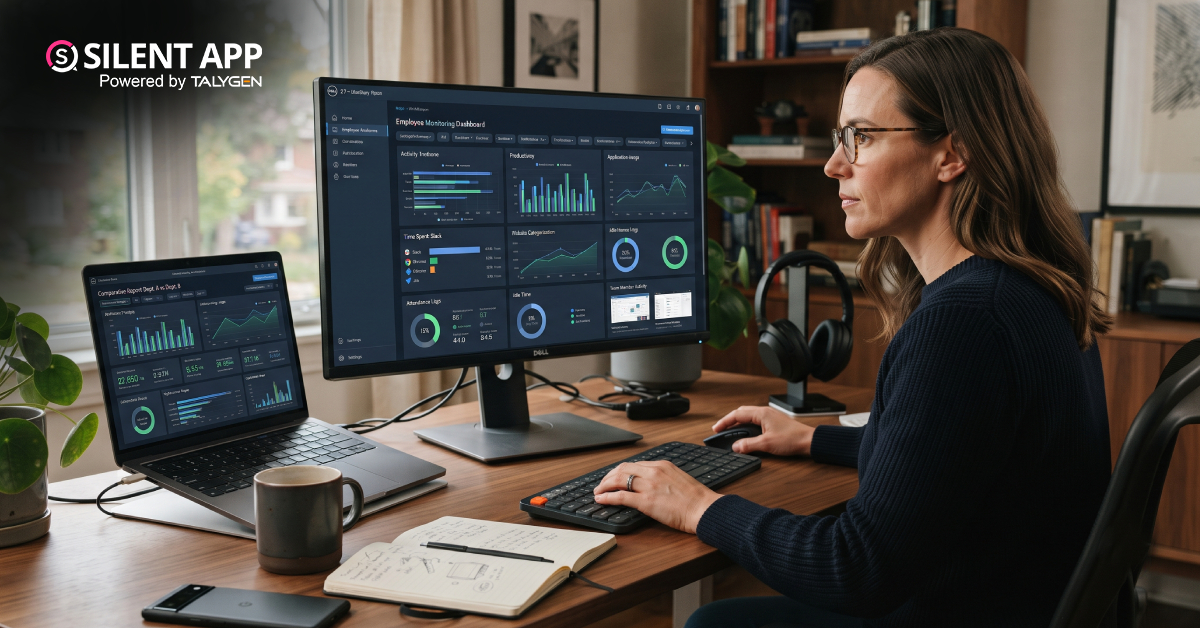
Silent App vs. Time Doctor Classic: Comparing Features, Monitoring & Pricing
Thursday, September 10, 2026Why SilentApp Is the Employee Monitoring App Every Modern Business Needs
Tuesday, September 08, 2026 2024
Sep
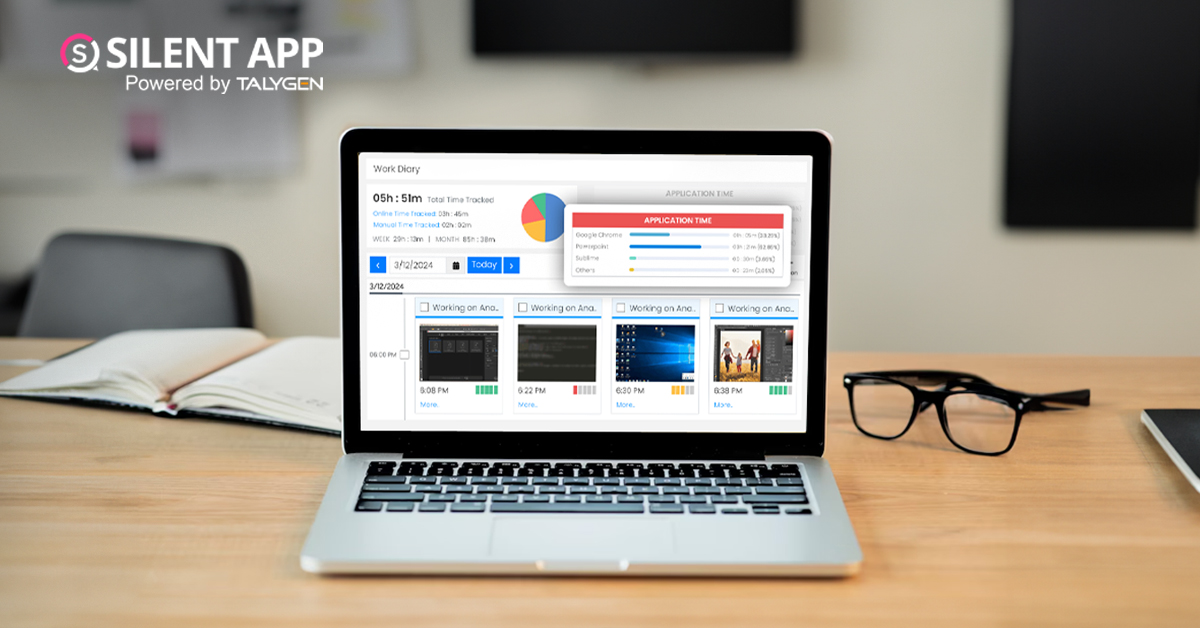
Why You Might Want Hidden User Activity Monitoring Software
Friday, September 20, 2024
Top Trends for Remote Work Management in 2024
Friday, September 20, 2024
6 Expert Ways to Balance Privacy & Safety in Remote Work with Silent Monitoring
Friday, September 20, 2024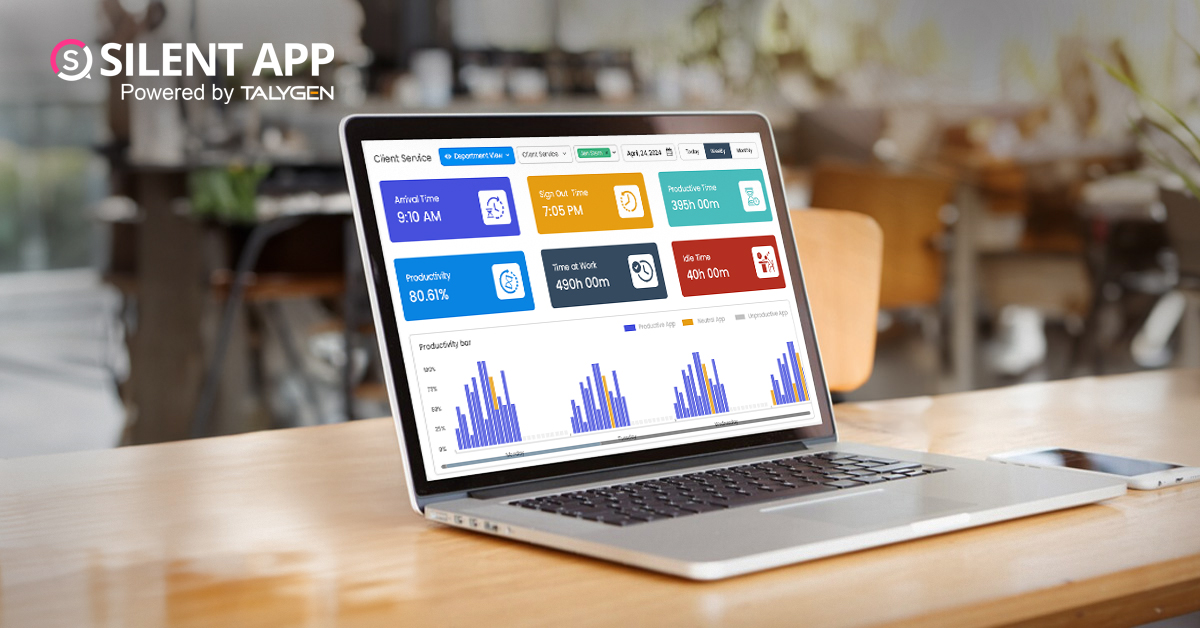
How to Enhance Workforce Monitoring with the Silent App?
Thursday, September 19, 2024
Employee Moonlighting: How Does Stealth Mode Monitoring Software Prevent It?
Thursday, September 19, 2024
How To Monitor My Employees Without Letting Them Know?
Thursday, September 19, 2024
How Do Employers Monitor Employees' Internet Usage in Stealth Mode?
Thursday, September 19, 2024 Jul

How Does Silent App Help Small Businesses Get More ROI?
Wednesday, July 31, 2024
Silent Activity Tracking Software: The Quiet Helper for Enhancing Work and Safety
Wednesday, July 17, 2024
Stealth Mode Monitoring: Benefits for Remote and Office Work Environments
Tuesday, July 09, 2024
Silent App: Helps Limiting the Impact of Employee Disengagement
Friday, July 05, 2024 Jun

Prevent Quiet-Quitting with silent app
Monday, June 24, 2024
Debunking 8 User Activity Monitoring Myths & Misconceptions
Friday, June 21, 2024
7 Features to Look for in Your Next User Activity Monitoring Software
Friday, June 21, 2024
10 Tips for Choosing the Best Silent Activity Monitoring Software
Wednesday, June 19, 2024