Wednesday, October 07, 2026 | user activity monitoring software
It was the middle of the workweek, and a business manager was trying to answer a simple question.
The team was working.
The projects were moving.
The employees were logging their hours.
But how much could the company actually see?
The business had remote employees, teams working across different locations, and people using several systems during the day. The manager needed more than a basic attendance report. They needed to understand screen activity, system usage, work patterns, and location information.
Like many growing businesses, the company started looking at employee monitoring software.
That is when the real question appeared:
Which monitoring application provides the features the business actually needs without making the process unnecessarily complicated or expensive?
The workplace has become more flexible, but flexibility should not mean businesses lose visibility.
A modern workforce monitoring approach needs to support remote employees, multiple screens, digital applications, project-based work, and changing work schedules.
Silent App combines these needs into one solution.
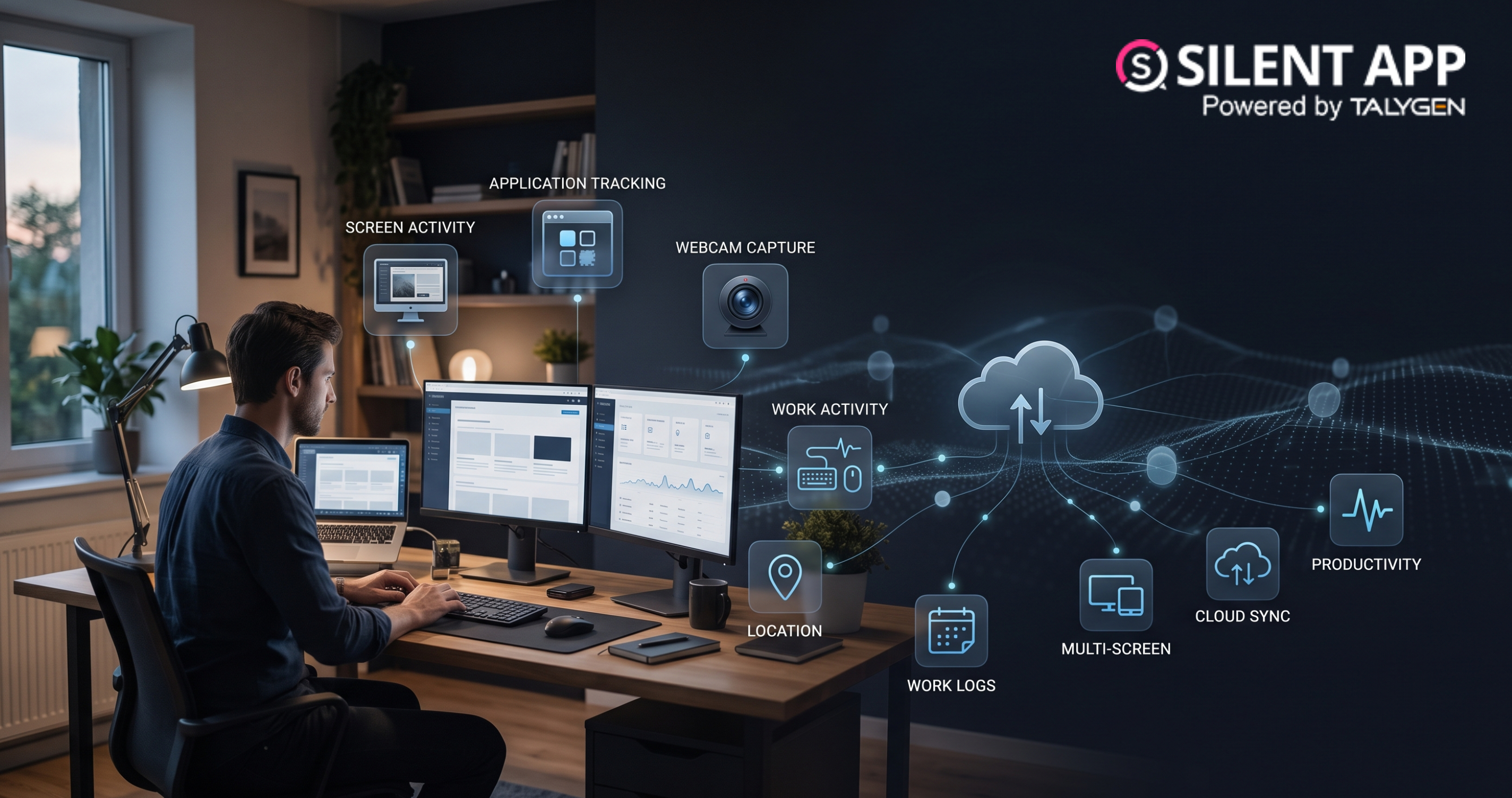
Its automatic screenshot capabilities can show what was happening on a screen. Application tracking can show where time was spent. Daily work logs provide historical information. Screen recording can provide a sequence of activity. Multi-screen functionality supports employees using multiple monitors.
Together, these tools give managers a broader picture of digital work.
The project manager in our story was not facing a problem unique to one company.
Many businesses today manage employees who work from different locations.
Remote employees may work independently for hours without direct physical supervision.
Silent App gives authorized managers access to activity information that can help them understand:
This does not replace communication.
Instead, it gives managers better information to support those conversations.
One reason Silent App can be useful is that it combines several capabilities.
Businesses can use it for:
Instead of using one tool for screenshots and another for activity tracking, businesses can bring several monitoring functions together in one environment.
Imagine a company with 100 remote employees.
A manager receives a complaint involving a sensitive work process. Instead of questioning the entire team, the company reviews the relevant records for the defined time period.
The manager can look at available work activity, application information, screenshots, and webcam records where the monitoring policy allows it.
This may help the business understand what happened and determine whether further action is needed.
The important point is that monitoring data is being used to answer a specific question.
That is a much more practical approach than simply recording everything without a clear objective.
When used responsibly, webcam capture may provide several practical benefits.
Managers can gain additional information when employees work away from the office.
Periodic images can support defined workforce verification processes.
Visual records may help provide context during specific internal investigations.
Cloud-based records make monitoring information easier for authorized users to access.
Support for built-in and external cameras works across different workstation setups.
Webcam information can be reviewed alongside screenshots, application activity, and work logs.
Technology will continue changing how businesses manage distributed teams.
However, better monitoring does not simply mean collecting more information.
The future of workforce monitoring is likely to focus on collecting useful information while balancing productivity, security, employee trust, and privacy.
Businesses that use monitoring technology effectively should focus on:
This approach can help organizations get value from technology without creating unnecessary workplace concerns.
Silent App brings webcam capture together with a wider set of workforce monitoring tools, giving businesses a more complete view of digital work activity. Through webcam capture, organizations can collect visual information using built-in or external cameras based on their configured requirements. The captured data can be stored through cloud storage, reducing the need to depend only on local computer storage and making records easier for authorized users to manage.
Along with webcam monitoring, Silent App supports activity monitoring, allowing businesses to review camera information alongside other workforce activity data. Screen monitoring adds another layer of visibility by helping managers review computer activity together with relevant webcam records where appropriate. The platform also provides automated screenshots that capture periodic snapshots of screen activity during work sessions.
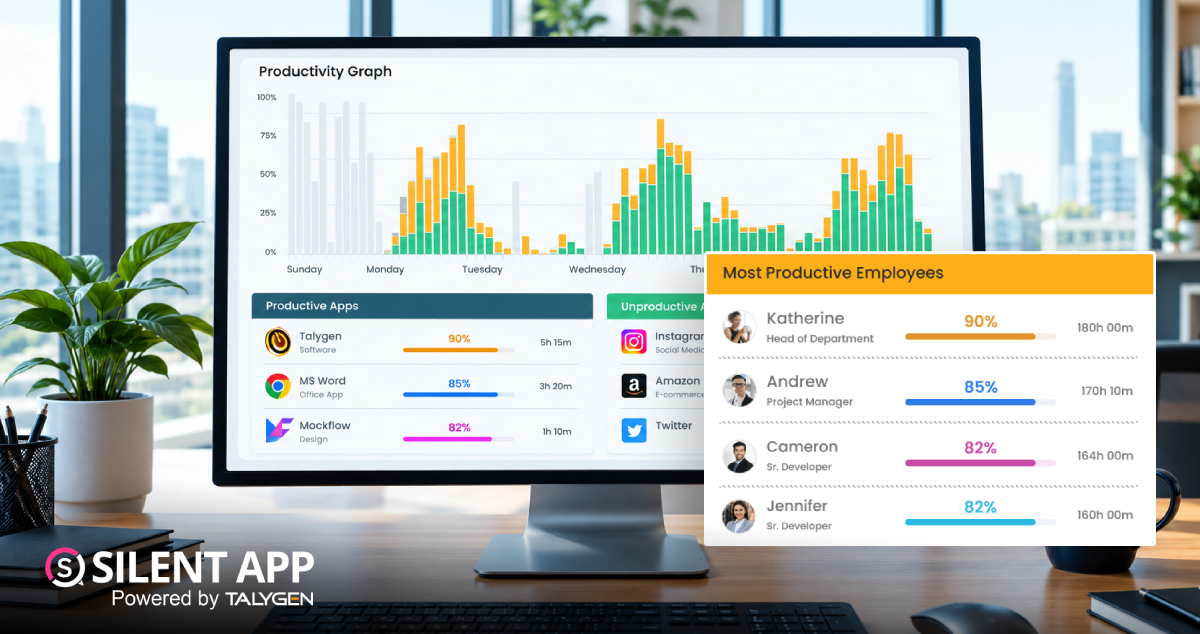
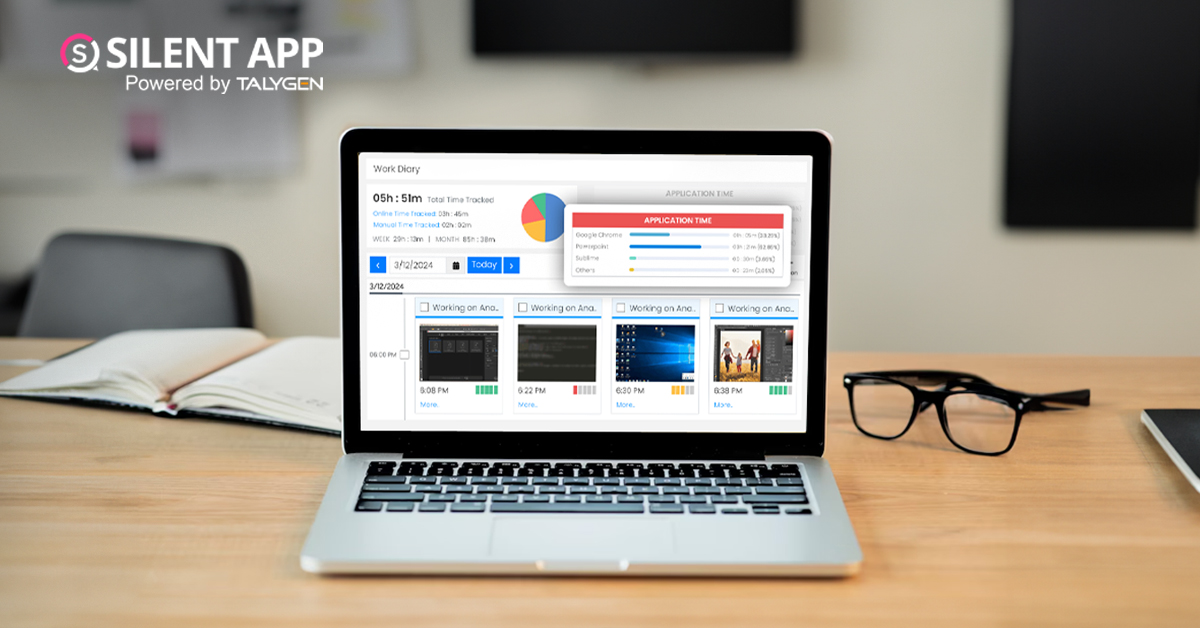
With application tracking, managers can understand which applications employees are using and how they are being used during working hours. Work logs further help businesses review workforce activity over selected periods. Together, these capabilities give organizations a broader picture of digital work and can support better workforce management, productivity analysis, and operational visibility.
 2026
Oct
2026
Oct
The Complete Guide to How Silent App Helps Businesses Track Employee Productivity
Wednesday, October 28, 2026
Silent App Guide: A Complete Guide to Time Tracking, Productivity Monitoring, and Employee Insights
Friday, October 23, 2026Remote Work Monitoring Software: Managing Distributed Teams with Silent App
Wednesday, October 07, 2026
Silent App vs Worktivity: Comparing Employee Monitoring Features for Modern Businesses
Thursday, October 01, 2026 Sep

Dynamic Reporting in Silent App Helping Businesses Turn Workforce Data into Useful Insights
Tuesday, September 29, 2026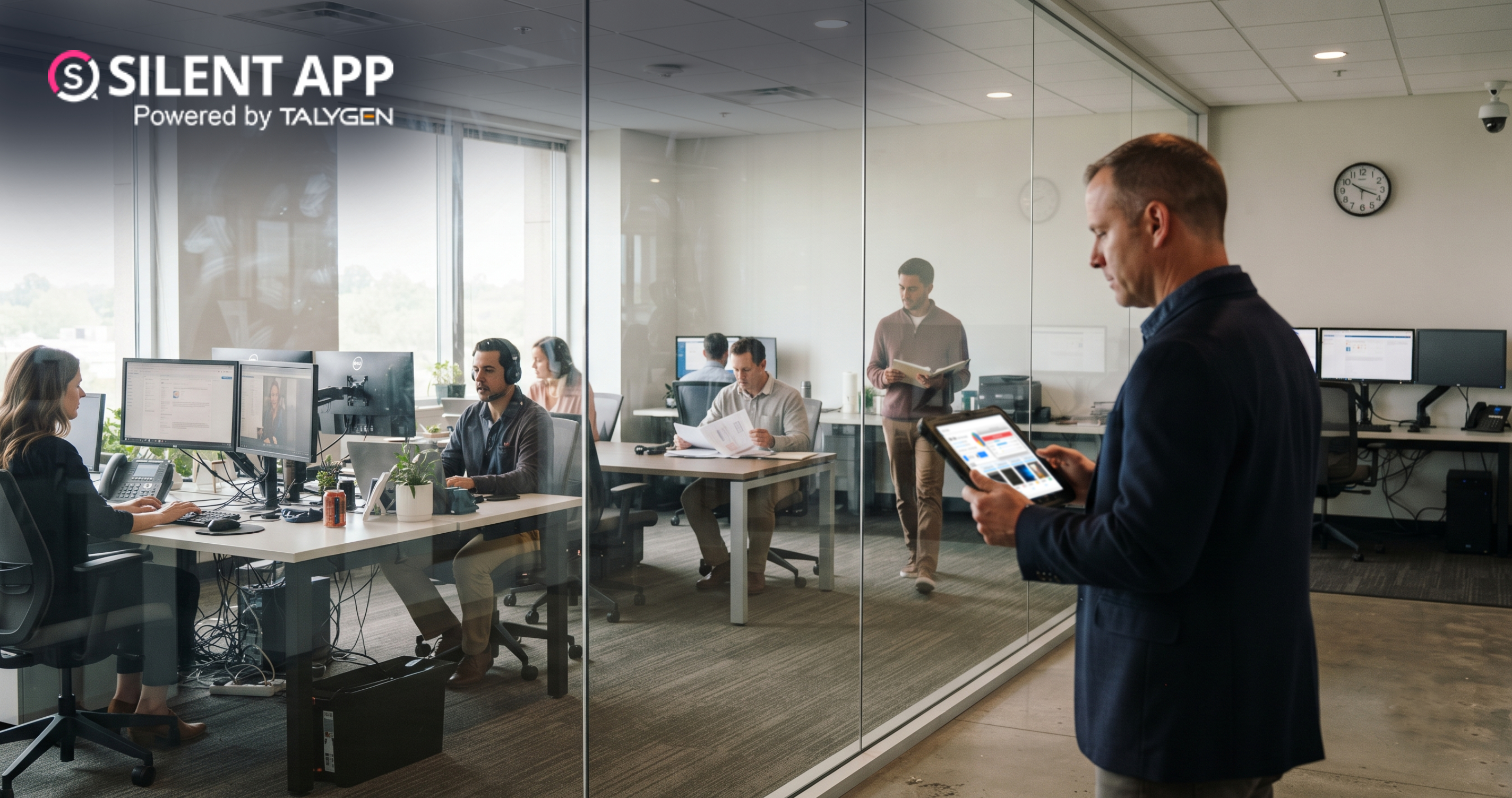
Silent Monitoring Application Comparison: How Silent App Compares with Other Tools
Friday, September 25, 2026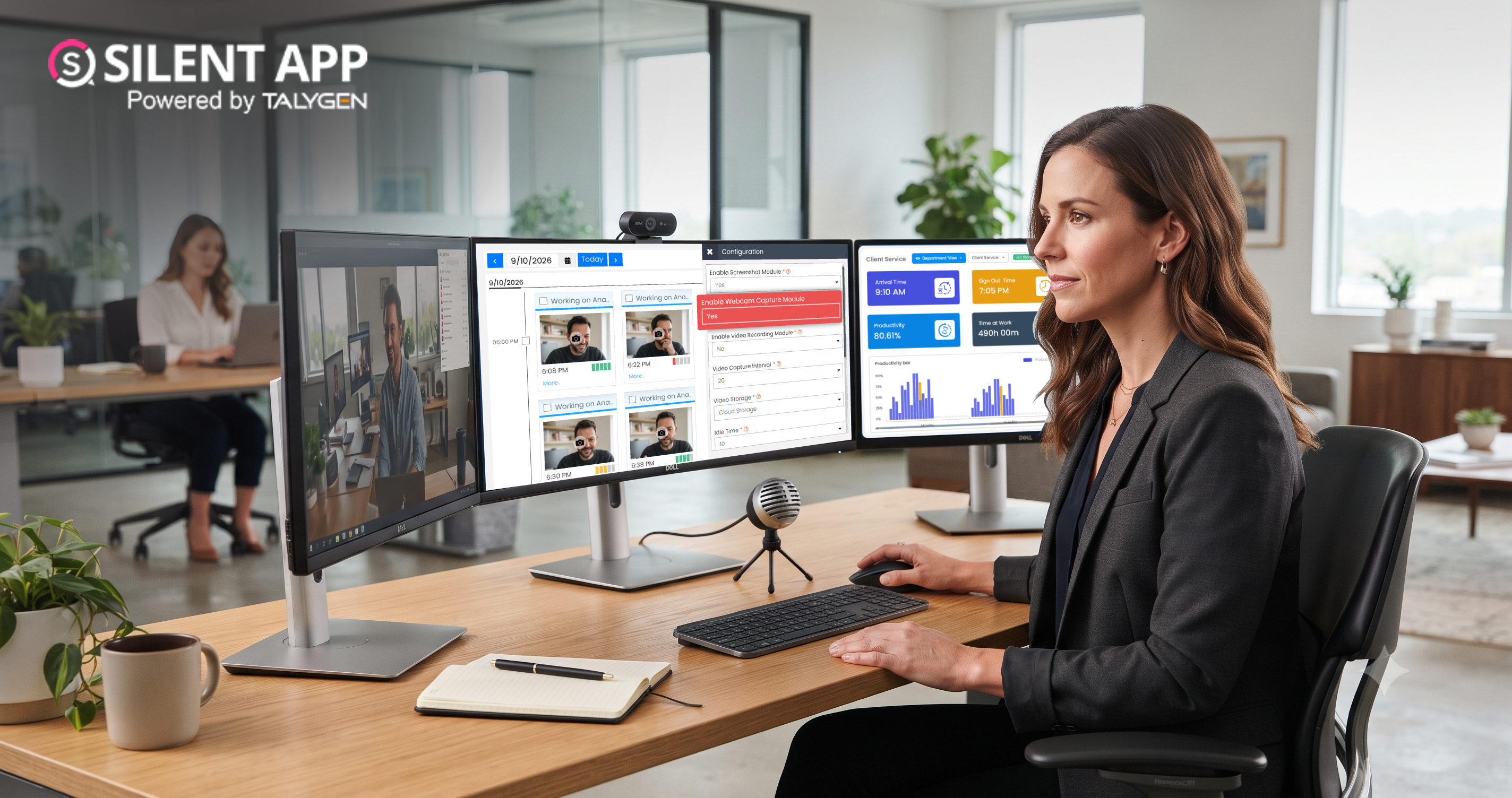
How Silent App Helps Businesses With Audio and Video Surveillance
Tuesday, September 22, 2026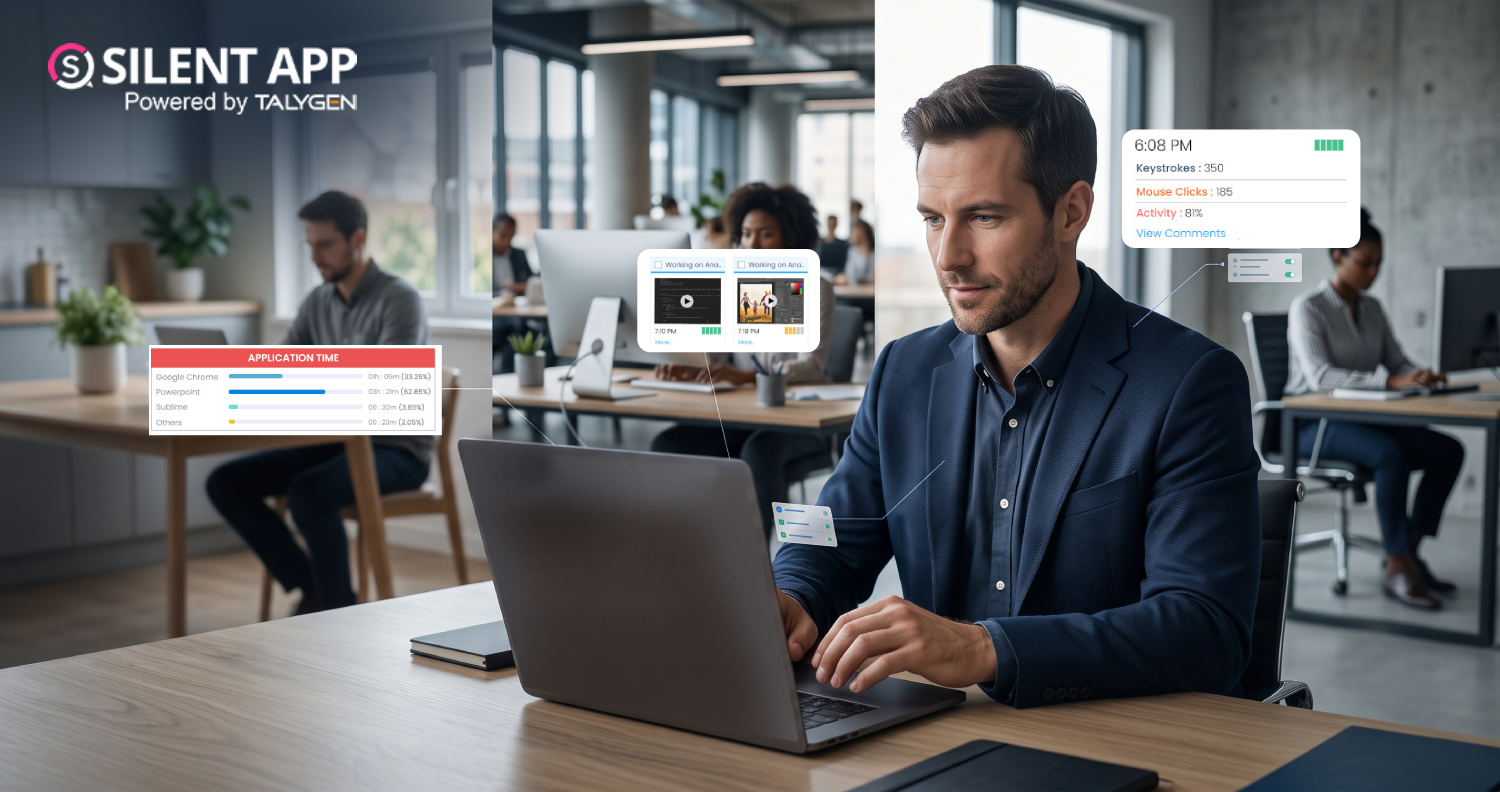
Silent App: Feature-Based Employee Monitoring for Modern Businesses
Friday, September 18, 2026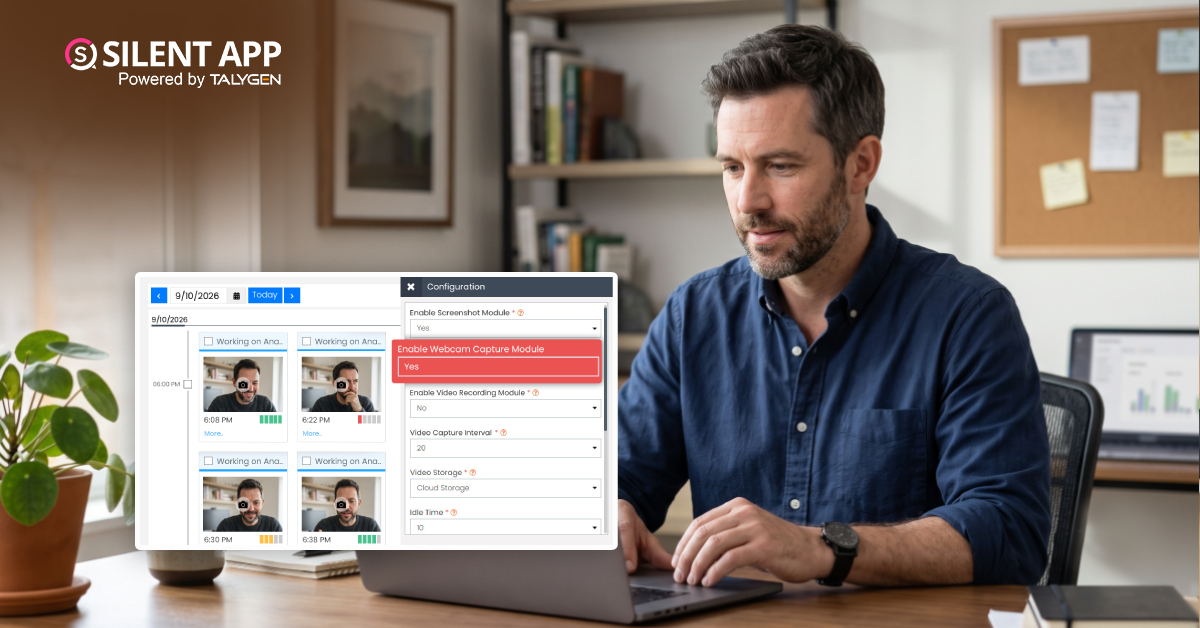
Webcam Capture in Employee Monitoring: How Silent App Helps Businesses Manage Remote Teams
Monday, September 14, 2026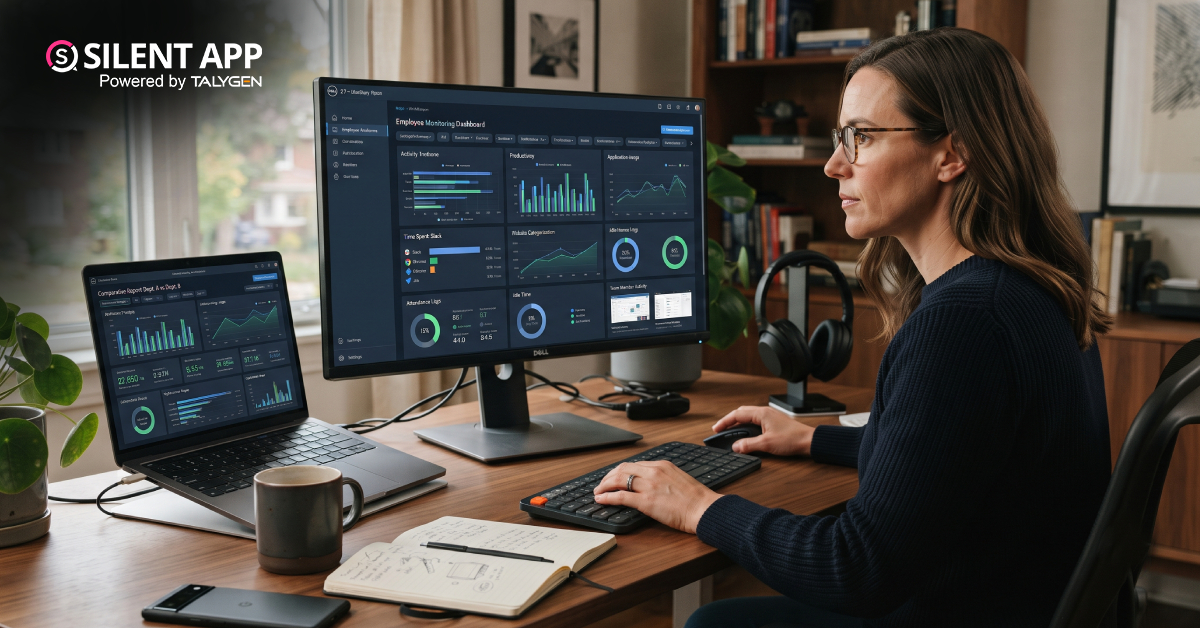
Silent App vs. Time Doctor Classic: Comparing Features, Monitoring & Pricing
Thursday, September 10, 2026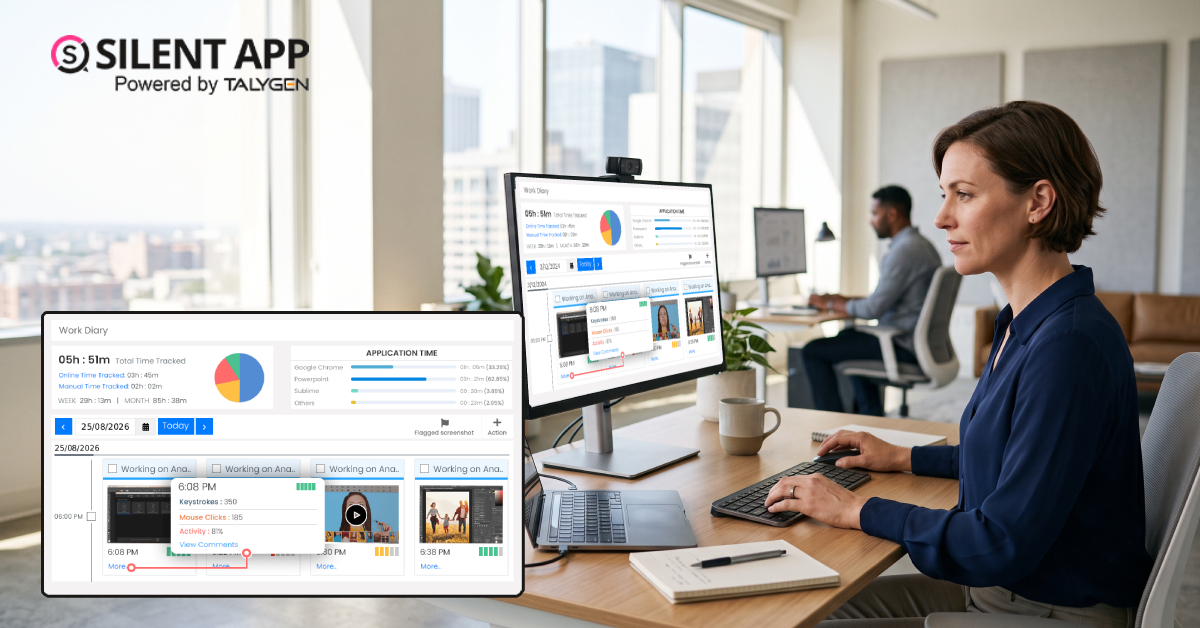
Why SilentApp Is the Employee Monitoring App Every Modern Business Needs
Tuesday, September 08, 2026 2024
Sep
Why You Might Want Hidden User Activity Monitoring Software
Friday, September 20, 2024
Top Trends for Remote Work Management in 2024
Friday, September 20, 2024
6 Expert Ways to Balance Privacy & Safety in Remote Work with Silent Monitoring
Friday, September 20, 2024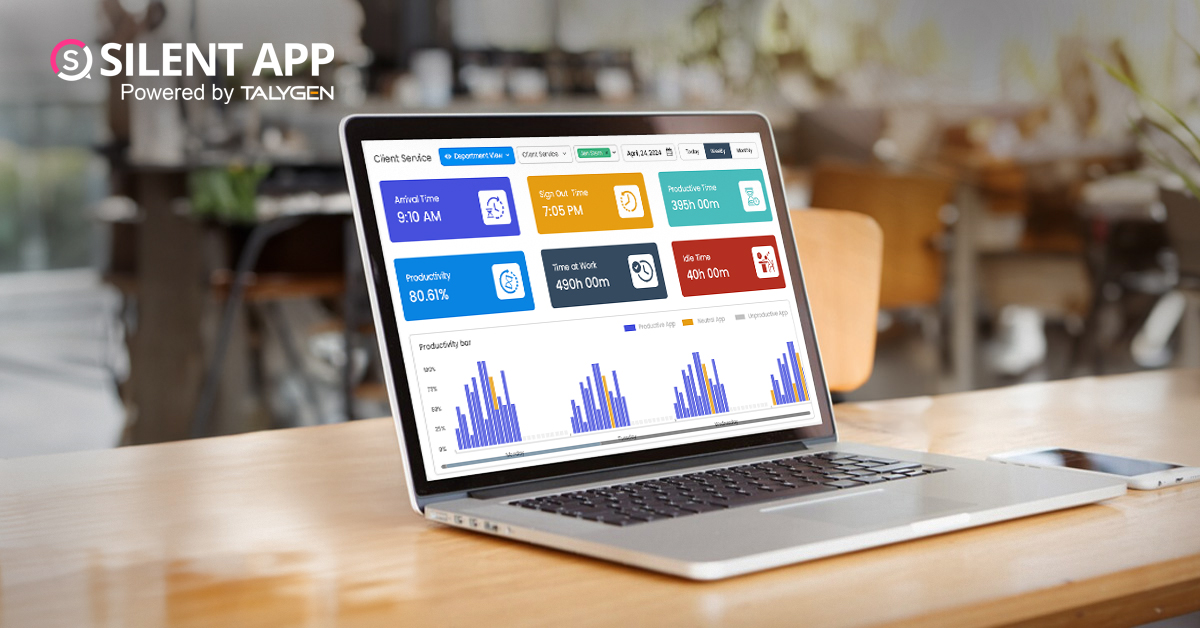
How to Enhance Workforce Monitoring with the Silent App?
Thursday, September 19, 2024
Employee Moonlighting: How Does Stealth Mode Monitoring Software Prevent It?
Thursday, September 19, 2024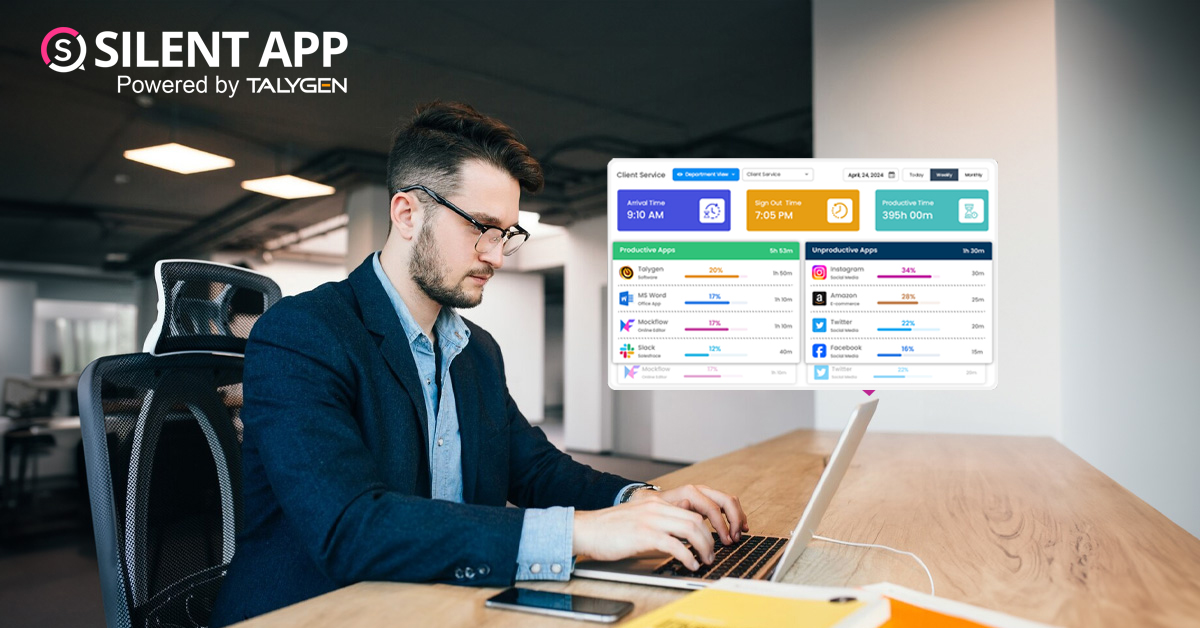
How To Monitor My Employees Without Letting Them Know?
Thursday, September 19, 2024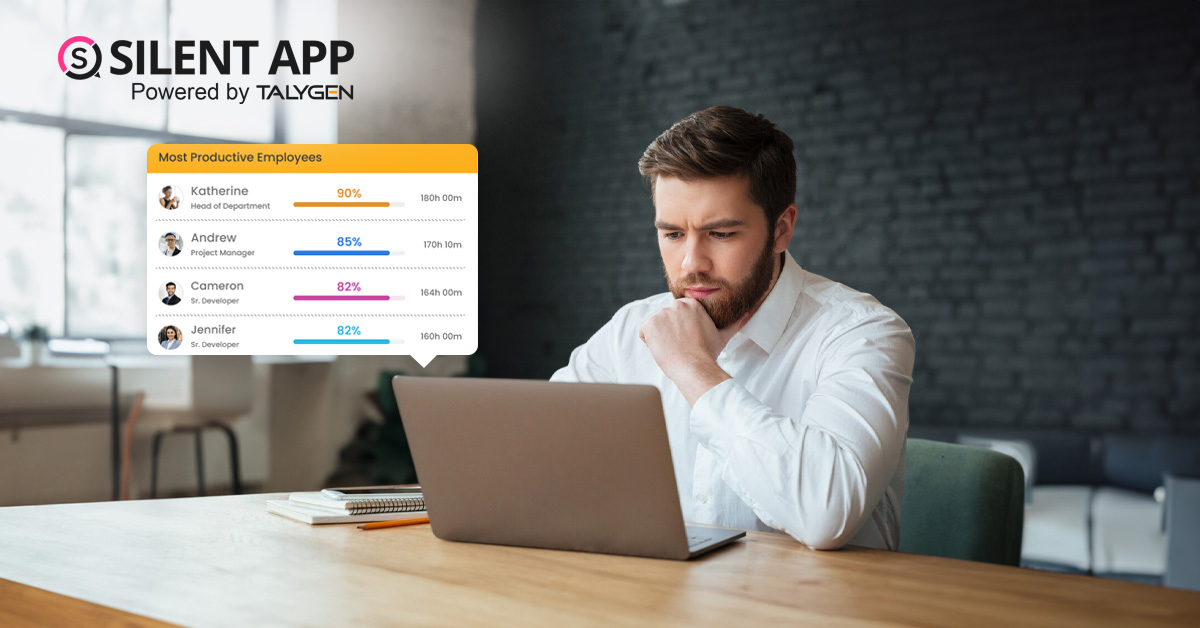
How Do Employers Monitor Employees' Internet Usage in Stealth Mode?
Thursday, September 19, 2024 Jul

How Does Silent App Help Small Businesses Get More ROI?
Wednesday, July 31, 2024
Silent Activity Tracking Software: The Quiet Helper for Enhancing Work and Safety
Wednesday, July 17, 2024
Stealth Mode Monitoring: Benefits for Remote and Office Work Environments
Tuesday, July 09, 2024
Silent App: Helps Limiting the Impact of Employee Disengagement
Friday, July 05, 2024 Jun

Prevent Quiet-Quitting with silent app
Monday, June 24, 2024
Debunking 8 User Activity Monitoring Myths & Misconceptions
Friday, June 21, 2024
7 Features to Look for in Your Next User Activity Monitoring Software
Friday, June 21, 2024
10 Tips for Choosing the Best Silent Activity Monitoring Software
Wednesday, June 19, 2024