Tuesday, September 22, 2026 | user activity monitoring software
Managing a modern workforce is different from managing employees in a traditional office. Businesses now have remote teams, hybrid employees, multiple-screen workstations, and people working from different locations.
Because managers cannot always be physically present, businesses need better ways to understand what is happening during working hours. Basic time tracking can show when an employee is working, but it may not explain what is happening during that time.
This is where Audio and Video Surveillance can provide additional visibility.
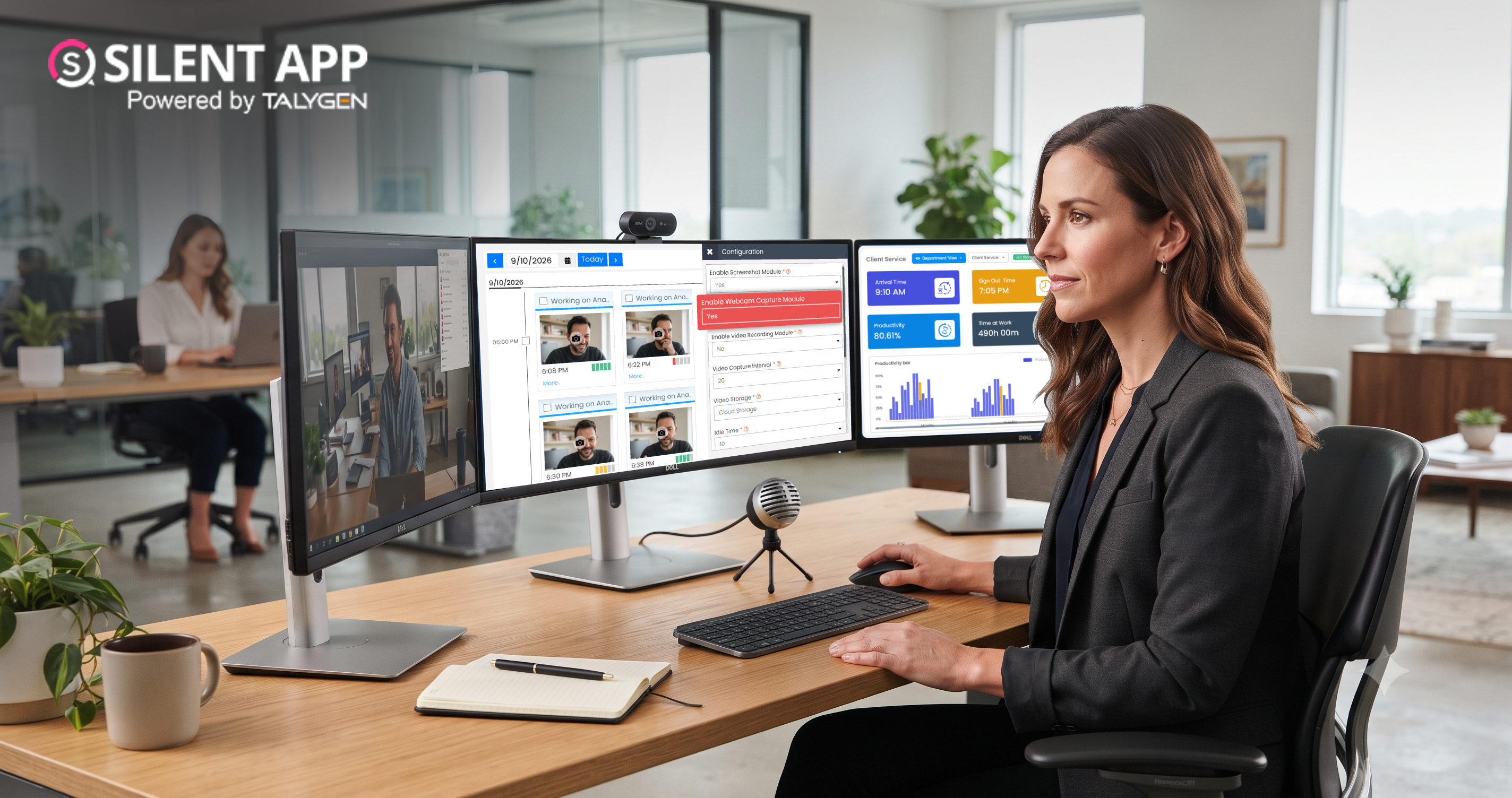
Silent App combines audio and video monitoring with screenshots, screen recording, live view, application tracking, multiple-screen monitoring, and activity records. Together, these features help businesses understand workforce activity, investigate incidents, and improve productivity.
Audio Video Surveillance Software captures audio and visual information through supported devices such as microphones, cameras, and computer screens.
In a business environment, these capabilities can help authorized managers review specific activities, investigate incidents, and understand what happened during a work session.
Silent App supports a combination of:
This makes Silent App more than a basic time tracking tool.
A time report only shows how long someone worked. Application tracking shows which tools were used. Screenshots show specific moments.
Audio and video monitoring can add more context when a business needs to understand a particular event.
For example, when investigating a technical issue or security concern, managers may need more than a single screenshot. Recorded information can help them understand the sequence of activity and identify what may have caused the problem.
This can support:
Silent App can automatically record screen activity, creating a record that can be reviewed later.
This is useful when managers need to understand how a task was performed rather than simply seeing one point in time.
The visual record can help identify:
This information can also help managers improve employee training and business processes.
Continuous recording is not always necessary.
Silent App can take screenshots at defined intervals, allowing managers to review work activity at different points during a work session.
Screenshots may help businesses identify access to unauthorized websites, unusual application use, or unexpected activity.
They also provide a simple way to review work progress without manually watching an employee's screen all day.
Some issues need immediate attention.
Silent App's Live View allows authorized administrators to see ongoing screen activity in real time.
This can be useful when a manager needs to:
For remote teams, real-time visibility can be especially useful because managers may be working far away from the employee.
Many employees use two or more monitors.
Developers, designers, financial teams, analysts, and customer support employees may work across several screens during the same task.
Silent App's multiple-screen monitoring provides a wider view of activity across those screens.
This helps administrators avoid missing important activity simply because it is taking place on another display.
Silent App also supports webcam monitoring and audio monitoring through compatible devices.
These features may be useful for specific operational or security purposes where additional context is needed.
However, audio and camera monitoring are sensitive features. Businesses should clearly define when they are used, who can access the information, how long recordings are retained, and what employee notice or consent requirements apply.
The goal should be responsible monitoring for a clear business purpose.
Not every activity needs to be recorded automatically.
Silent App also supports manual recording so an authorized user can capture a particular event when required.
This can be useful for:
Manual recording gives businesses greater control over when additional employee monitoring is needed.
Screenshots, videos, activity records, and time data can become difficult to manage when they are stored across different devices.
Silent App provides centralized access to employee monitoring information, helping authorized users review records from one place.
Cloud-based storage can also make information easier to access for distributed management teams while reducing dependence on individual employee computers.
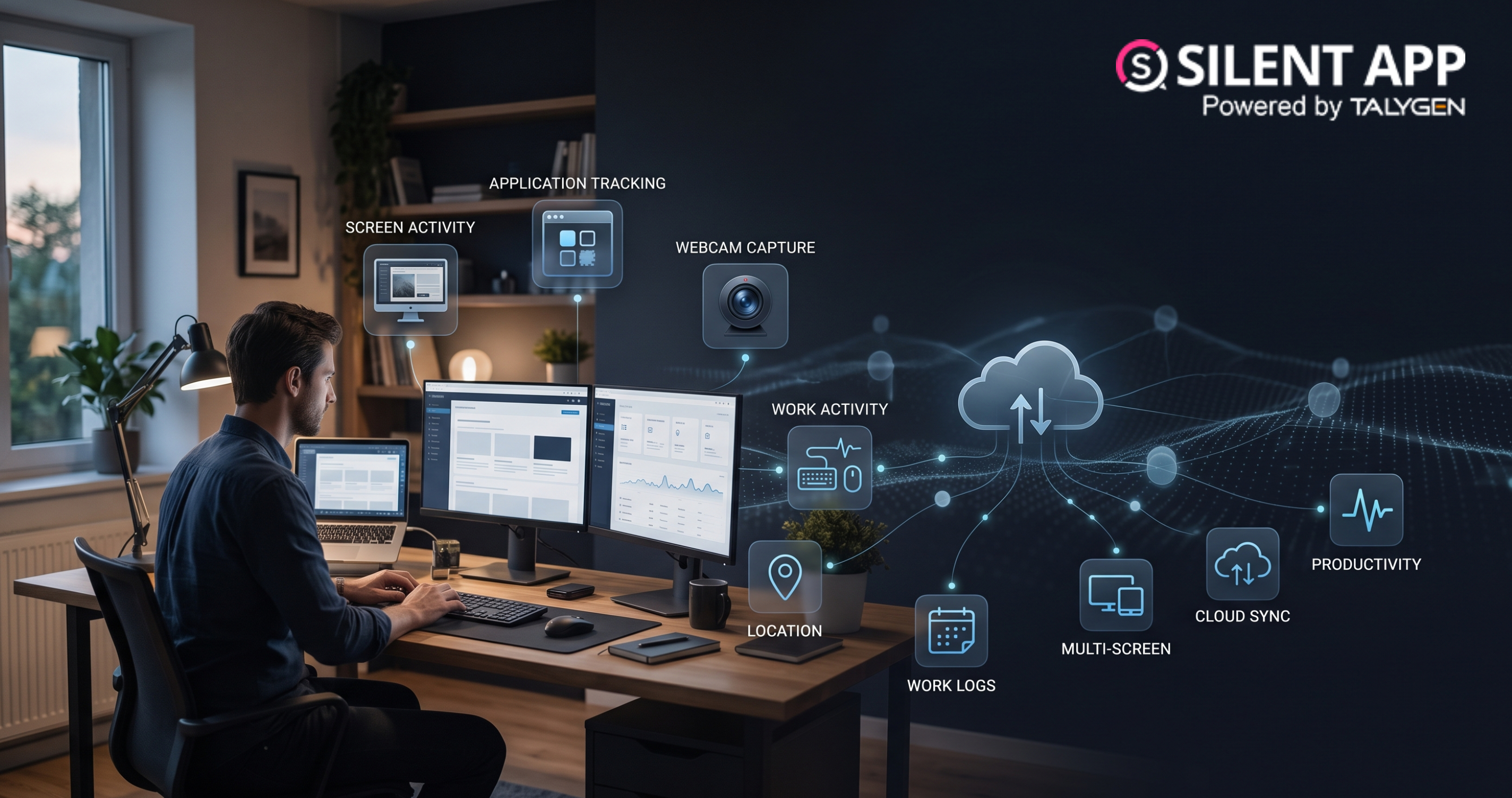
Silent App brings several employee monitoring capabilities together, including:
This combination makes Silent App a practical option for businesses that need broader workforce visibility rather than only time tracking or productivity analytics.
As businesses continue to manage remote employees, hybrid teams, multiple devices, and growing digital security concerns, traditional supervision is no longer enough.
Audio and Video Surveillance can provide valuable additional context when businesses need to investigate incidents, understand work activity, respond to problems, or improve operational visibility.
Silent App combines audio and video monitoring with screenshots, automated screen recording, live view, multiple-screen monitoring, manual recording, application tracking, and centralized activity records.
For modern businesses, the real value of Employee Monitoring Software is not simply watching employees. It is using reliable activity information to identify problems, improve workflows, respond to incidents, and manage distributed teams more effectively.
With Silent App, gives businesses a centralized way to gain deeper visibility into digital work while supporting a more informed and responsive approach to workforce management.
 2026
Oct
2026
Oct
Remote Work Monitoring Software: Managing Distributed Teams with Silent App
Wednesday, October 07, 2026
Silent App vs Worktivity: Comparing Employee Monitoring Features for Modern Businesses
Thursday, October 01, 2026 Sep
Dynamic Reporting in Silent App Helping Businesses Turn Workforce Data into Useful Insights
Tuesday, September 29, 2026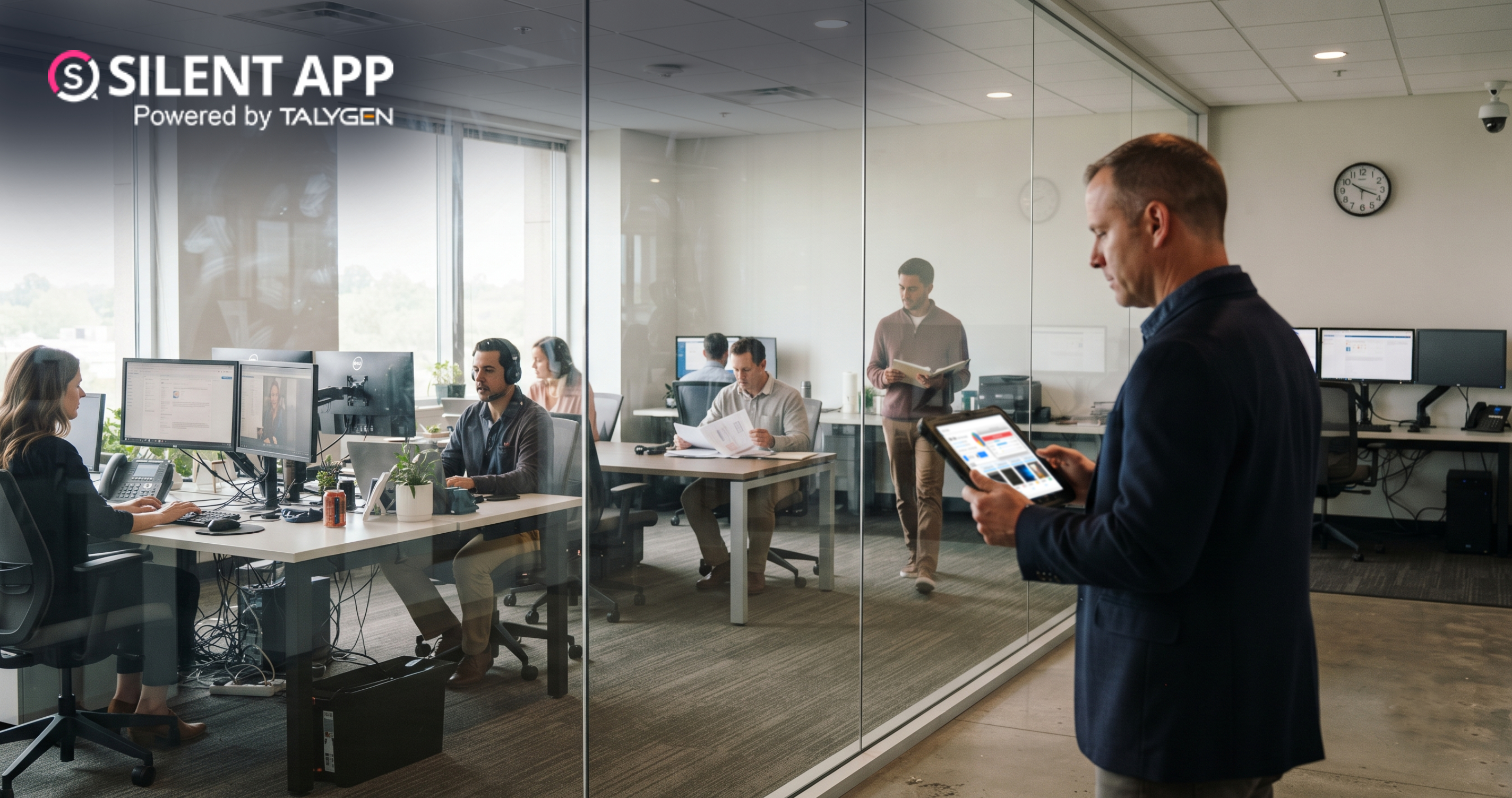
Silent Monitoring Application Comparison: How Silent App Compares with Other Tools
Friday, September 25, 2026How Silent App Helps Businesses With Audio and Video Surveillance
Tuesday, September 22, 2026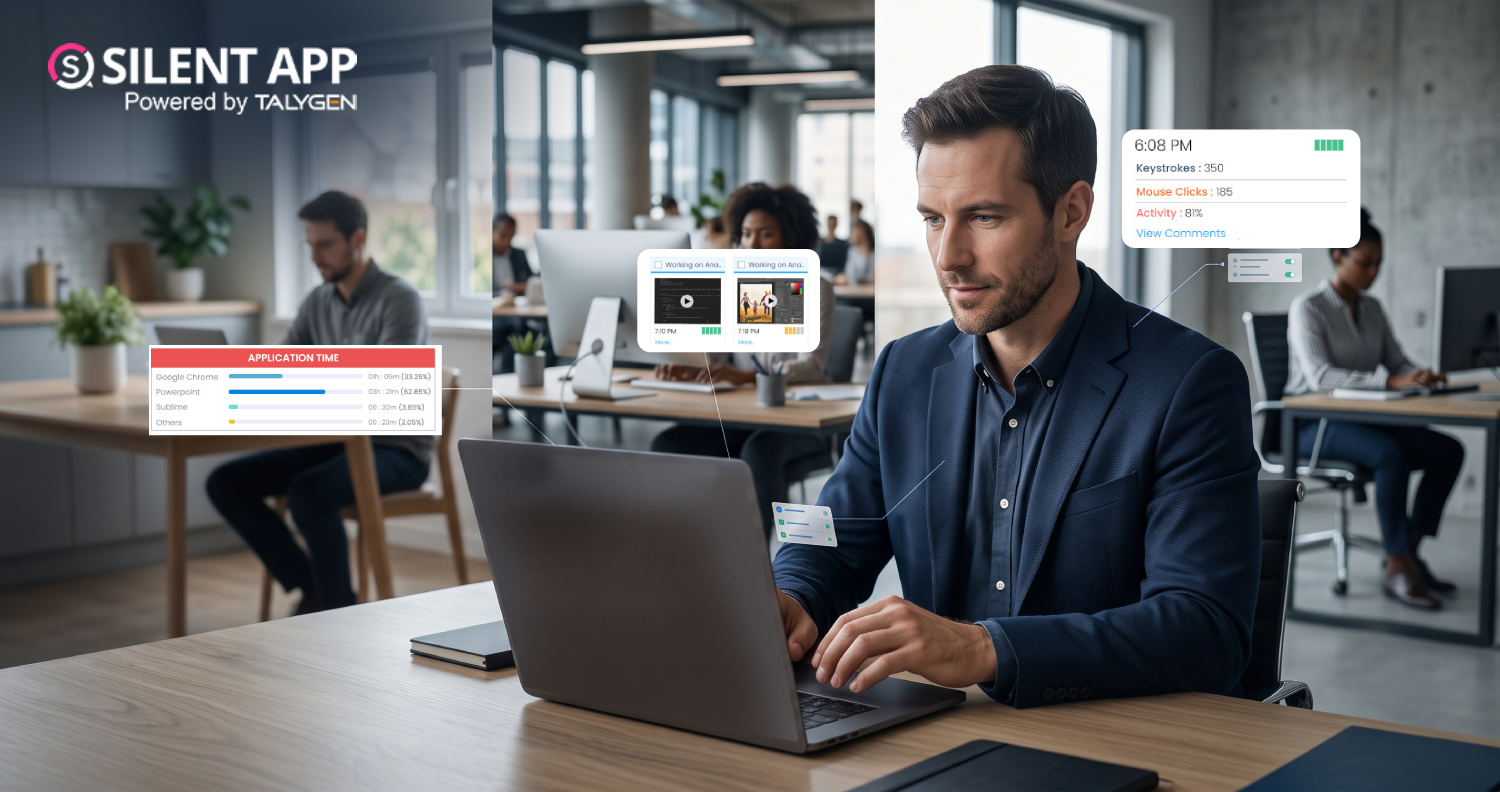
Silent App: Feature-Based Employee Monitoring for Modern Businesses
Friday, September 18, 2026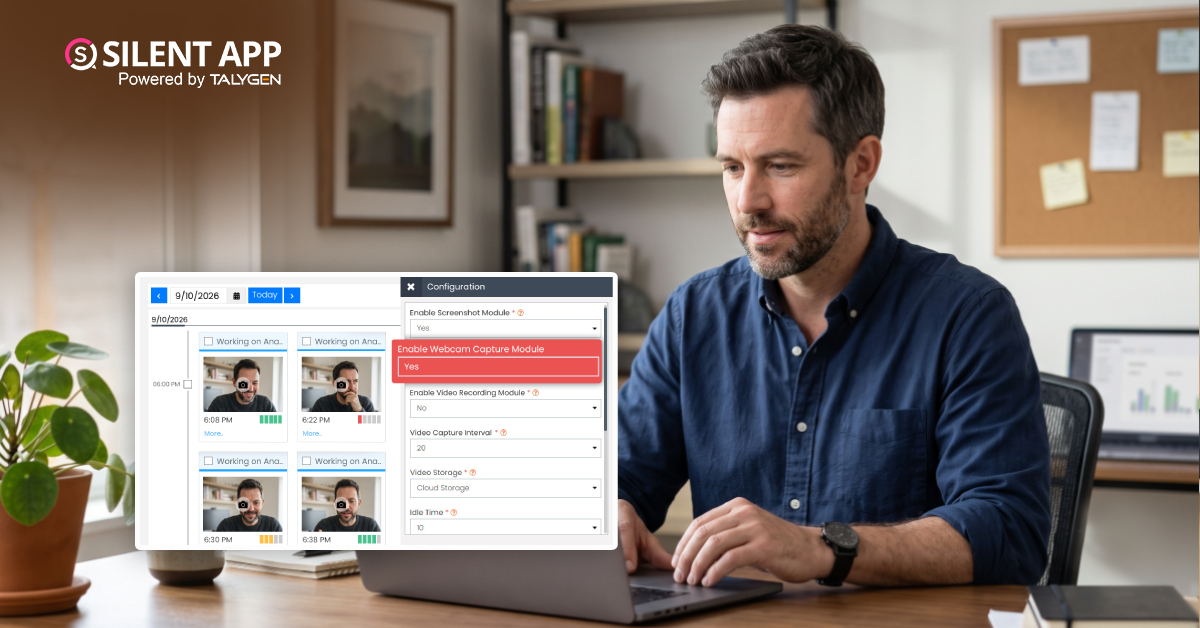
Webcam Capture in Employee Monitoring: How Silent App Helps Businesses Manage Remote Teams
Monday, September 14, 2026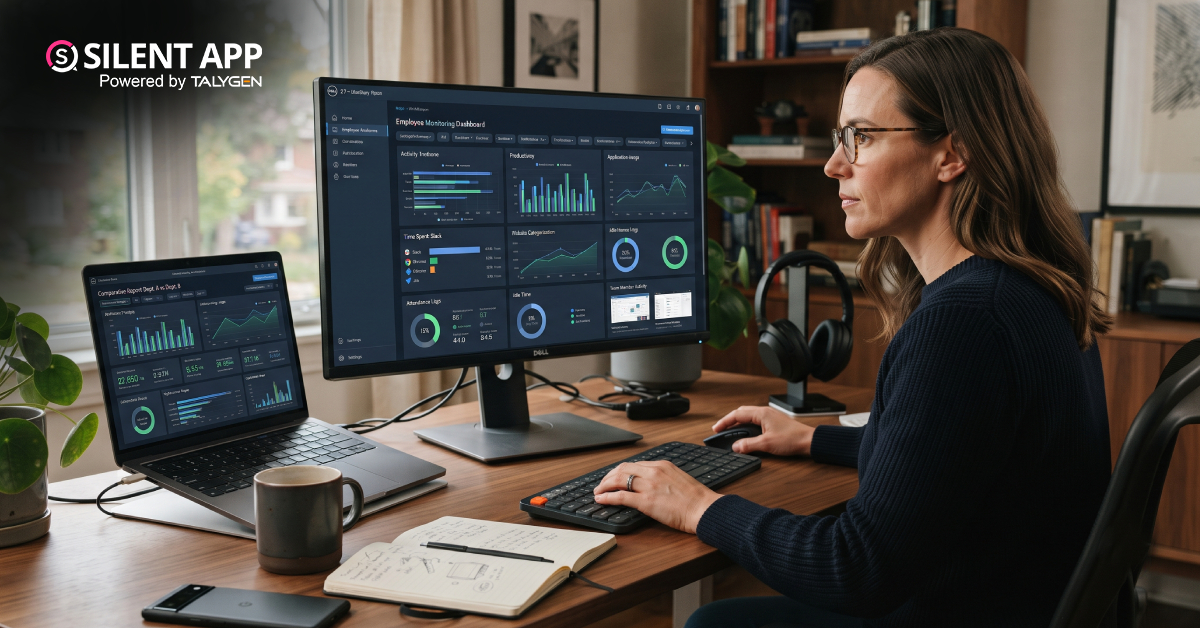
Silent App vs. Time Doctor Classic: Comparing Features, Monitoring & Pricing
Thursday, September 10, 2026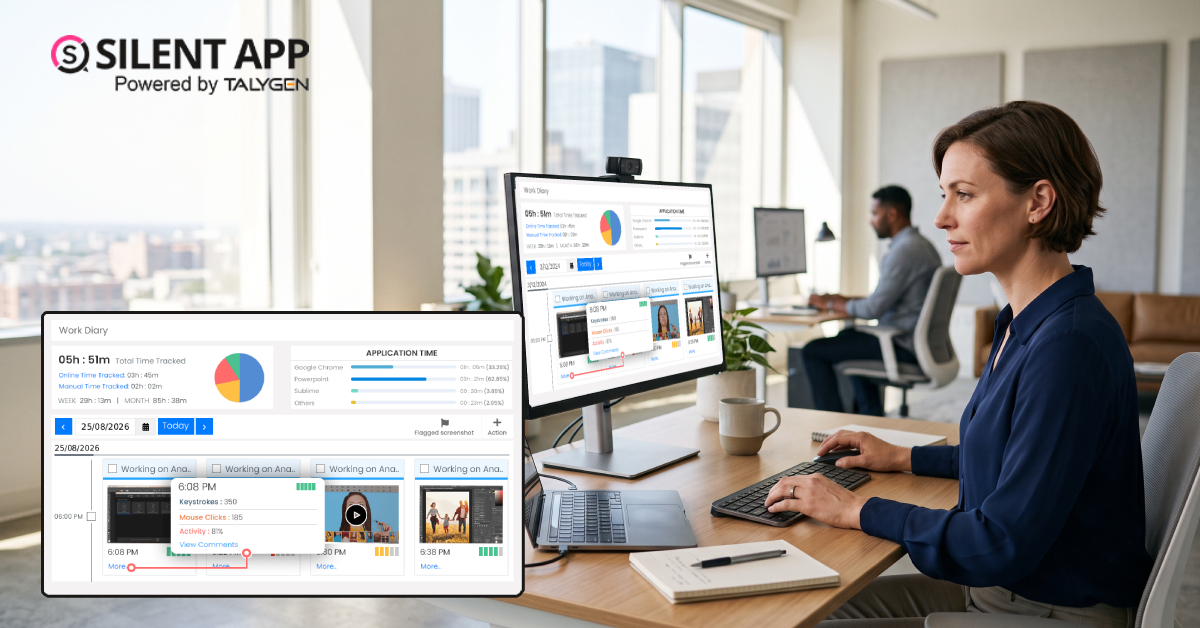
Why SilentApp Is the Employee Monitoring App Every Modern Business Needs
Tuesday, September 08, 2026 2024
Sep
Why You Might Want Hidden User Activity Monitoring Software
Friday, September 20, 2024
Top Trends for Remote Work Management in 2024
Friday, September 20, 2024
6 Expert Ways to Balance Privacy & Safety in Remote Work with Silent Monitoring
Friday, September 20, 2024
How to Enhance Workforce Monitoring with the Silent App?
Thursday, September 19, 2024
Employee Moonlighting: How Does Stealth Mode Monitoring Software Prevent It?
Thursday, September 19, 2024
How To Monitor My Employees Without Letting Them Know?
Thursday, September 19, 2024
How Do Employers Monitor Employees' Internet Usage in Stealth Mode?
Thursday, September 19, 2024 Jul

How Does Silent App Help Small Businesses Get More ROI?
Wednesday, July 31, 2024
Silent Activity Tracking Software: The Quiet Helper for Enhancing Work and Safety
Wednesday, July 17, 2024
Stealth Mode Monitoring: Benefits for Remote and Office Work Environments
Tuesday, July 09, 2024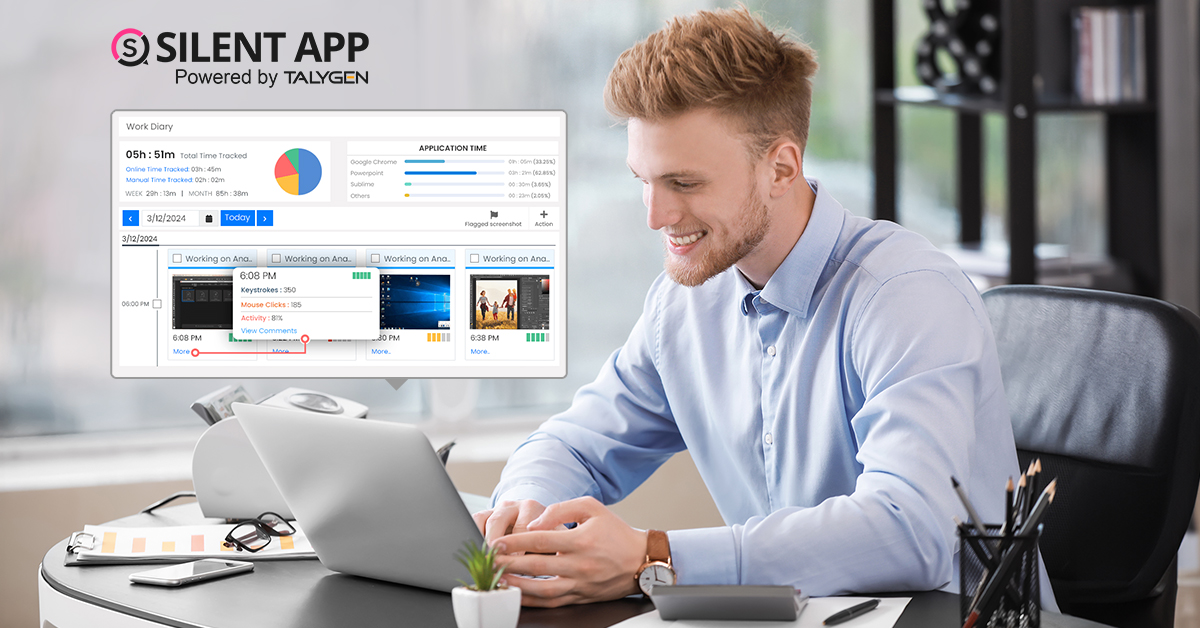
Silent App: Helps Limiting the Impact of Employee Disengagement
Friday, July 05, 2024 Jun

Prevent Quiet-Quitting with silent app
Monday, June 24, 2024
Debunking 8 User Activity Monitoring Myths & Misconceptions
Friday, June 21, 2024
7 Features to Look for in Your Next User Activity Monitoring Software
Friday, June 21, 2024
10 Tips for Choosing the Best Silent Activity Monitoring Software
Wednesday, June 19, 2024