Remote Team Management Software Built for Complete Visibility Over Distributed Teams

One Platform to Monitor, Analyze & Optimize Your Remote Workforce — Silently

  • Live dashboard showing real-time activity across all remote employees
  • Screen recording, keystroke & application tracking across time zones
  • Smart productivity analysis to identify top performers and disengagement risks
  • Stealth mode — runs silently with zero disruption to remote workflows
Start Your Free 7-Day Trial

No Credit Card Required | Setup in 15 Minutes
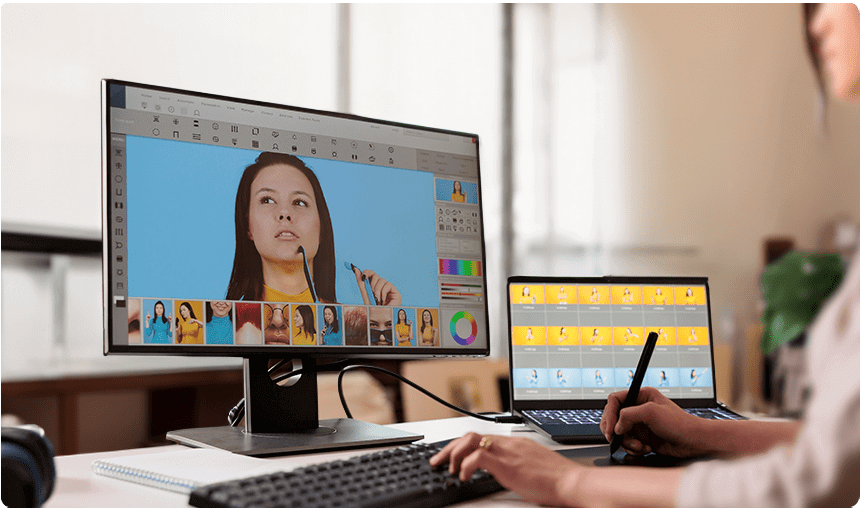
Remote Team Management Software

Stop Managing Logistics. Start Leading.

Running a remote team comes with unique management challenges — you can't see who's working, who's distracted, or who's genuinely productive. Without the right remote team management software, managers rely on self-reporting and assumptions instead of actual data.

Silent App eliminates that blind spot. Built for distributed teams, Silent App gives managers a real-time, data-driven view of every remote employee's screen activity, application usage, and productivity performance — all captured silently in the background so you manage outcomes, not just headcounts.

Key Features & Benefits

1. Centralized Remote Team Dashboard

Manage your entire distributed workforce from one live dashboard. See who's active, what applications they're running, and how productive each team member is — updated in real-time, no manual check-ins required.

2. Cross-Timezone Activity Monitoring

Automatically log activity in each employee's local timezone while presenting unified reports to managers. Monitor teams across the globe from a single centralized view.

3. Screen Recording & Screenshot Monitoring

Capture automated screenshots at configurable intervals and record screen activity as video. Get visual evidence of what remote employees are working on at any point during the day.

4. Application & Website Oversight

Track every application and website accessed during work hours. Identify which tools remote team members use most, and flag time spent on non-work-related browsing before it impacts output.

5. Stealth Mode — Zero Disruption

Silent App runs completely in the background. Remote employees experience no performance impact, no notifications, and no interruptions — giving you unbiased, natural work data rather than performance-managed behavior.

6. Exportable Reports & Data

Export comprehensive team activity reports for performance reviews, project costing, and operational analysis. All data is timestamped and audit-ready.

Comparison Of Silent App With Others

Feature SILENT APP Teramind Insightful Desk Track Time Doctor Monitask
Unlimited Client Accounts
Dynamic Reporting
Screen Recording
Audio and Video Surveillance
Local System Tracking
Geolocation Tracking
Pricing $5.10
per user / month
$15.06+
per user / month
$8.00+
per user / month
$5.99+
per user / month
$5.90+
per user / month
$5.99+
per user / month

Hear from Remote Operations Leaders

"Managing 40 remote employees across four time zones used to feel impossible. Silent App gave us a single dashboard showing real activity data for all of them. It's been a game-changer for our team oversight."

SB
Stephanie Brooks
Remote Operations Manager

"The screen recording and application tracking features are seamless. I can review exactly what my remote team worked on each day without a single check-in call. No more guessing, no more surprises."

JC
Jason Carter
Director of Engineering

"Silent App finally gave our remote team the operational accountability we'd been chasing. Installation was quick and the AI dashboard walked us through everything in minutes."

ML
Monica Lewis
Remote Operations Manager

Frequently Asked Questions

A: Silent App is purpose-built for remote workforce monitoring — specifically tracking screen activity, application usage, keystroke patterns, and productivity analytics for remote teams. Unlike project management tools, it captures actual work behavior rather than relying on self-reported task updates.

A: Yes. Silent App automatically records each employee's activity in their local time zone while centralizing data in one dashboard — making it straightforward to manage globally distributed teams from a single interface.

A: Yes. Silent App is installed on employee computers (Windows laptops/desktops). Once installed, it launches automatically at startup and runs entirely in the background with no visible presence on the device.

A: If a remote employee loses internet connectivity, Silent App continues to collect activity data locally on the device. Once the connection is restored, all stored data is automatically synced to the cloud dashboard.

A: Yes. Silent App allows full export of activity reports, making it easy to share productivity data in management meetings, performance reviews, and operational planning sessions.

Start Your Free 7-Day Trial Today

Ready to bring real visibility to your remote team? Get full access to stealth monitoring, live dashboards, screen recording, and productivity reporting.

Start Free Trial
No Credit Card Required | Cancel Anytime